

Beschrijving
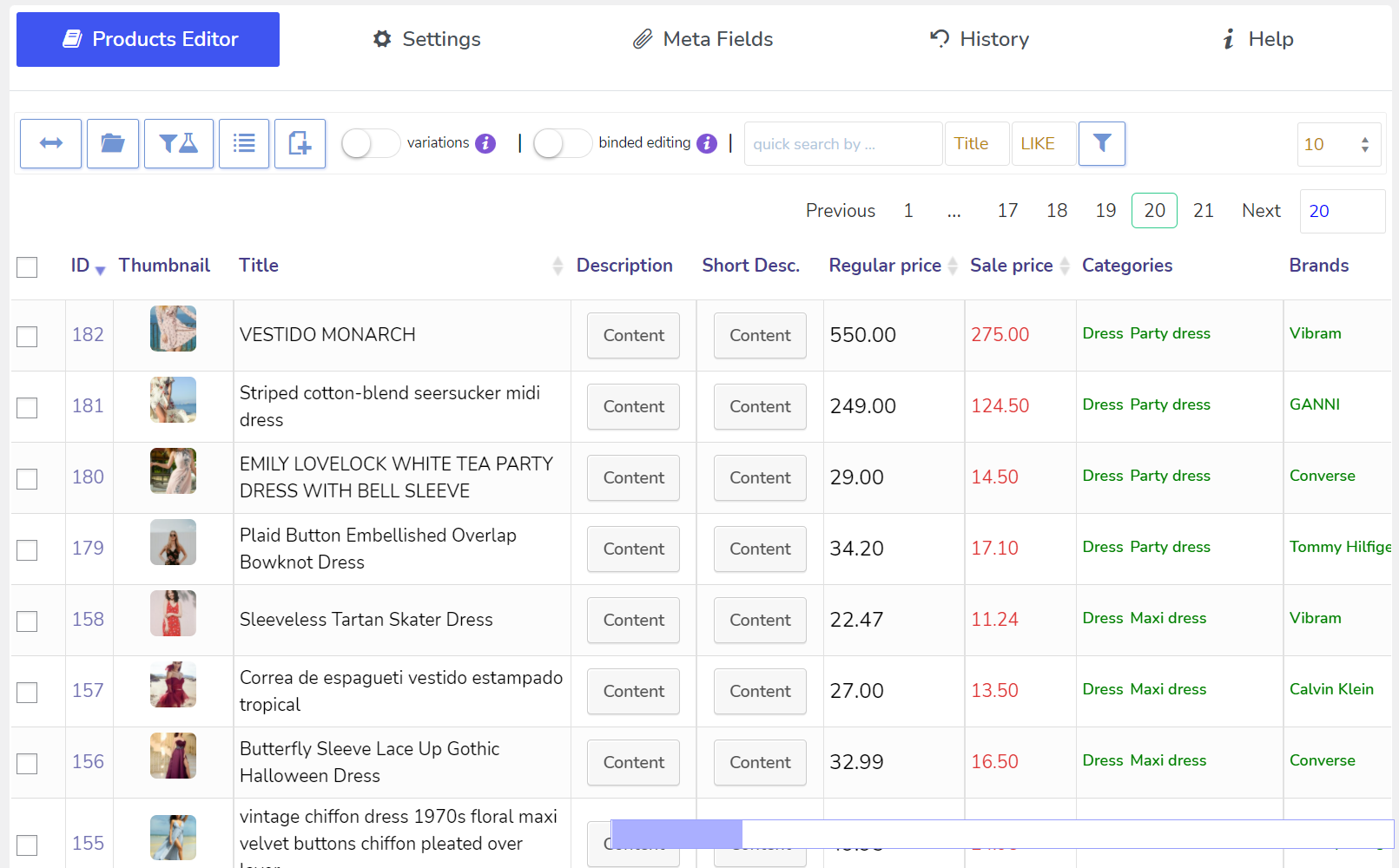
BEAR – WooCommerce Bulk Editor and Products Manager Professional (vroegere naam is WOOBE) is een WordPress plugin voor het in bulk bewerken en beheren van WooCommerce producten op een robuuste en flexibele manier! Wees professionals met het beheren van gegevens van je WooCommerce e-winkel!
🖥️ Nieuwste PHP 8.x.x – COMPATIBEL! WooCommerce compatibiliteit: vanaf v.6.0 tot de nieuwste WooCommerce versie.
🔗 Back-end demo hier aanvragen
⚠️ Let op! Voor WordPress berichten, pagina’s en aangepaste berichttypen gebruik plugin WPBE – WordPress Posts Bulk Editor Professional
Bulk Editor voordelen:
⚙️ Intuitive, rich and powerful product management interface
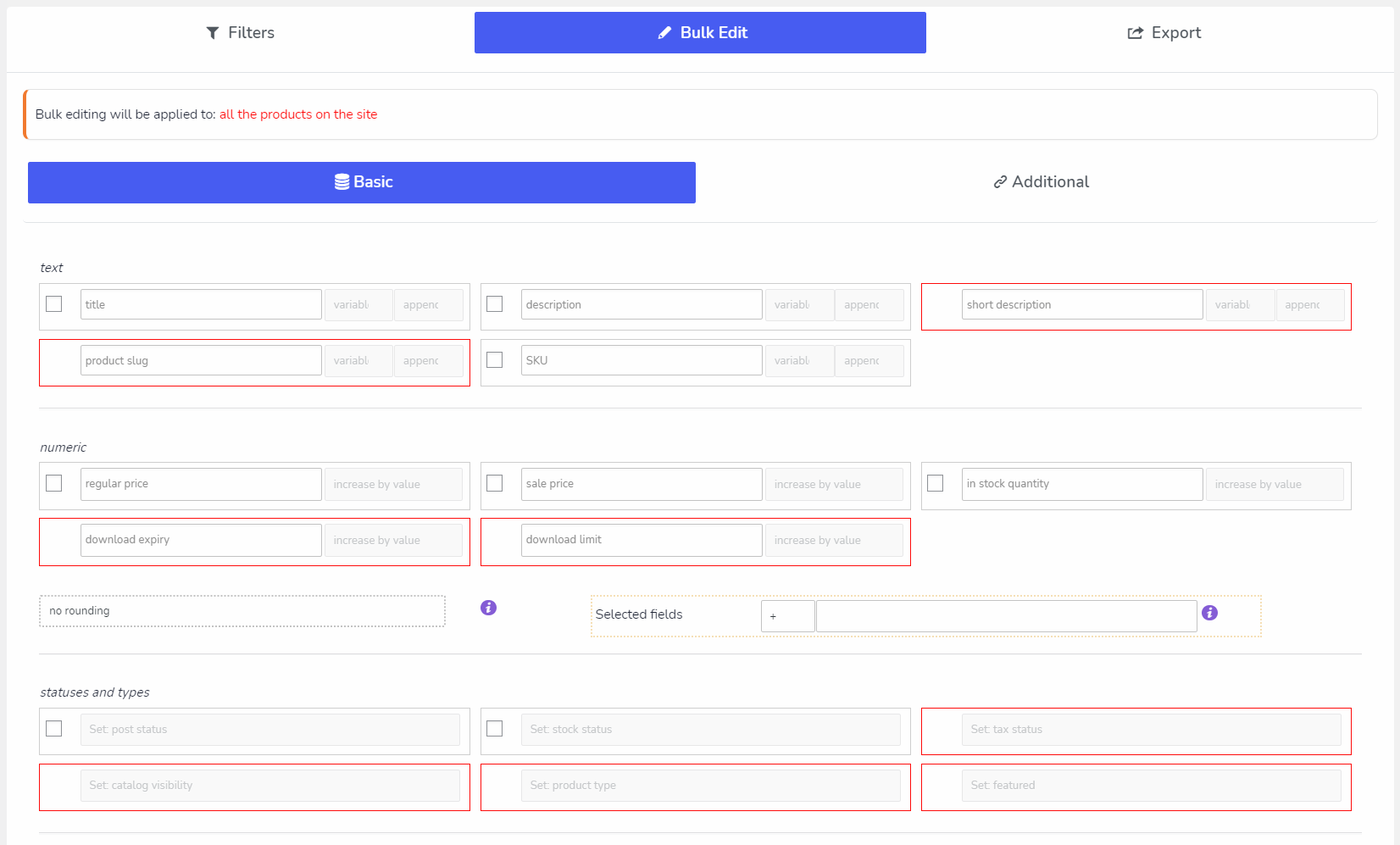
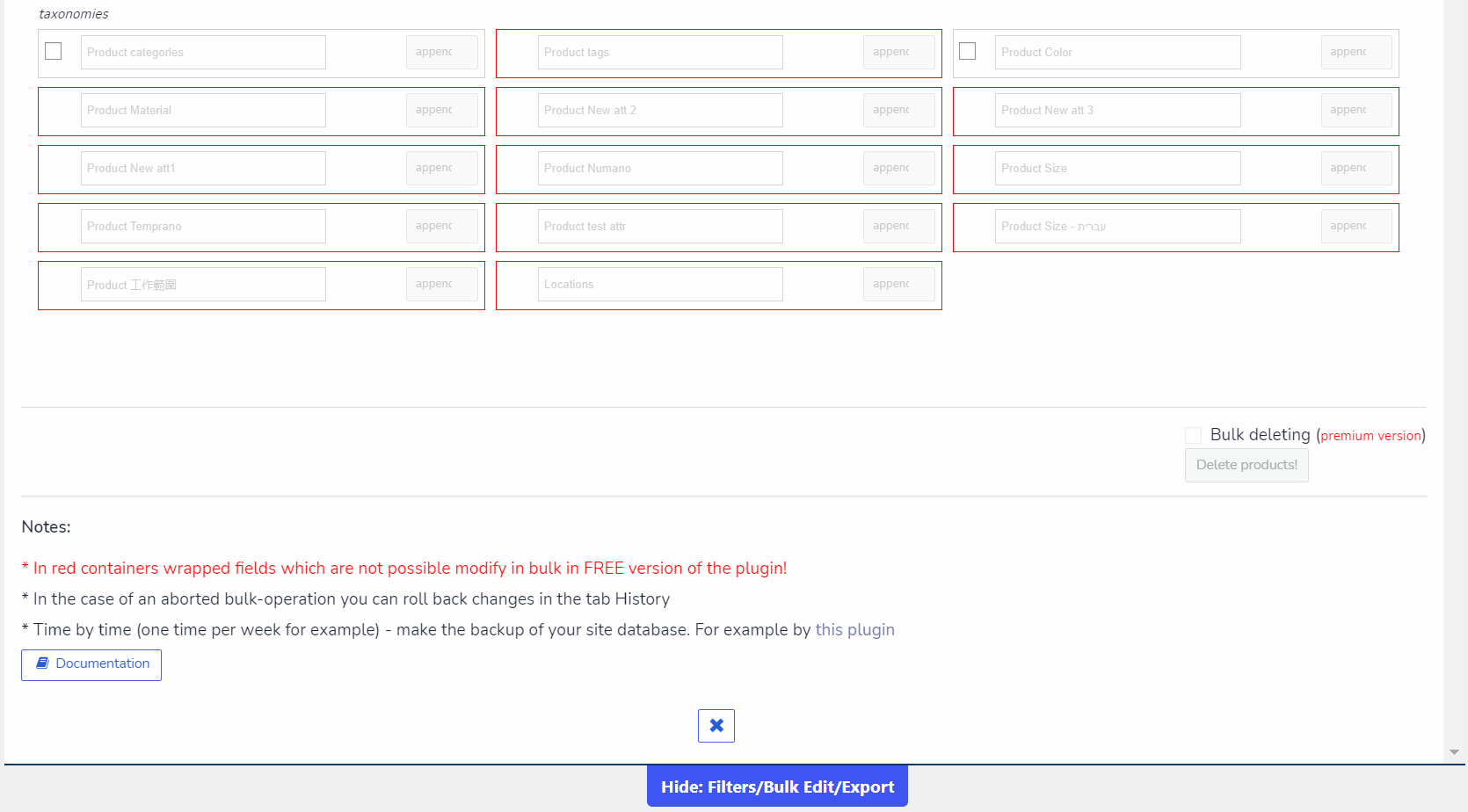
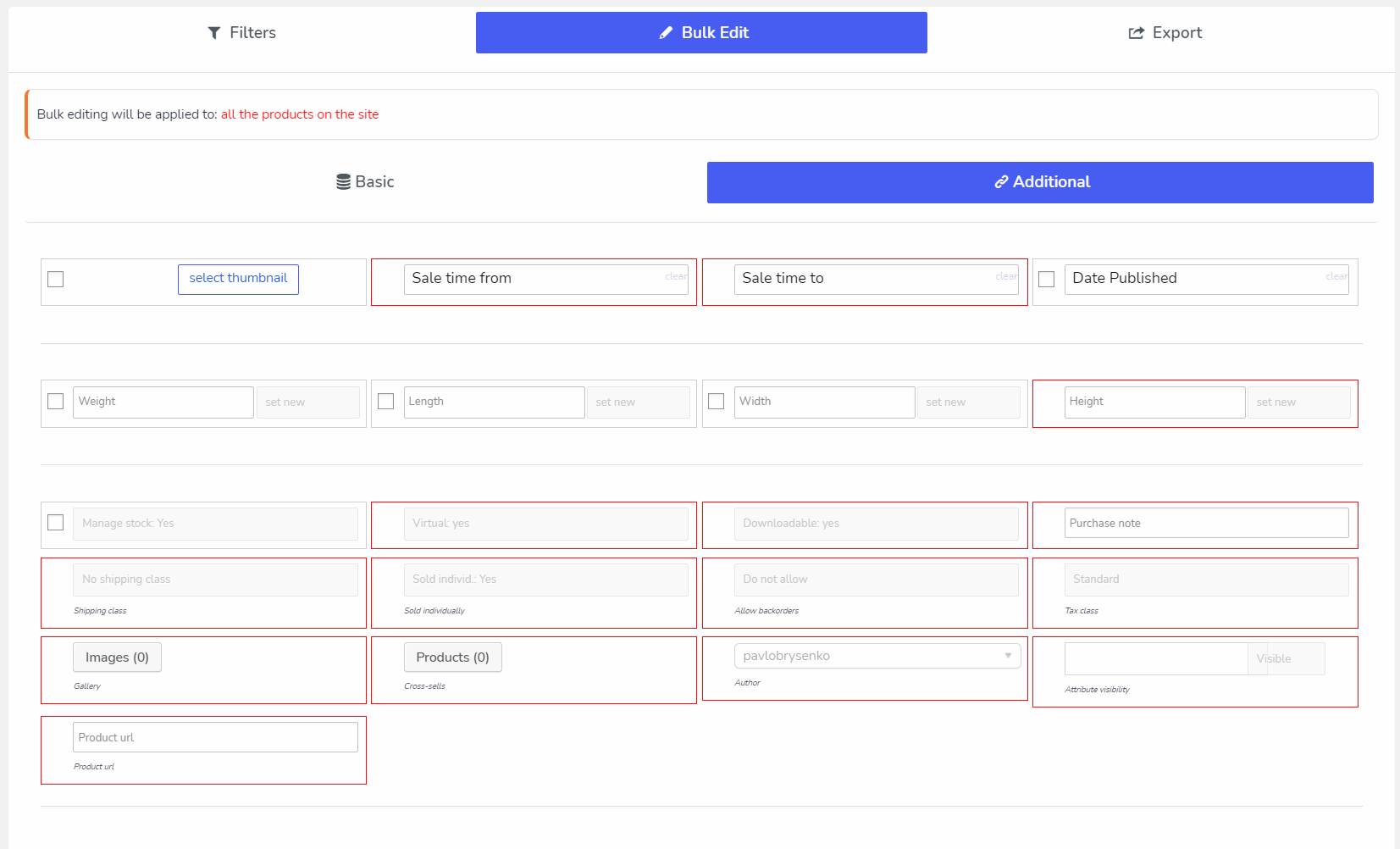
🛠️ Bulk bewerken van alle WooCommerce velden: attributen, categorieën, tags, aangepaste taxonomieën, meta velden
🗑️ Bulk Delete Operations – verwijder producten in bulk met behulp van combinaties van criteria
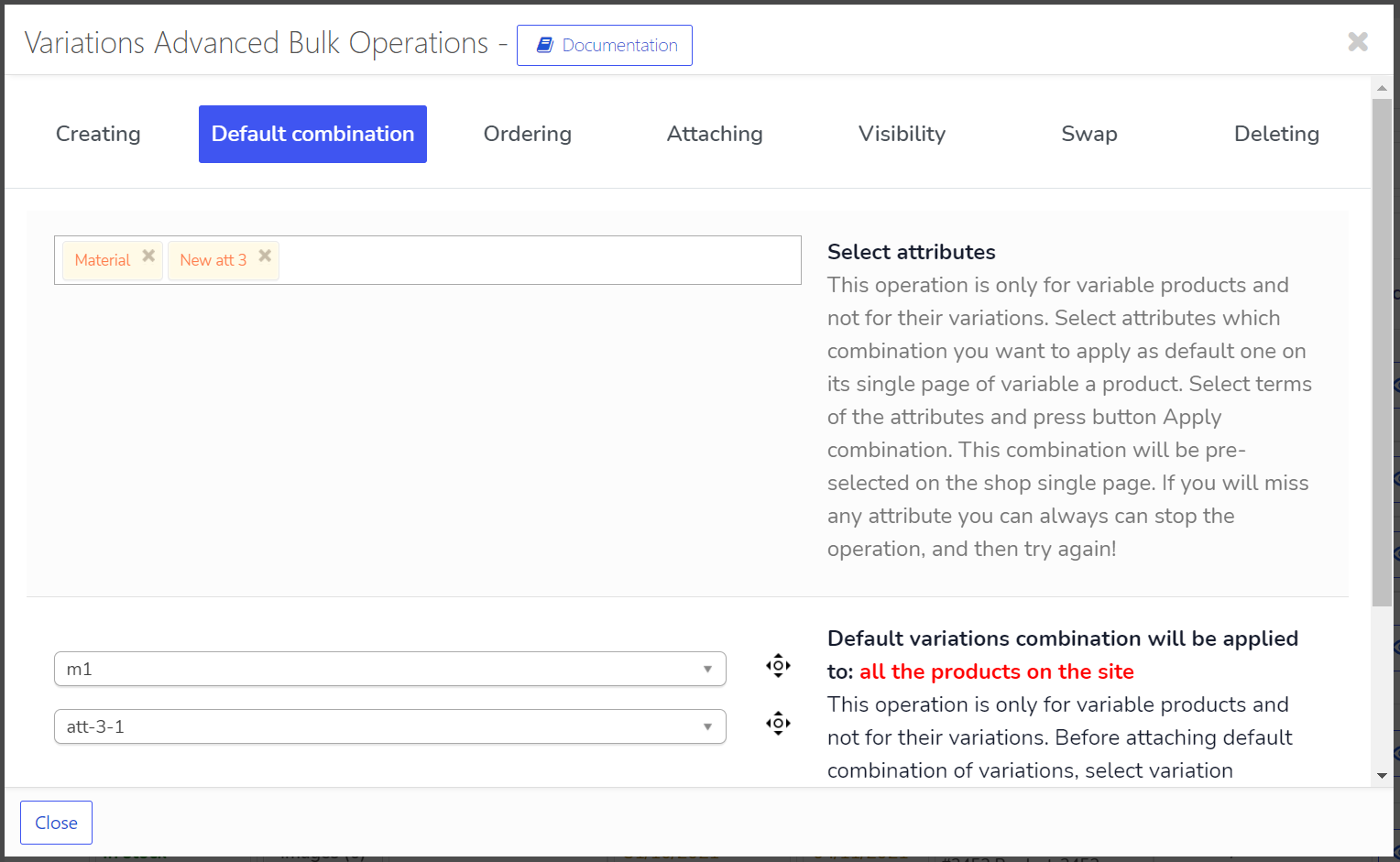
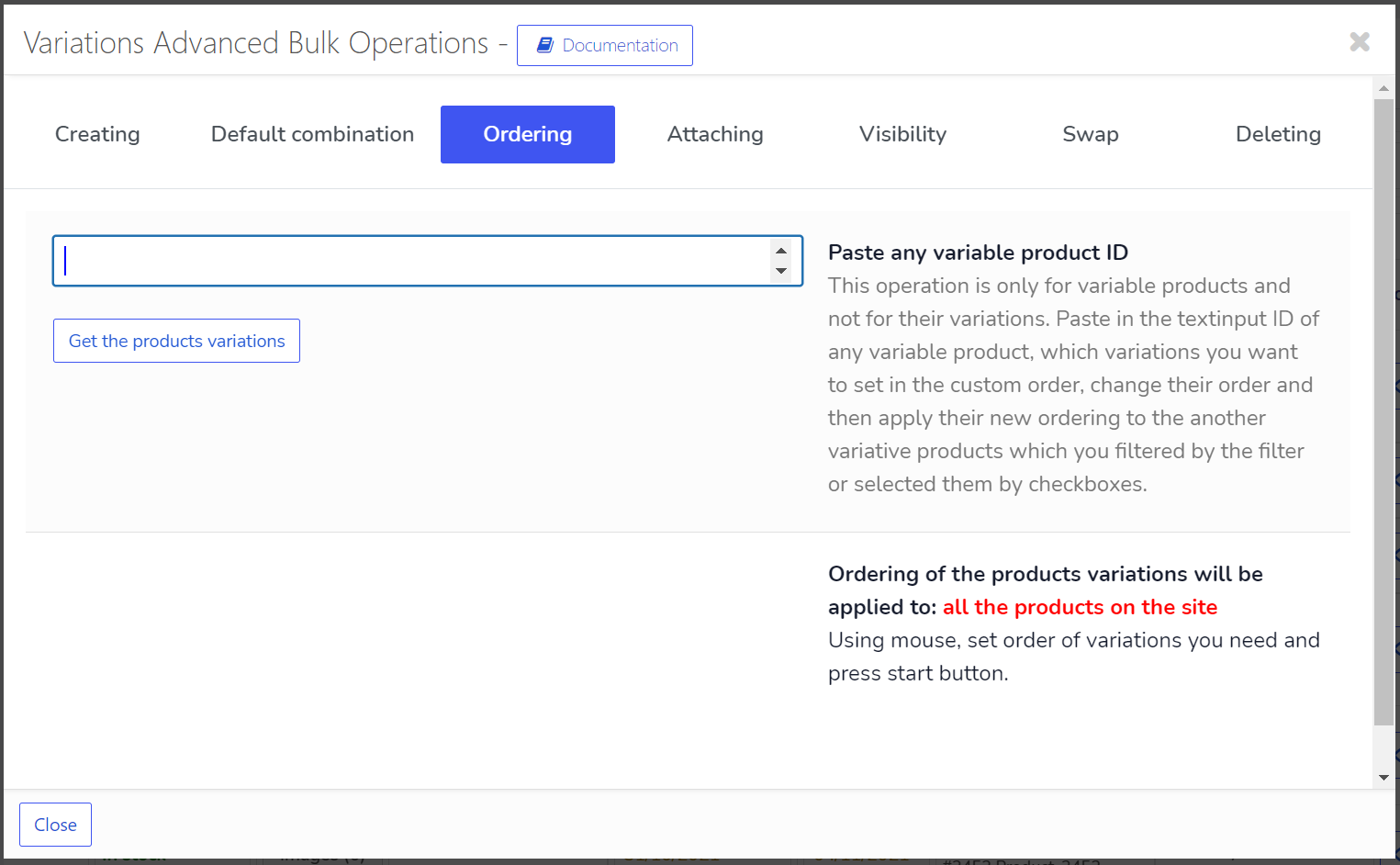
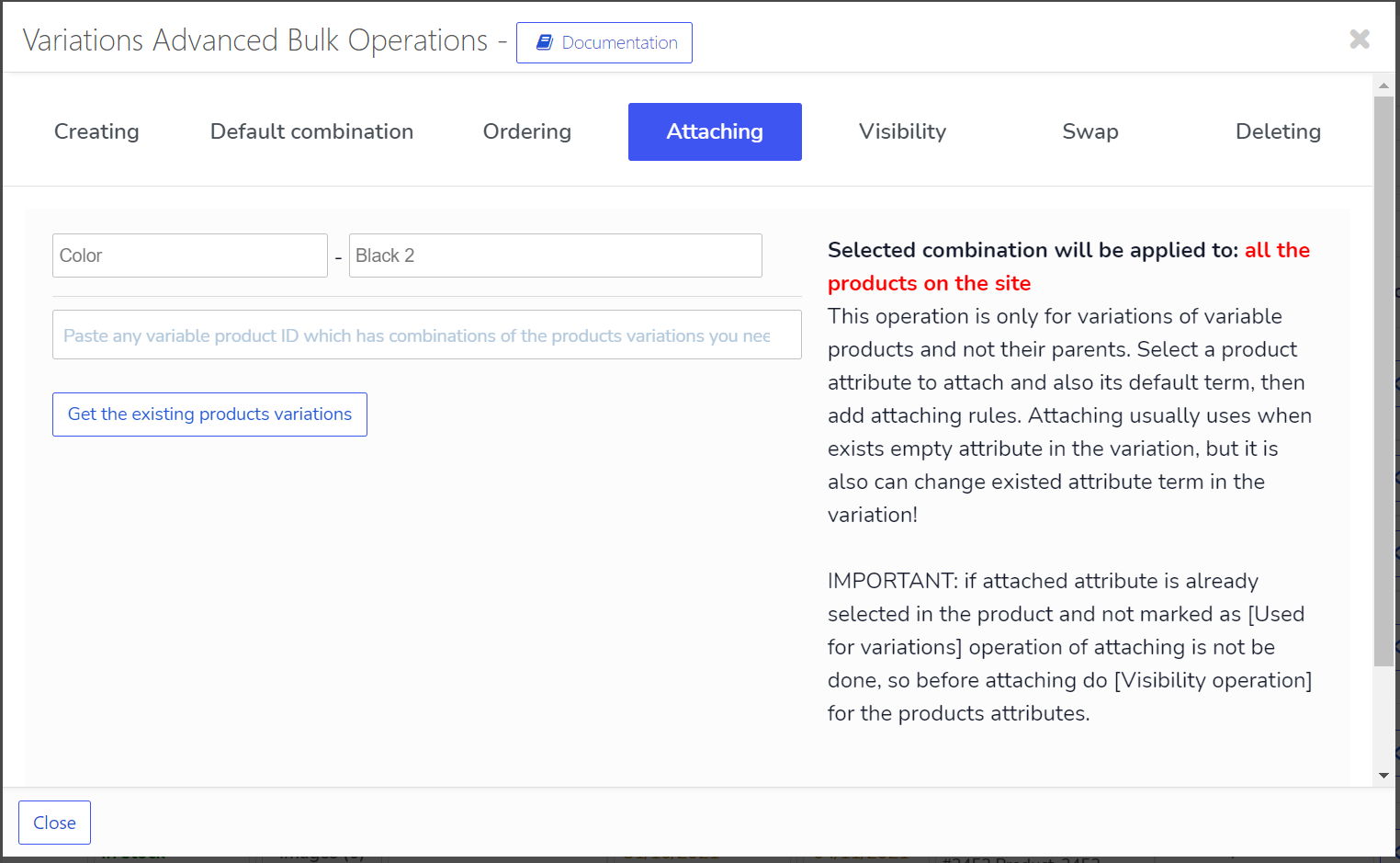
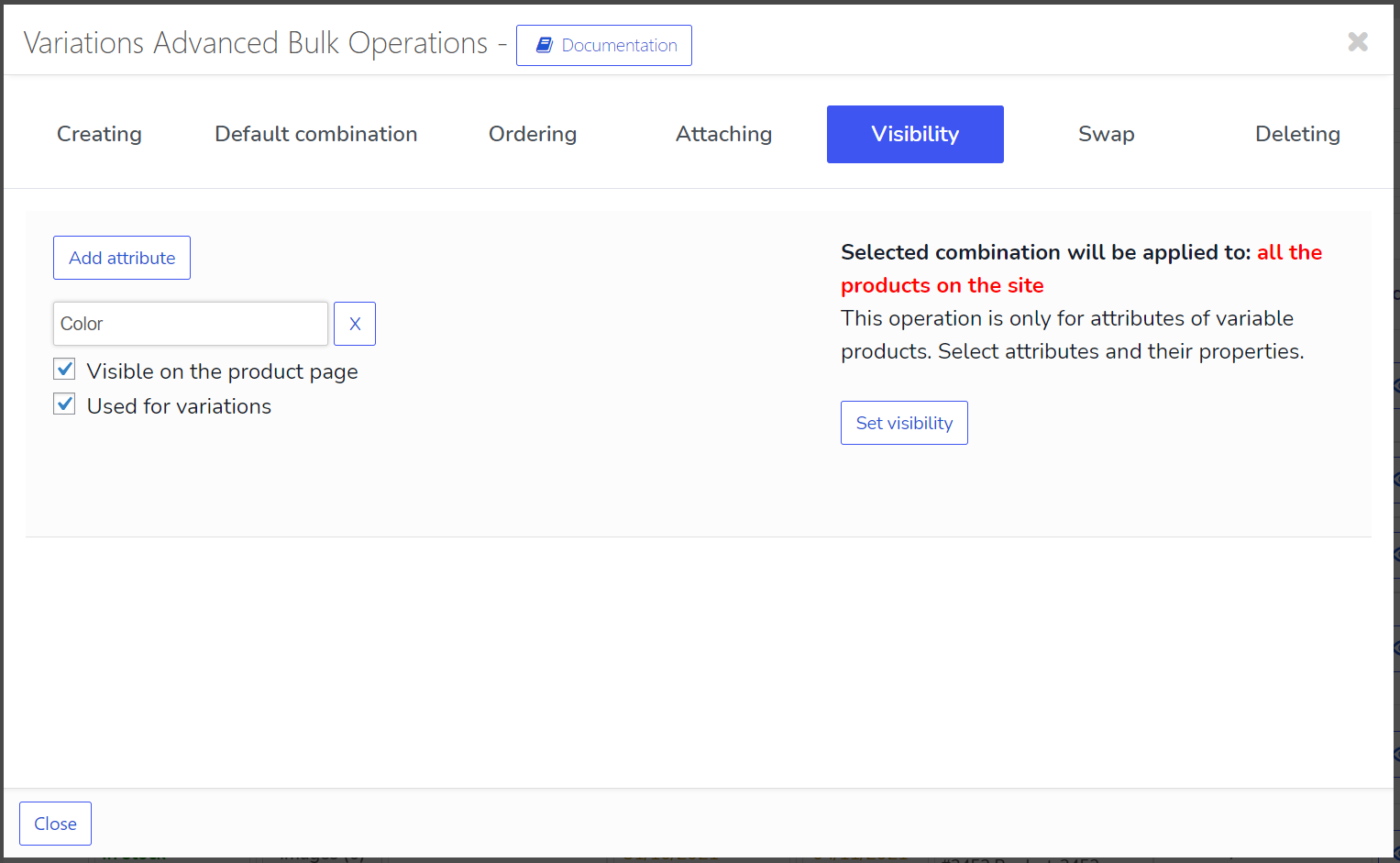
🔄 Bulk operaties met variabele producten variaties
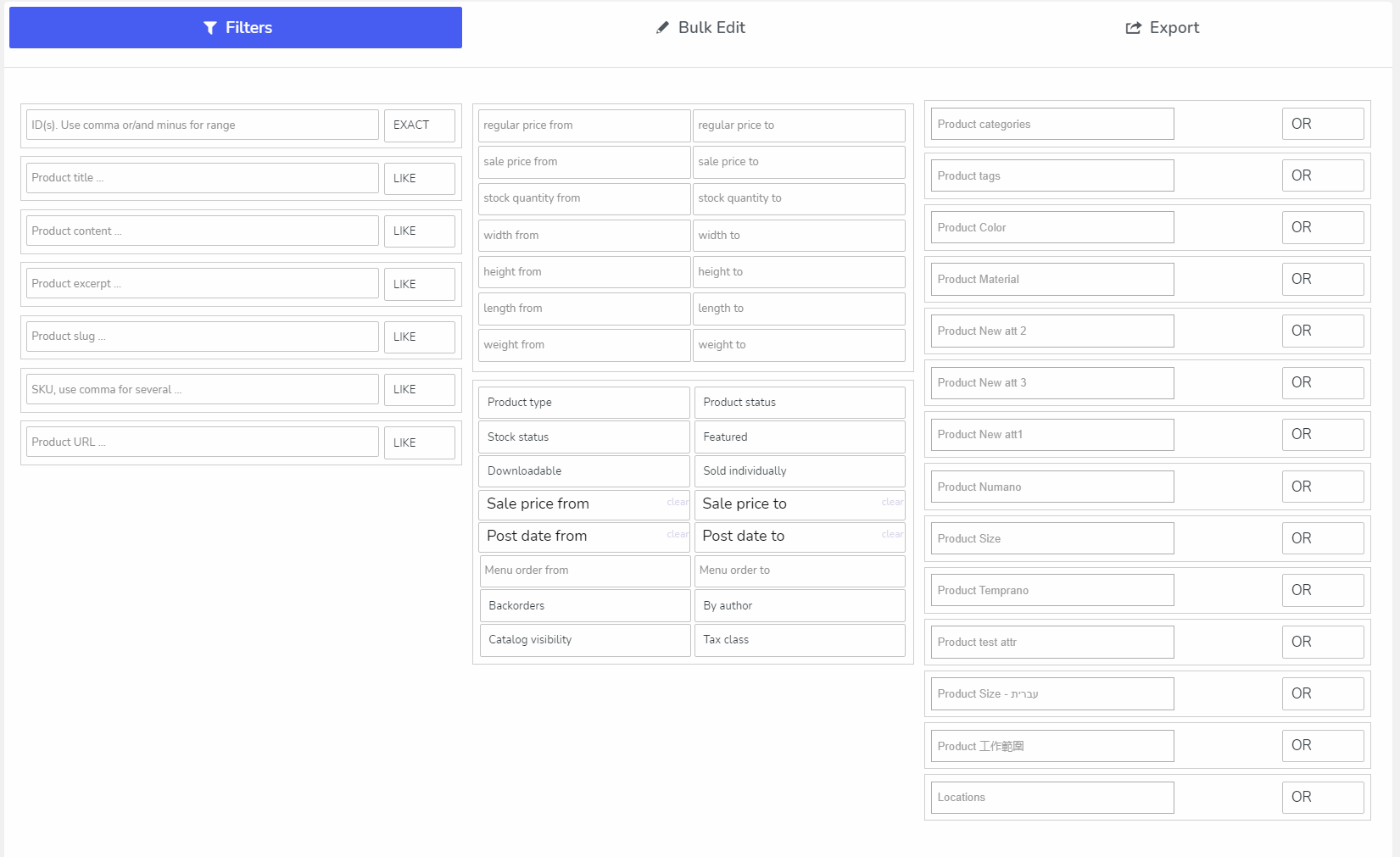
🔍 Filteren op alle WooCommerce producten velden voor verdere bulk bewerking of export
📤 Producten exporteren met behulp van het native WooCommerce gegevens format, waarmee gegevens kunnen worden geïmporteerd met de native WooCommerce importeerfunctie
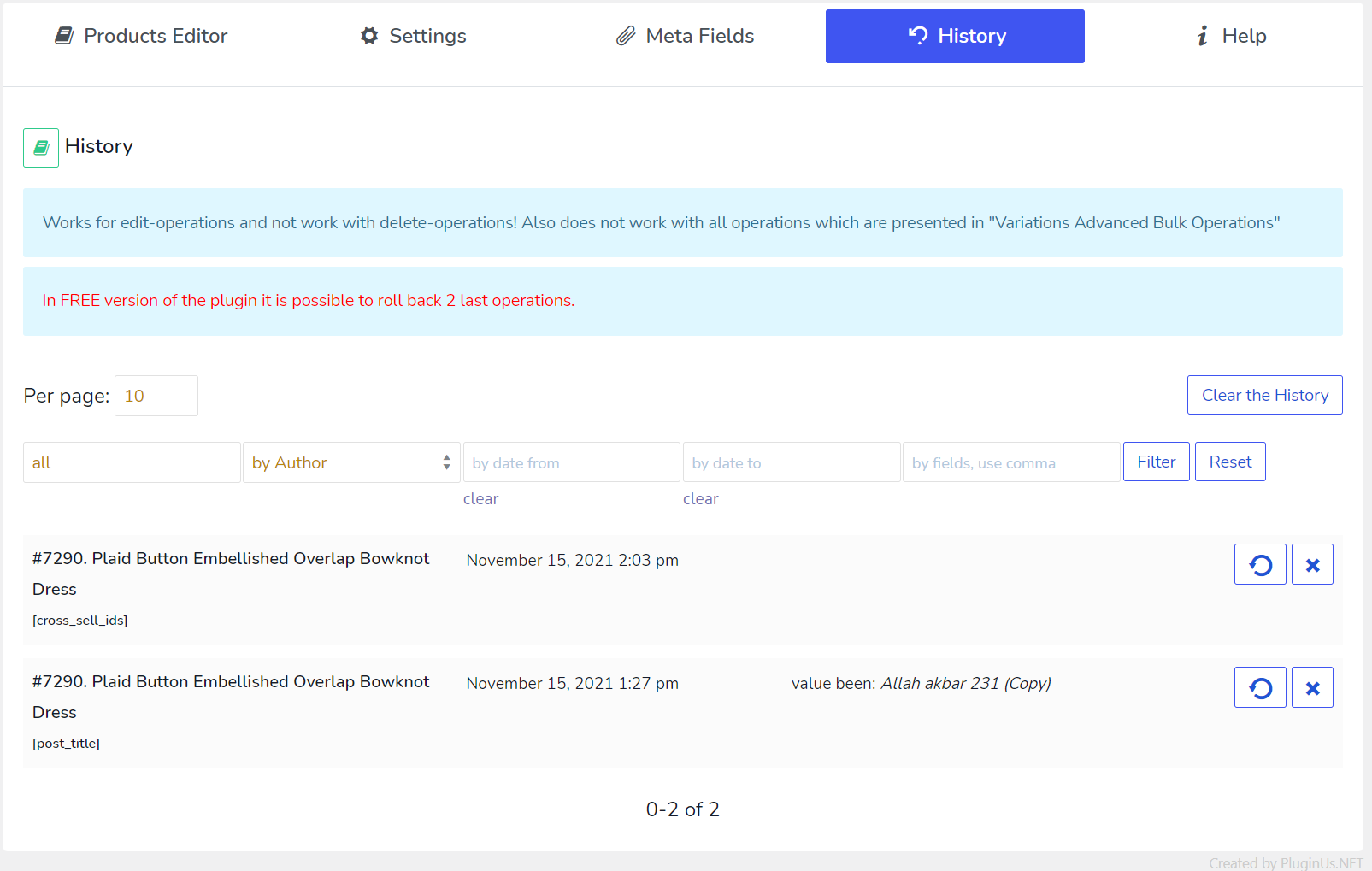
📜 Geschiedenis van bulk- en solo-operaties met terugzetmogelijkheid
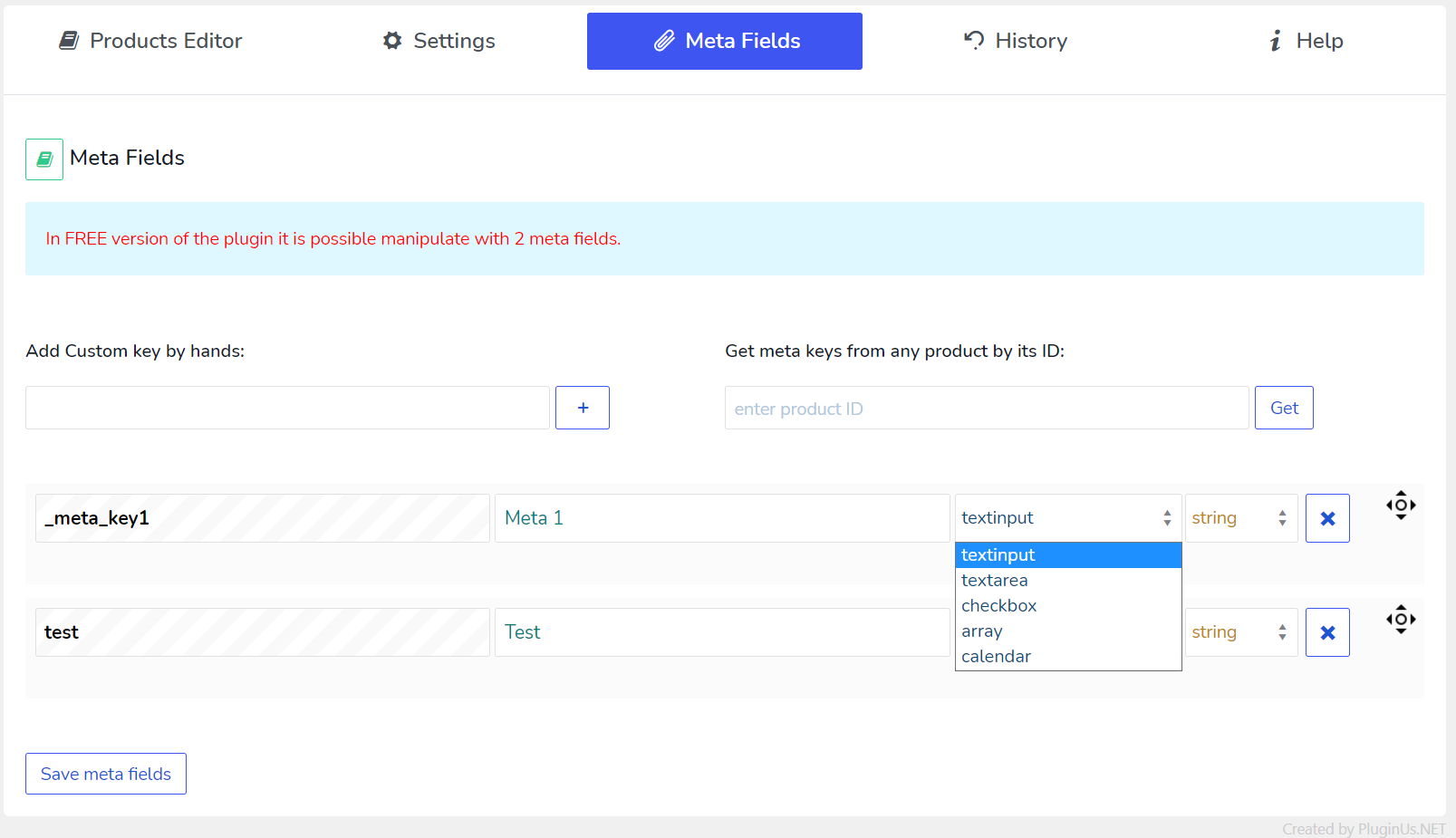
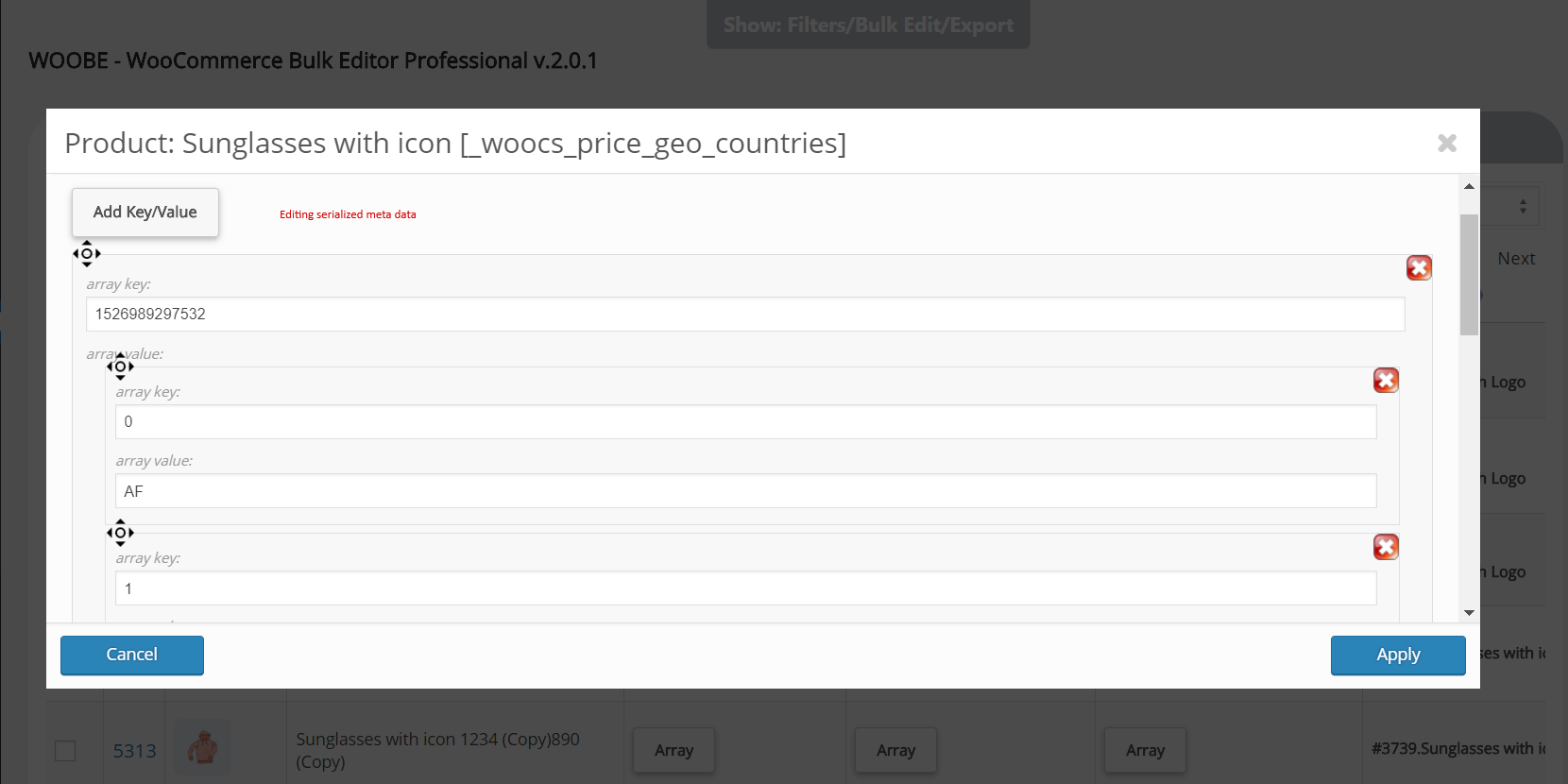
🔢 Voeg noodzakelijke Meta Fields toe aan het systeem en beheer ze. JSONed (geserialiseerde) metagegevens bulk bewerken is mogelijk met een mooie pop-up waar de gegevens constructor ingebouwd is!
💲 Prijs calculator voor decimale velden
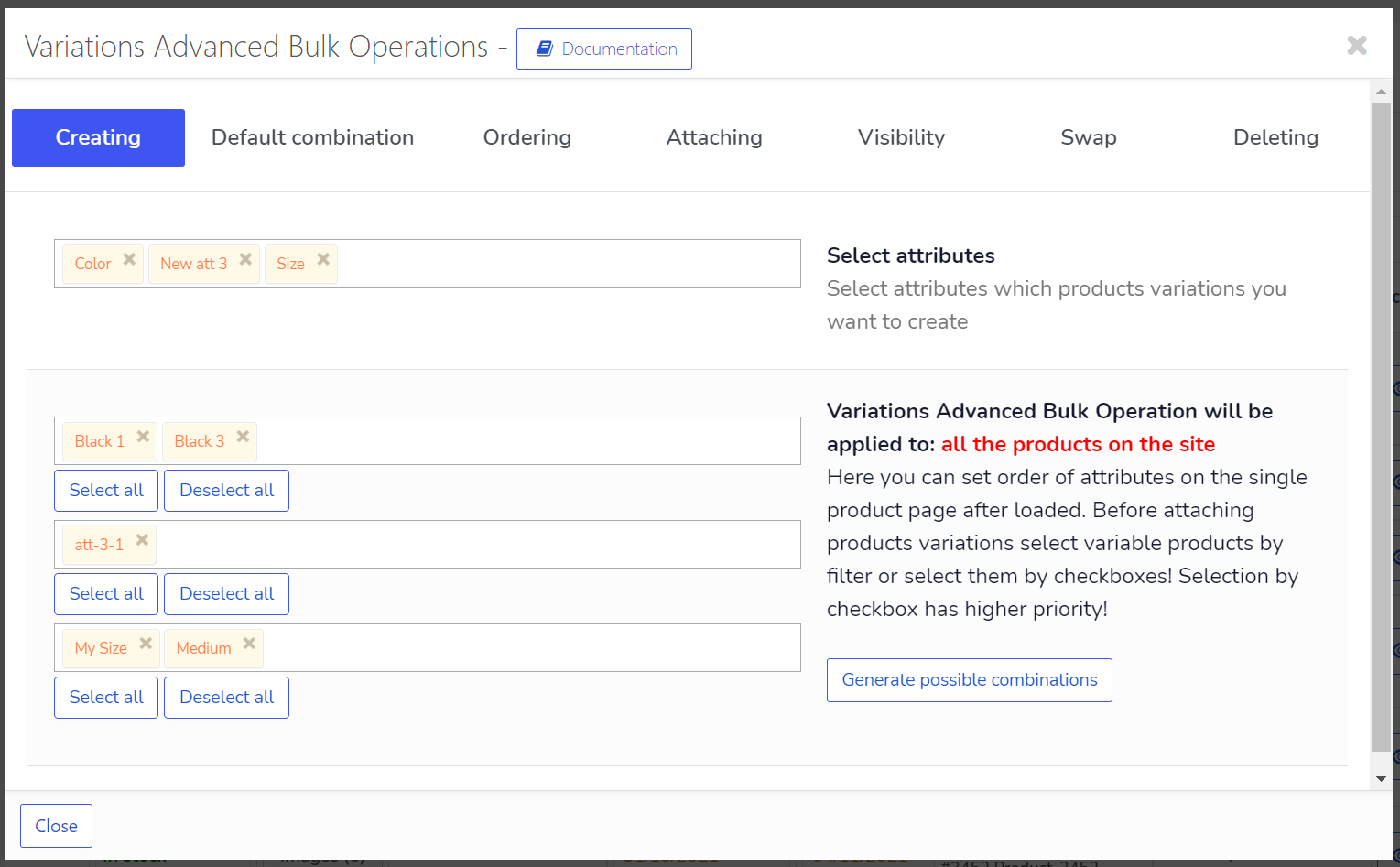
🔧 Geavanceerde operaties met variabele producten en hun variaties
✏️ Gebonden bewerken – bewerk meerdere producten met twee klikken!
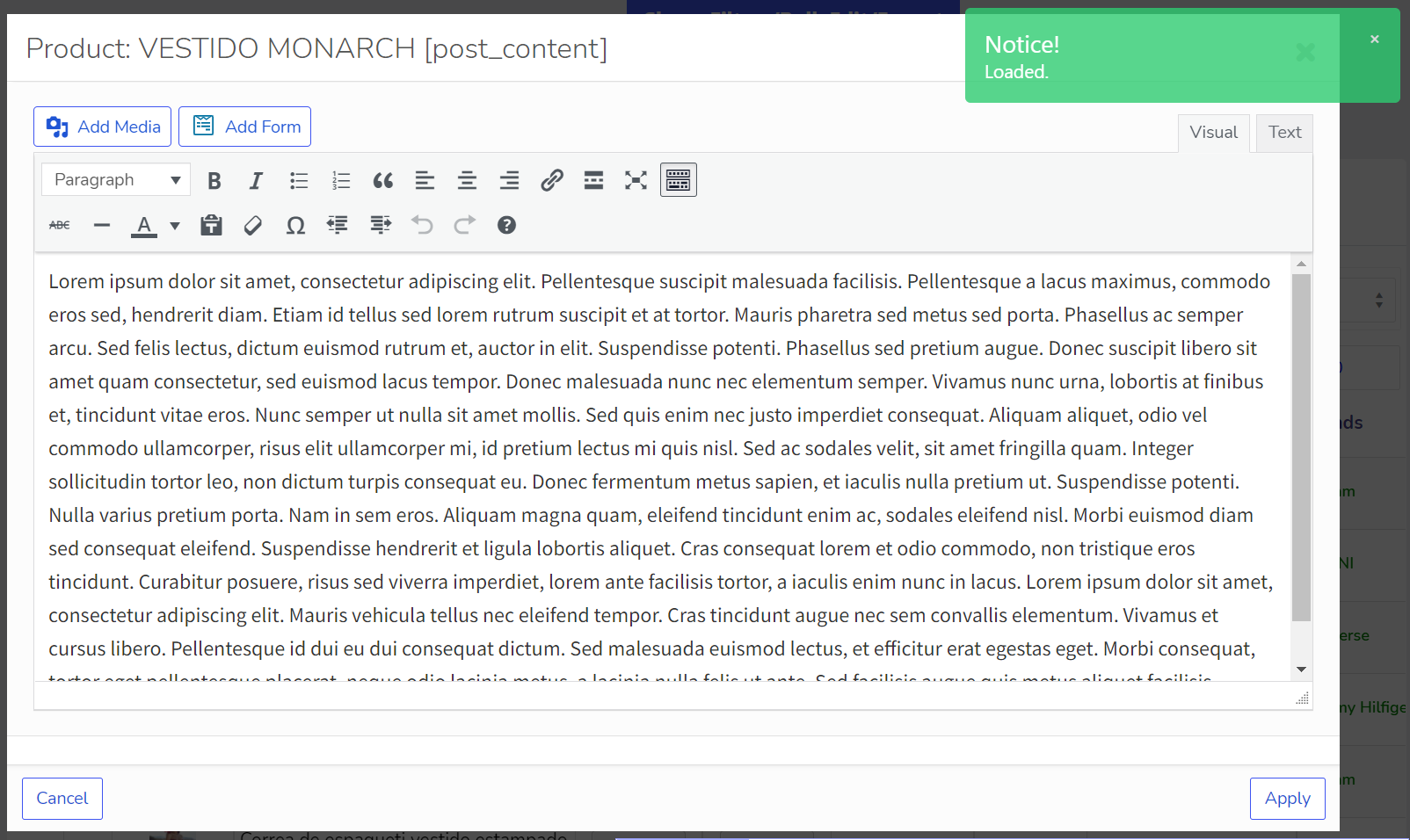
🖊️ Mooie en handige WooCommerce producten editor met rijke HTML elementen
⏱️ Direct opslaan van ingevoerde gegevens via Ajax
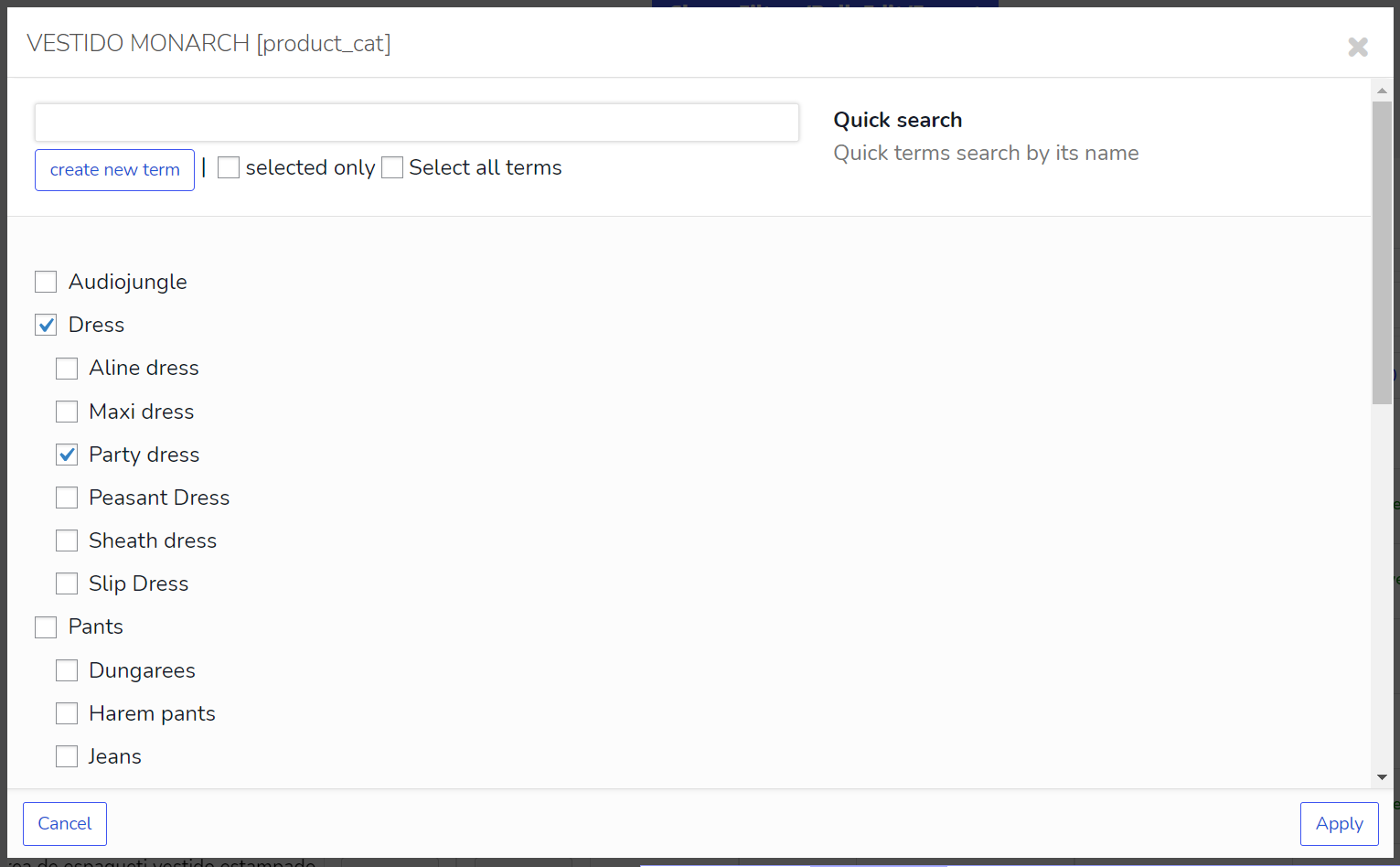
🔗 Automatisch koppelen van alle taxonomieën gerelateerd aan de producten voor verdere bewerking
🤝 Mogelijkheid van gezamenlijk bewerken van de producten zonder elkaar te storen.
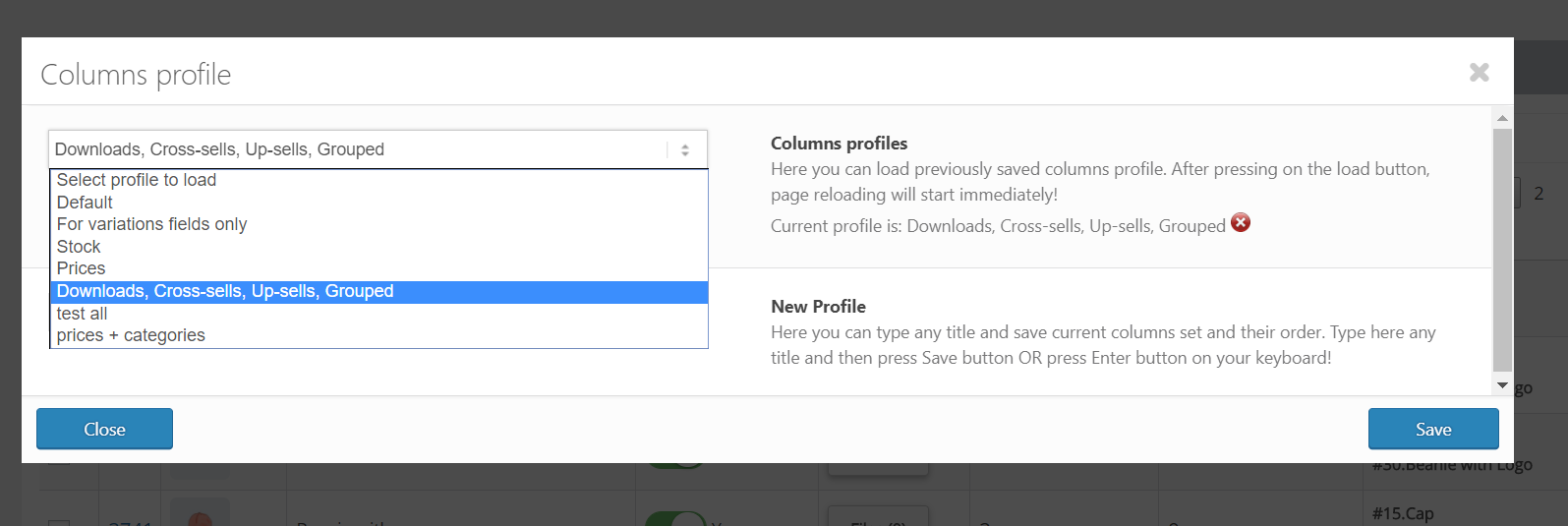
📋 Profielen voor elke set kolommen voor snel laden
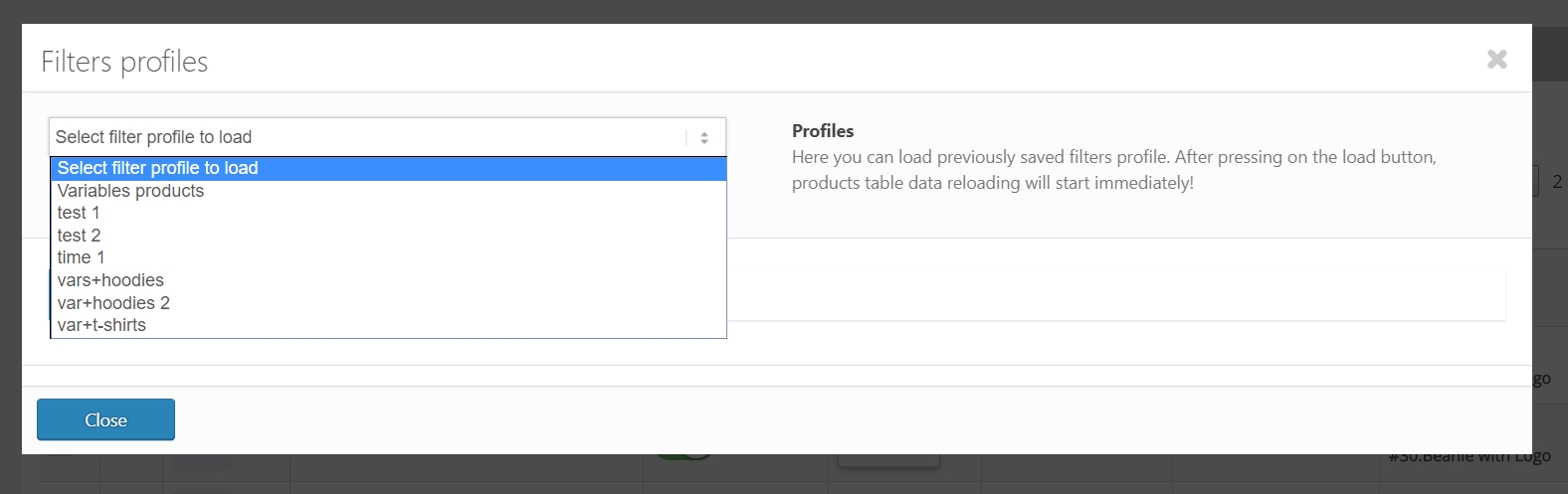
🔄 Profielen voor elke combinatie van filters voor snel laden
- 📚 Documentatie: https://bulk-editor.com/documentation/ en https://bulk-editor.com/video/
- 🔧 Support: https://pluginus.net/support/forum/woobe-woocommerce-bulk-editor-professional/
- 🌟 De Premium versie: https://pluginus.net/affiliate/woocommerce-bulk-editor
Velden mogelijk om te bewerken in de GRATIS versie van de plugin:
- 🖼️ Thumbnail
- 📝 Title
- 🖊️ Description
- 📅 Status
- 💵 Reguliere prijs
- 🏷️ Sale price
- 🔢 SKU
- 📦 Stock
- 📅 Date
- 🏷️ Categories
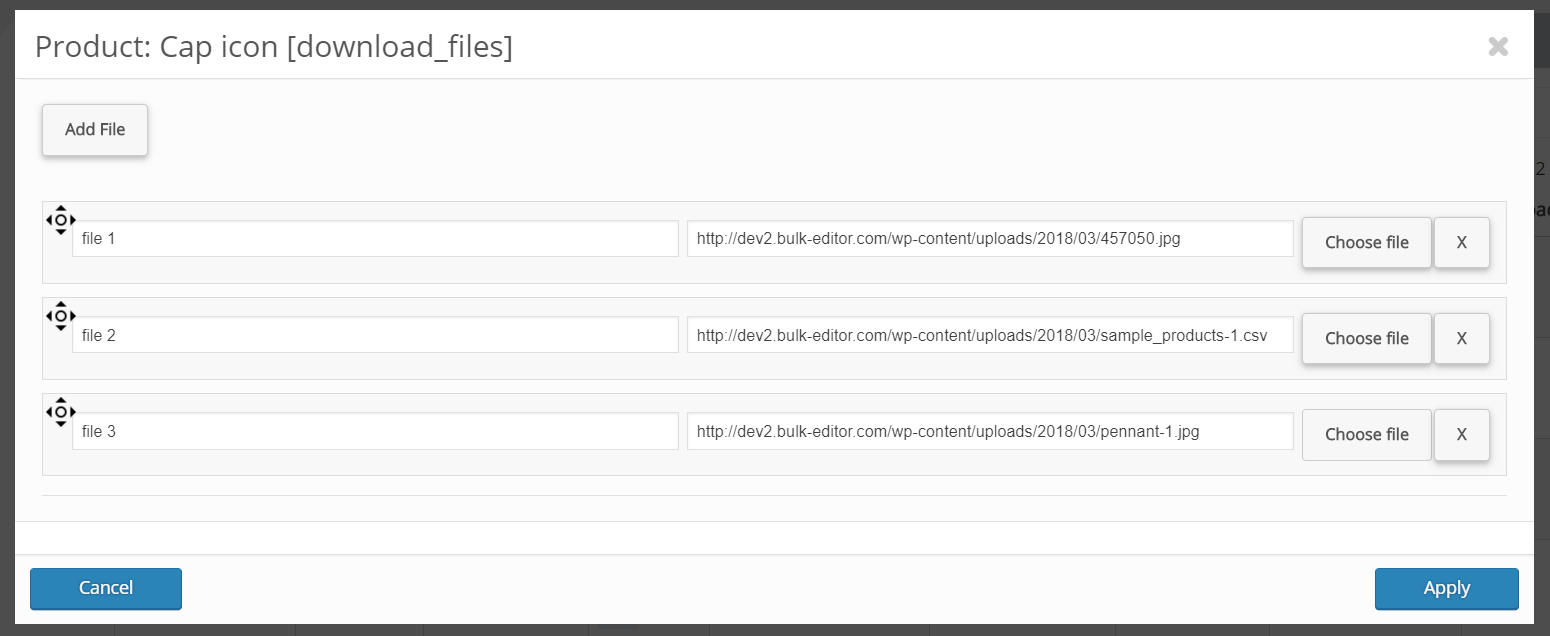
- 📂 Download files
- ⬆️ Upsells
- 🔗 Gegroepeerde producten
- ⚖️ Weight
- 📏 Length, Width, Height
- 🔢 Hoofd ID (voor variaties)
- 🔢 Menu volgorde
- 🏷️ 1 attribute
- 🧩 2 custom meta fields
🌟 See all fields available in Premium
🎥 Plugin Overview on YouTube
🔗 Buy on CodeCanyon
Related Plugins:
✅ HUSKY – Products filter for WooCommerce: producten filter plugin voor WooCommerce geeft je klanten de mogelijk om producten kunnen filteren op categorieën, attributen, product tags, producten aangepaste taxonomieën en prijs – een must have plugin voor je WooCommerce online winkel!
✅ WOOT – WooCommerce Active Products Tables: is WooCommerce plugin voor het weergeven van winkelproducten in tabelformat. Tabellen zorgen ervoor dat je kopers zich concentreren op de dingen die ze willen krijgen, niets overbodigs, alleen wat de klant wil, en volledige aandacht voor wat er wordt aangeboden!
✅ FOX – Currency Switcher for WooCommerce: is WooCommerce multi-valuta plugin, waarmee bezoekers van je site de prijzen van producten kunnen wisselen volgens de ingestelde valutakoersen in real time en kunnen betalen in de geselecteerde valuta (optioneel). Maakt het mogelijk om elke valuta voor de WooCommerce winkel toe te voegen!
✅ MDTF – Meta Data Filter and Taxonomies Filter: de plugin voor het filteren en doorzoeken van WordPress inhoud in berichten en hun aangepaste typen op basis van taxonomieën en meta data velden. De plugin heeft een zeer hoge flexibiliteit dankzij de rijke filterelementen en ingebouwde meta velden bouwer!
✅ TABLEON – WordPress Post Tables Filterable: WordPress plugin voor het weergeven van site berichten en hun aangepaste berichten types in tabel format. Tabellen zorgen ervoor dat je klanten zich concentreren op de dingen die ze willen krijgen, niets overbodigs, alleen wat de klant wil, en volledige aandacht voor wat er wordt aangeboden!
✅ WPCS – WordPress Currency Switcher: is een WordPress plugin waarmee je van valuta kunt wisselen en hun koersen in real time op je site kunt laten omrekenen!
✅ WOLF – WordPress Post Bulk Editor Professional : is een WordPress plugin voor het beheren en in bulk bewerken van WordPress berichten, pagina’s en aangepaste bericht types gegevens op een robuuste en flexibele manier! Wees professionals in het beheren van gegevens van je site!
✅ Taxonomy ketting Menu: is WordPress plugin met één shortcode, waarmee je taxonomie-termen kettingmenu’s kunt maken met behulp van dropdowns met ingebouwde of aangepaste typen WordPress taxonomieën.
Licentie
Deze plugin is copyright pluginus.net © 2012-2026 met GNU General Public License door realmag777.
Dit programma is vrije software; je mag het verspreiden en/of wijzigen onder de voorwaarden van de GNU General Public License zoals gepubliceerd door de Free Software Foundation; ofwel versie 2 van de Licentie, of (naar keuze) een latere versie.
Dit programma wordt verspreid in de hoop dat het nuttig is, maar ZONDER GARANTIE. Zie de GNU General Public License voor meer details.
Schermafbeeldingen
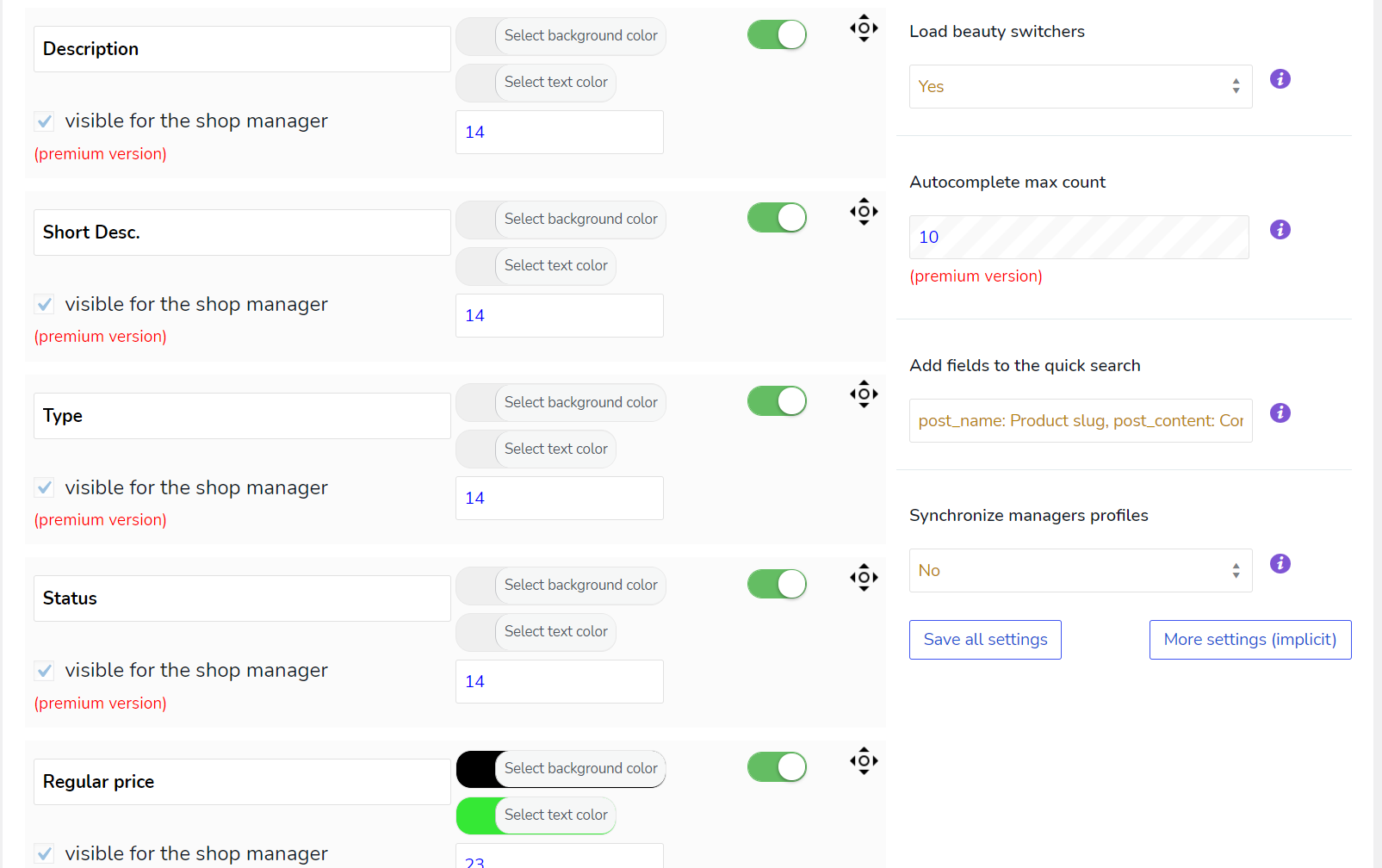
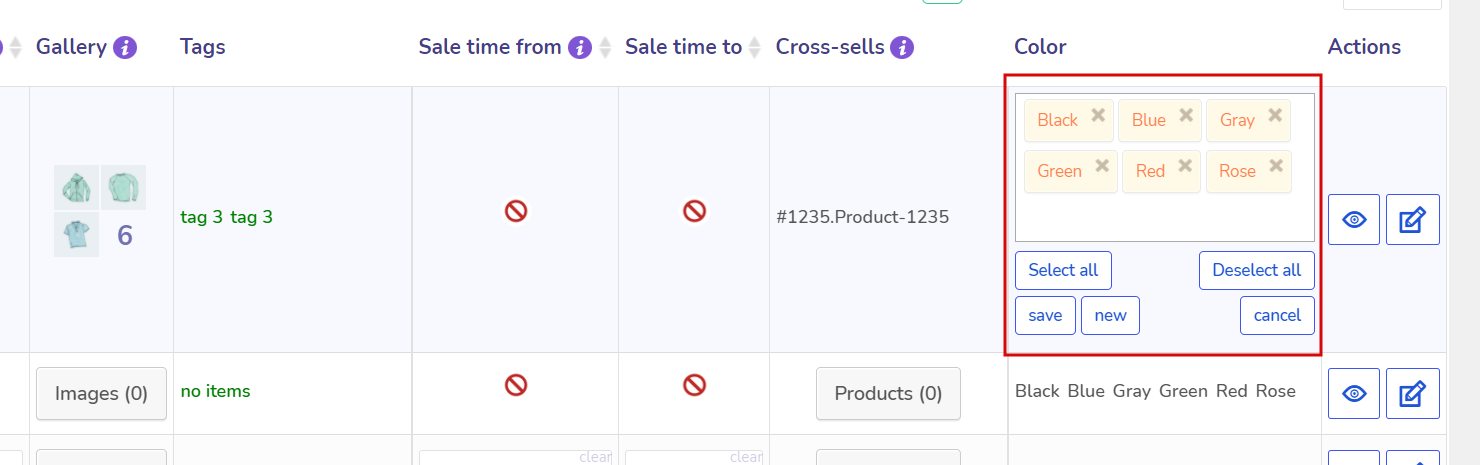
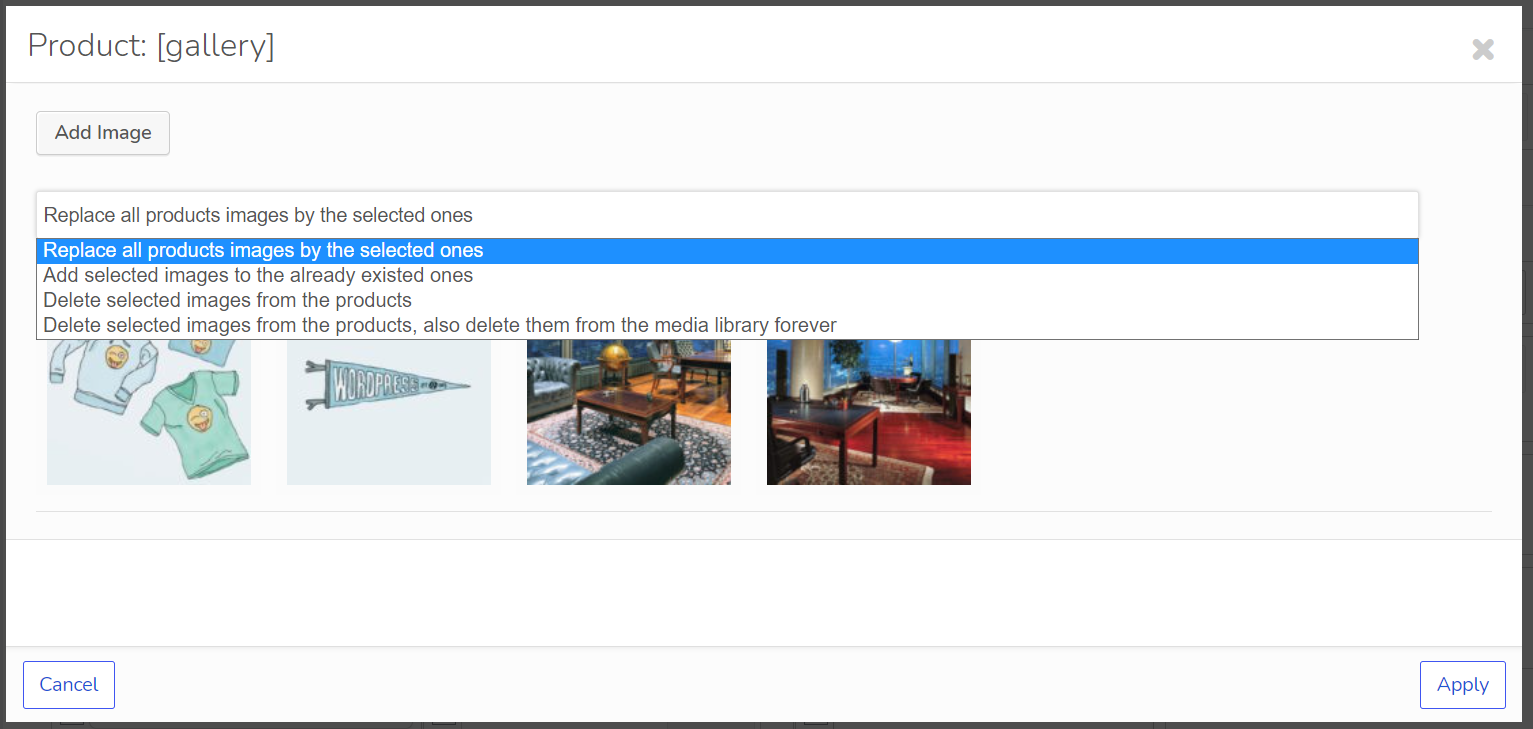
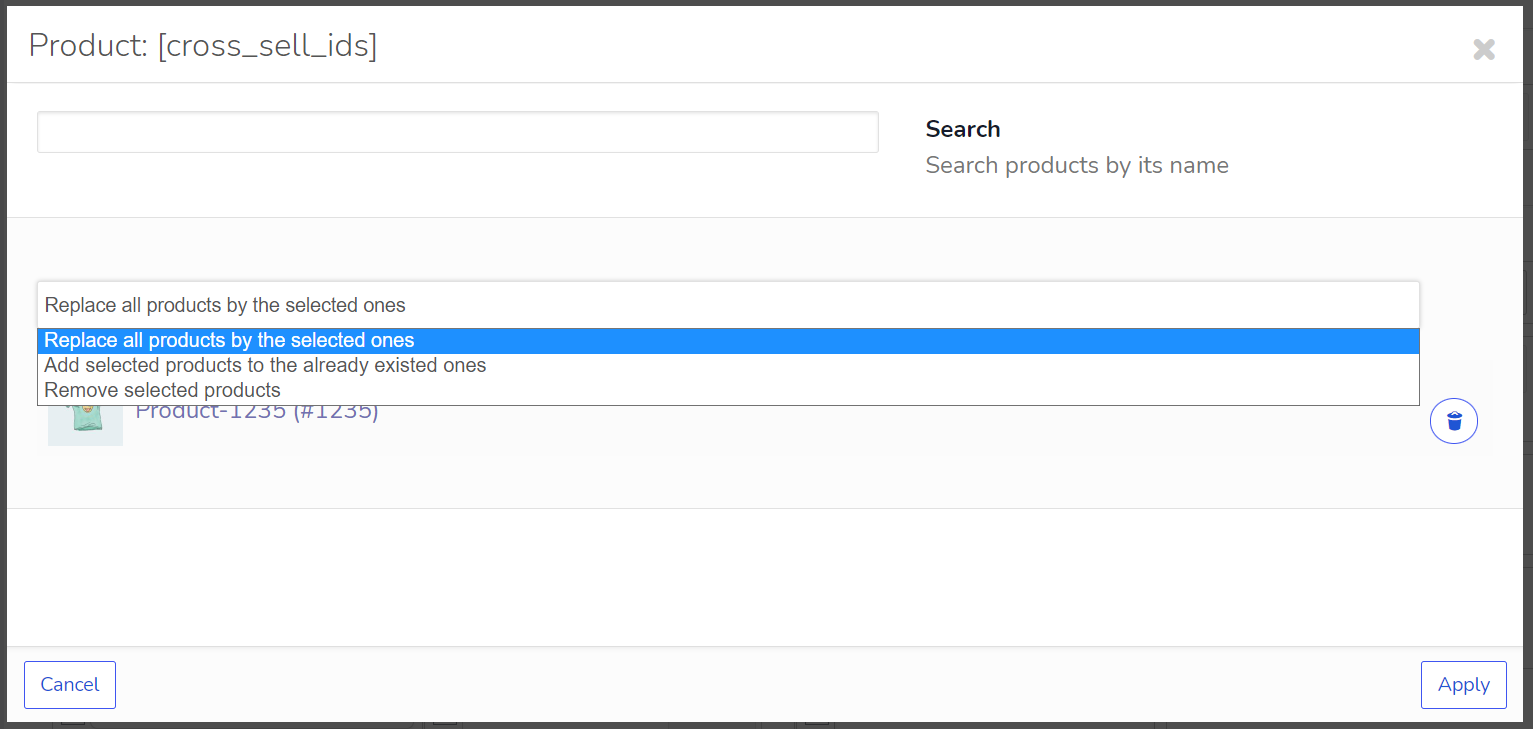
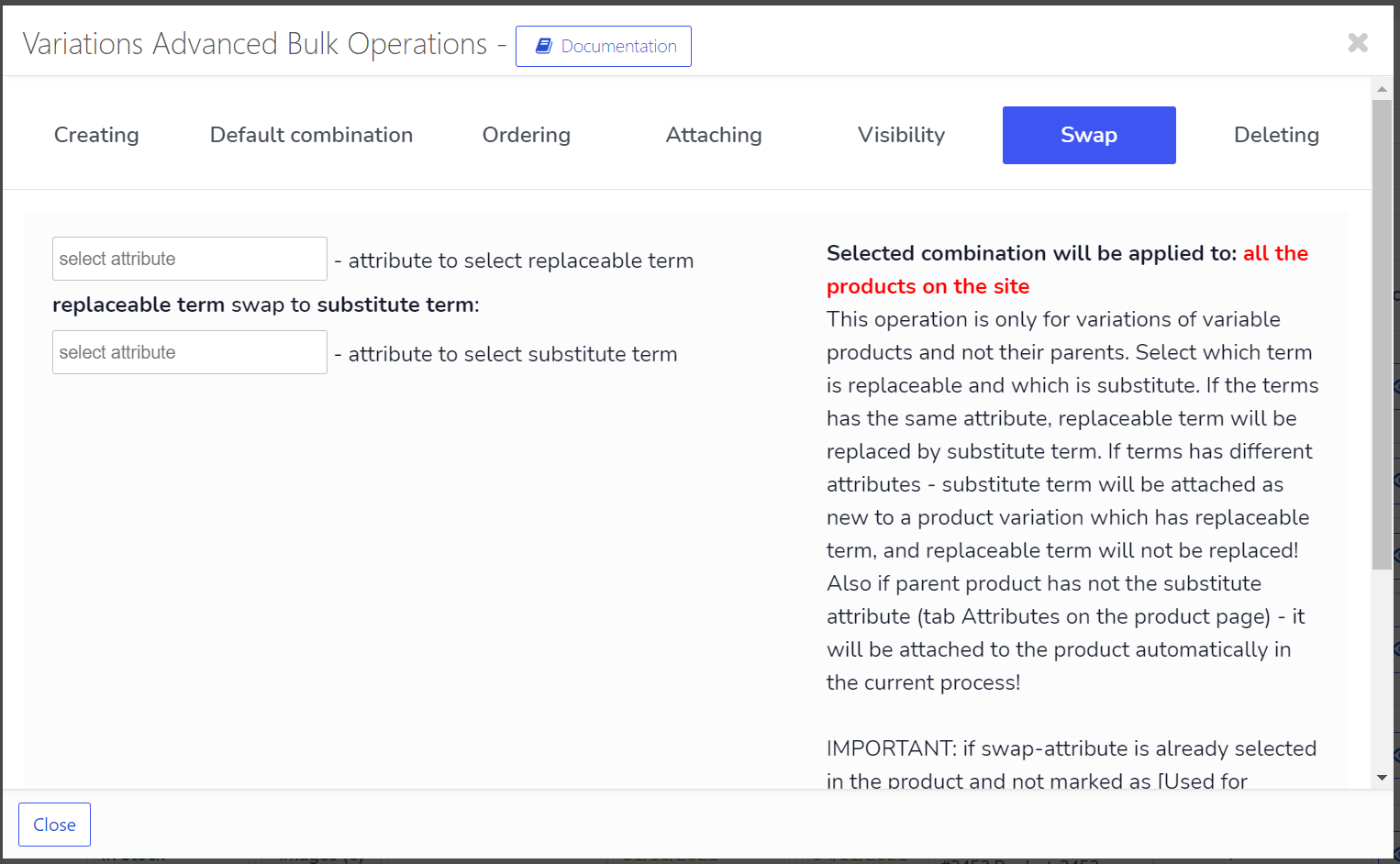
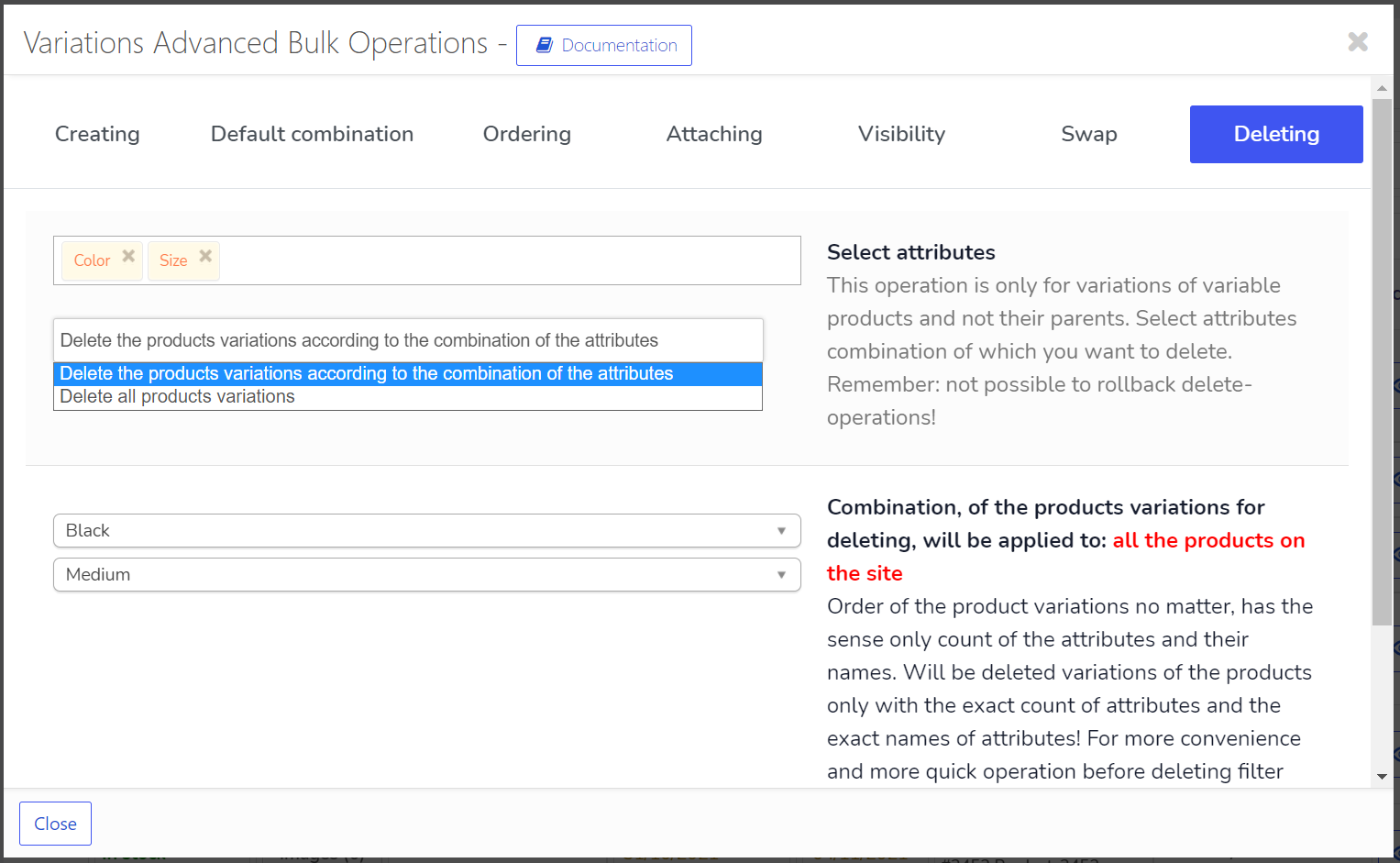
De plugin instellingen 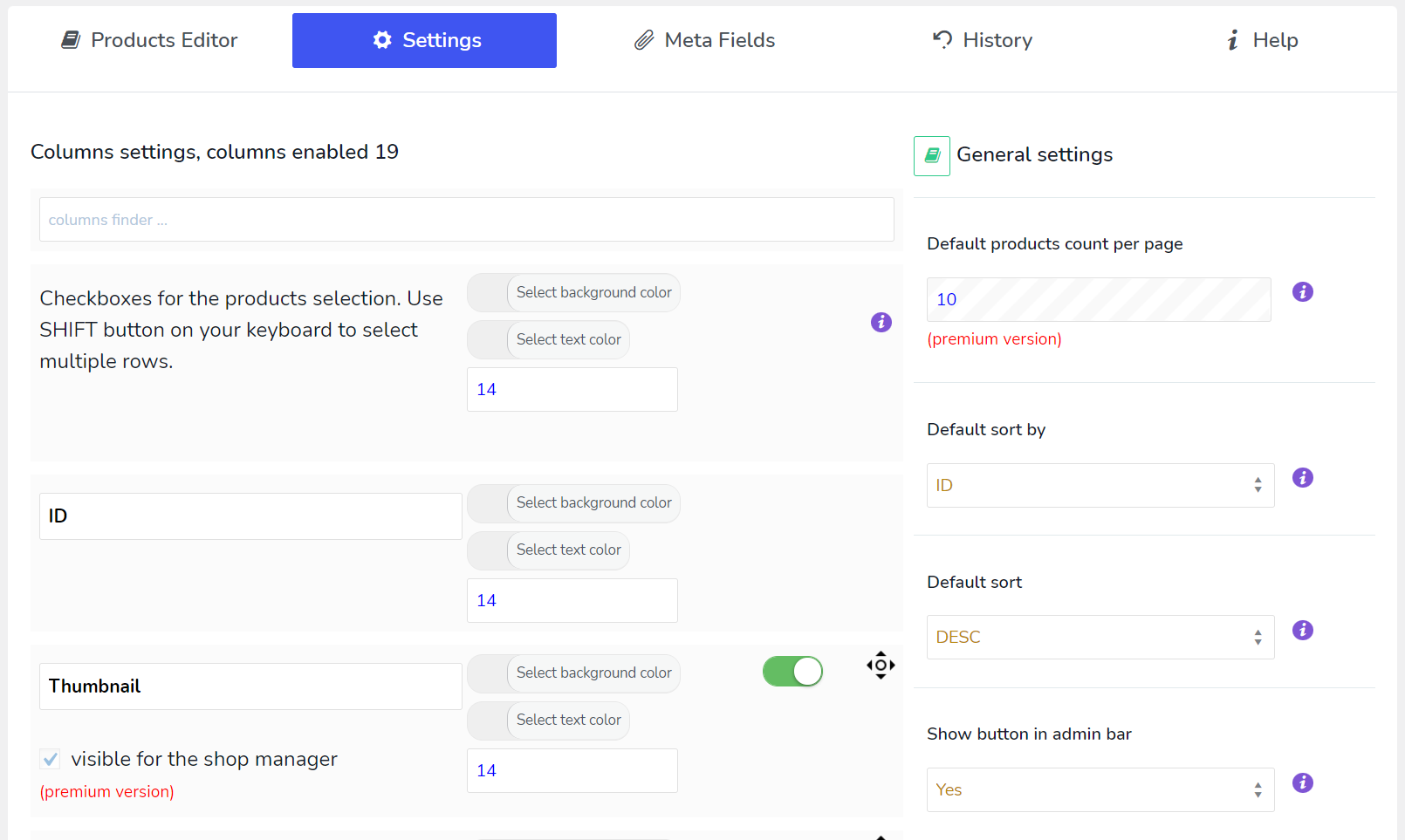

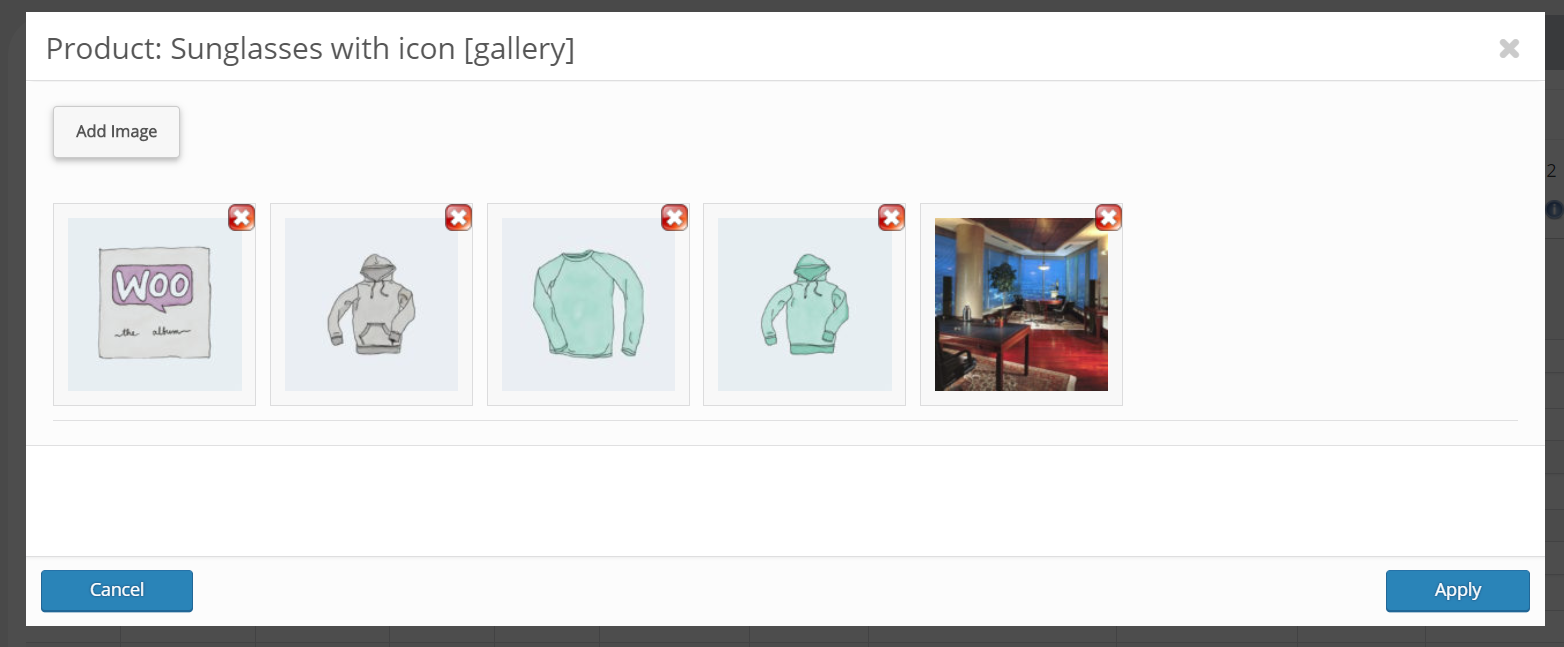
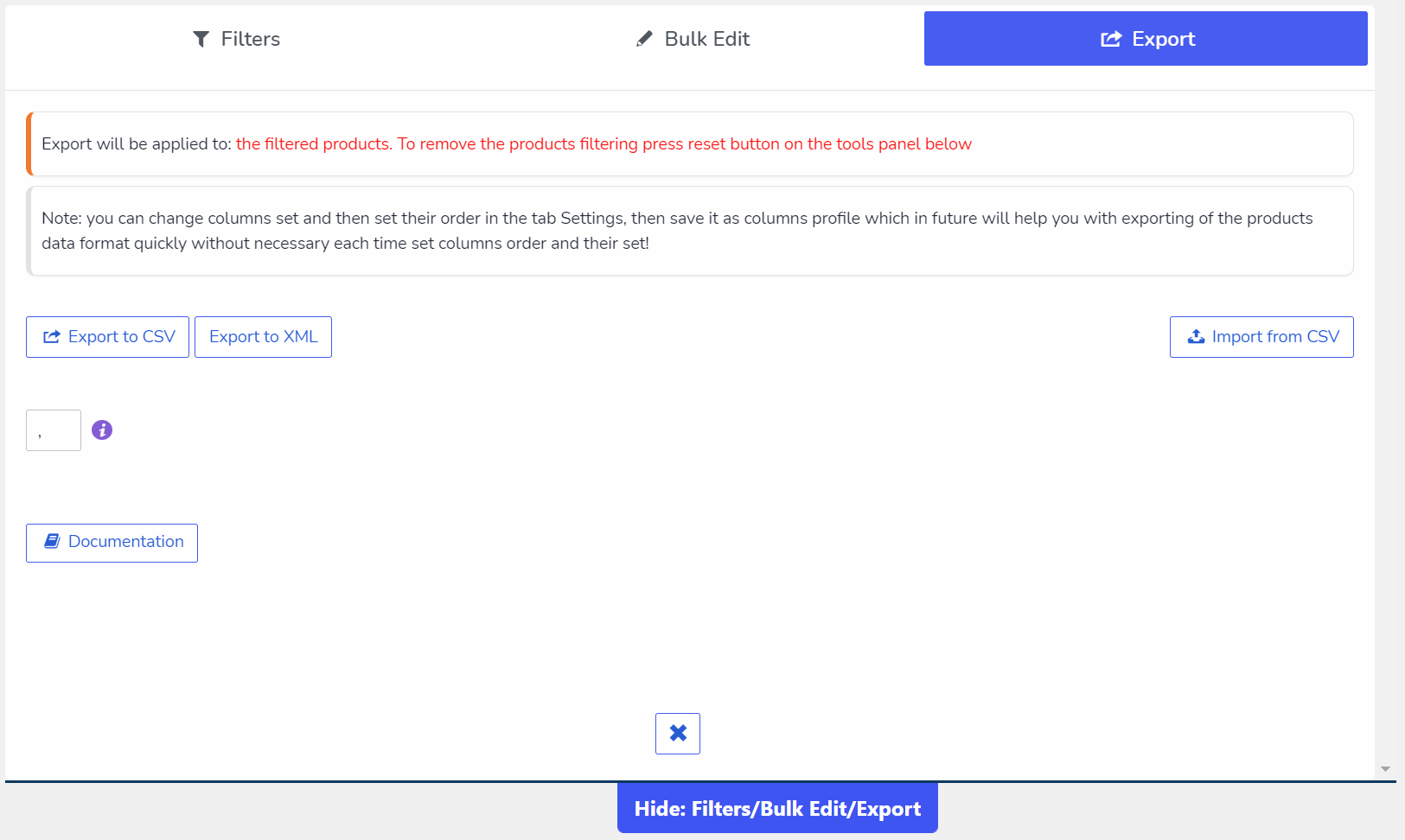
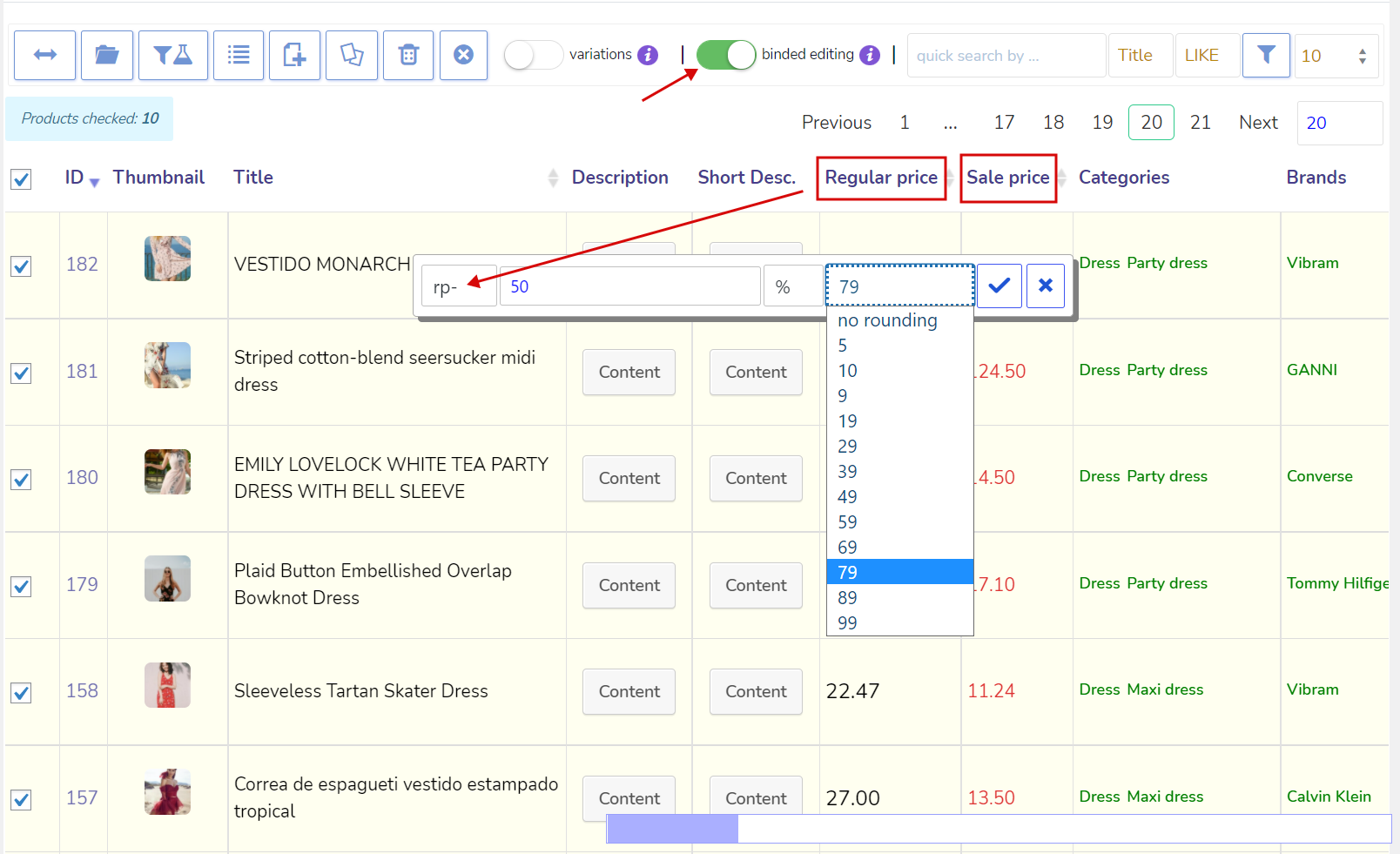
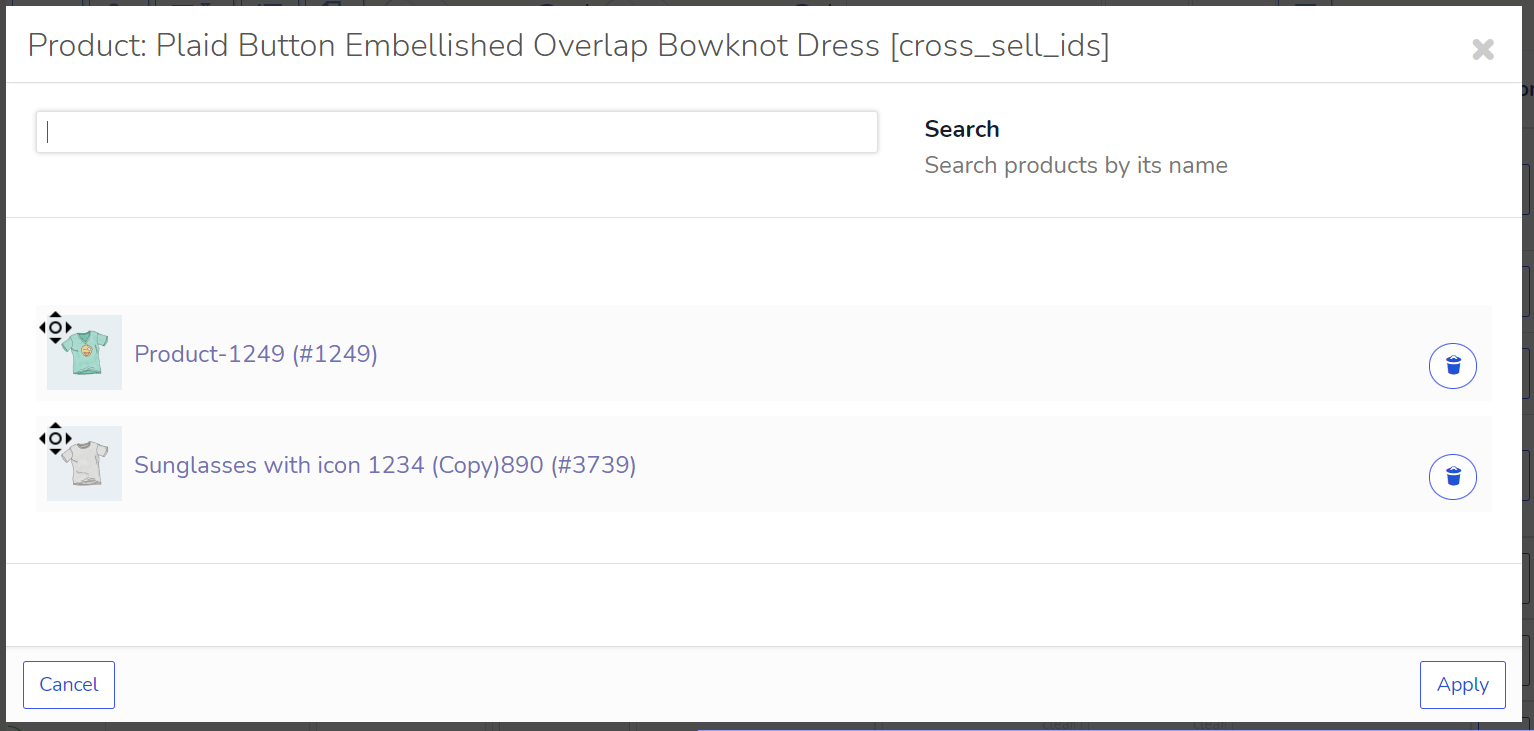
Installatie
- Downloaden naar je plugin directory of gewoon installeren via de admin-interface van WordPress.
- Activeer.
- Gebruik.
FAQ
V: Waar kan ik videotutorials bekijken?
R: https://bulk-editor.com/video/
Q: Where can I get the Premium version of BEAR WOOBE (name of Bear is Woobe)
R: CodeCanyon
V: Hoe maak je een aangepaste taxomomie?
R: Gebruik deze plugin https://wordpress.org/plugins/custom-post-type-ui/
V: FAQ?
R: FAQ
V: Documentatie?
R: https://bulk-editor.com/documentation/
V: Ik heb een idee, kan ik dat met je bespreken?
R: Ondersteuning
Q: Where can I send security bug report about the plugin?
R: You can report security bugs through the Patchstack Vulnerability Disclosure Program. The Patchstack team help validate, triage and handle any security vulnerabilities. Report a security vulnerability.
Beoordelingen


Bijdragers & ontwikkelaars
“BEAR – Bulk Editor and Products Manager Professional for WooCommerce by Pluginus.Net” is open source software. De volgende personen hebben bijgedragen aan deze plugin.
Bijdragers
“BEAR – Bulk Editor and Products Manager Professional for WooCommerce by Pluginus.Net” is vertaald in 7 localen. Dank voor de vertalers voor hun bijdragen.
Interesse in ontwikkeling?
Bekijk de code, haal de SVN repository op, of abonneer je op het ontwikkellog via RSS.
Changelog
1.1.8
- security fix, thanks to daroo and patchstack.com
1.1.7.1
- fix: clear scalar field value properly when emptied
1.1.7
- set of small fixes
- security fix, thanks to daroo and patchstack.com
- Bug: Setting stock to 0 leaves _stock meta empty (NULL) instead of 0
- Bigger Search Bar and Clear search button
1.1.6
- 2 security fixes, thanks to Dmitrii Ignatyev and wordfence.com
1.1.5
- Set of small fixes
1.1.4.7
- Fixes for the new CSS design, thanks to user feedback
- Fix about gallery-button update after img is removed
- New feature: you can now create a woobe.css file in your current WordPress theme folder to fully customize the BEAR admin panel’s appearance
1.1.4.6
1.1.4.5
- security fix, thanks to Satrya wira yudha and patchstack.com
1.1.4.4
- beveiligingsoplossing, bedankt aan Dhabaleshwar Das van patchstack.com
1.1.4.3
- beveiligingsoplossing, bedankt aan Rafie Muhammad van patchstack.com
- gegevens tabellen js oplossing
1.1.4.2
1.1.4.1
- beveiligingsoplossing, met dank aan Mika van patchstack.com
- enkele kleine verbeteringen
- de bulk verwijderfunctie is vanaf nu gratis!!!
1.1.4
1.1.3.3
- opgelost onbedoelde harde code, hooks toegevoegd: woobe_hide_filters_by_attribute en woobe_hide_bulk_by_attribute
1.1.3.2
- beveiligingsoplossing, met dank aan Nguyen Xuan Chien van patchstack.com
1.1.3.1
- snelle oplossing https://wordpress.org/support/topic/forbidden-for-shop-manager/
1.1.3
1.1.2
- snelle oplossing voor wordpress 6.0 cache
1.1.1
- snelle oplossing voor zoekpaneel in de producten-editor
1.1.0
1.0.9
1.0.8.1
- fixes voor bewerkingen door auteur
- nieuwe hook woobe_product_statuses – maakt het mogelijk om meer productstatussen toe te voegen
1.0.8
- een hoop kleine verbeteringen
- mogelijkheid om velden leeg te maken: https://bulk-editor.com/howto/how-to-set-empty-value/
- hook ‘woobe_storage_type’ om filtering op te lossen bij problemen met sessie https://bulk-editor.com/document/more-settings-implicit/
1.0.7
- 1 jQuery fix voor WordPress 5.6 compatibiliteit
1.0.6.3
- WOOBE hernoemen naar BEAR
- code opschonen
- 1 fix voor export links
1.0.6.2
- 1 mogelijke beveiligingsoplossing
1.0.6.1
- 1 hot fix in ext\bulk\view\panel.php #663
1.0.6
1.0.5.1
- Hot fix voor WordPress 5.3 update
1.0.5
- Om de verkoopprijs helemaal te verwijderen gebruik je ‘-1’. Werkt zoals voor enkele bewerkingen, dus voor bulkbewerkingen.
- Nieuw meta veldtype “Kalender”
- AJAX pagina jumper waarmee flexibeler op producten kan worden genavigeerd
- Snelle toegang filter toegevoegd op: titel, sku en product ID’s. Voer gegevens in en druk op Enter
- Functie. Nu is het mogelijk om een eenvoudig product om te zetten in een variabel product en deze productprijs wordt gekoppeld aan alle variaties
- Voor gegroepeerde producten veld “Product url” toegevoegd waarmee het mogelijk is producten te filteren, dus en ook in bulk te bewerken (zie tab Extra)
- https://bulk-editor.com/update-2-0-5/
1.0.4
- hoop kleine correcties
- syntaxis voor tekst zoeken: operator EN ‘^~’ toegevoegd. Voorbeeld: 360^~katten^!mol – vind alle strings waar is ‘360’ EN ‘katten’ maar zonder ‘mol’.
- nieuwe kolom “Zichtbaarheid” https://c2n.me/41mlpTi.png
- aan variaties toegevoegde verzendklasse https://c2n.me/41mnEjg.png
- bij bulkbewerking van producttitels is het nu mogelijk de attributen ervan toe te voegen, bijvoorbeeld https://c2n.me/41mq1Br.png: {attribuut:pa-size}
- aan producten variaties belastingklasse nieuwe optie toegevoegd als ‘Zelfde als hoofd’ https://c2n.me/41mmZ13.png
- aan tab Geschiedenis paginering toegevoegd en filter daar uitgebreid
- nieuwe hook ‘woobe_filter_taxonomies_exists_show’ die een verborgen functie ontsluit over het zoeken in bestaande taxonomieën en attributen van producten (zijn bijgevoegd) https://clip2net.com/s/41sMYuT
aan het huidige wp thema functions.php bestand toevoegen:
add_filter(‘woobe_filter_taxonomies_exists_show’, function() {
return true;
}); - beperking van variabelencombinaties voor export https://clip2net.com/s/41sNuz5 (wanneer swither-variabelen zijn ingeschakeld https://clip2net.com/s/41sNnBm)
- wp-admin/edit.php?post_type=product&page=woobe&start_page=25 – startpagina in link als parameter, tijdelijke maatregel, in de volgende versie zal ajax gladde pagina springen worden toegevoegd
- Lees het artikel hier: https://bulk-editor.com/update-2-0-4/
1.0.3
- Enkele kleine verbeteringen
- Filteren op auteurs
- Filteren op cataloguszichtbaarheid
- Bulk bewerken door auteur (alleen premium)
- Bulk verwijderen (alleen premium)
1.0.2
- enkele bugfixes en verbeteringen over geserialiseerde (json) metavelden in bulk bewerken
- ALT-toets verwijderd uit de navigatie van de producten editor
1.0.1
1.0.0
- Release