
Beschrijving
Gebruikersprofiel en lidmaatschap plugin voor WordPress
The ultimate user profile & membership plugin for WordPress. The plugin makes it a breeze for users to sign-up and become members of your website. The plugin allows you to add beautiful user profiles to your site and is designed for creating advanced online communities and membership sites. Lightweight and highly extendible, Ultimate Member will enable you to create almost any type of site where users can join and become members with absolute ease.
Features of the plugin include:
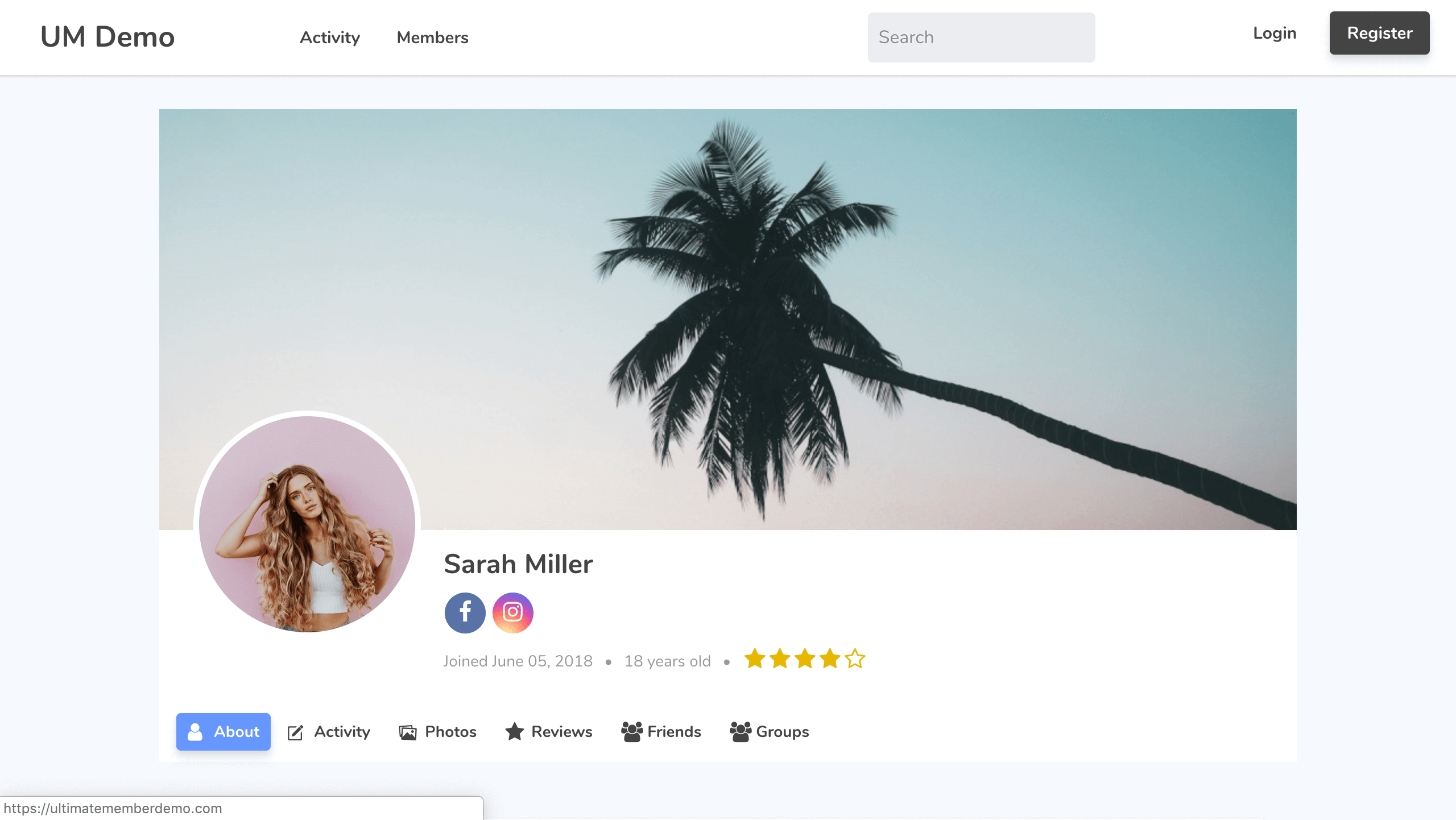
- Front-end gebruiker profielen
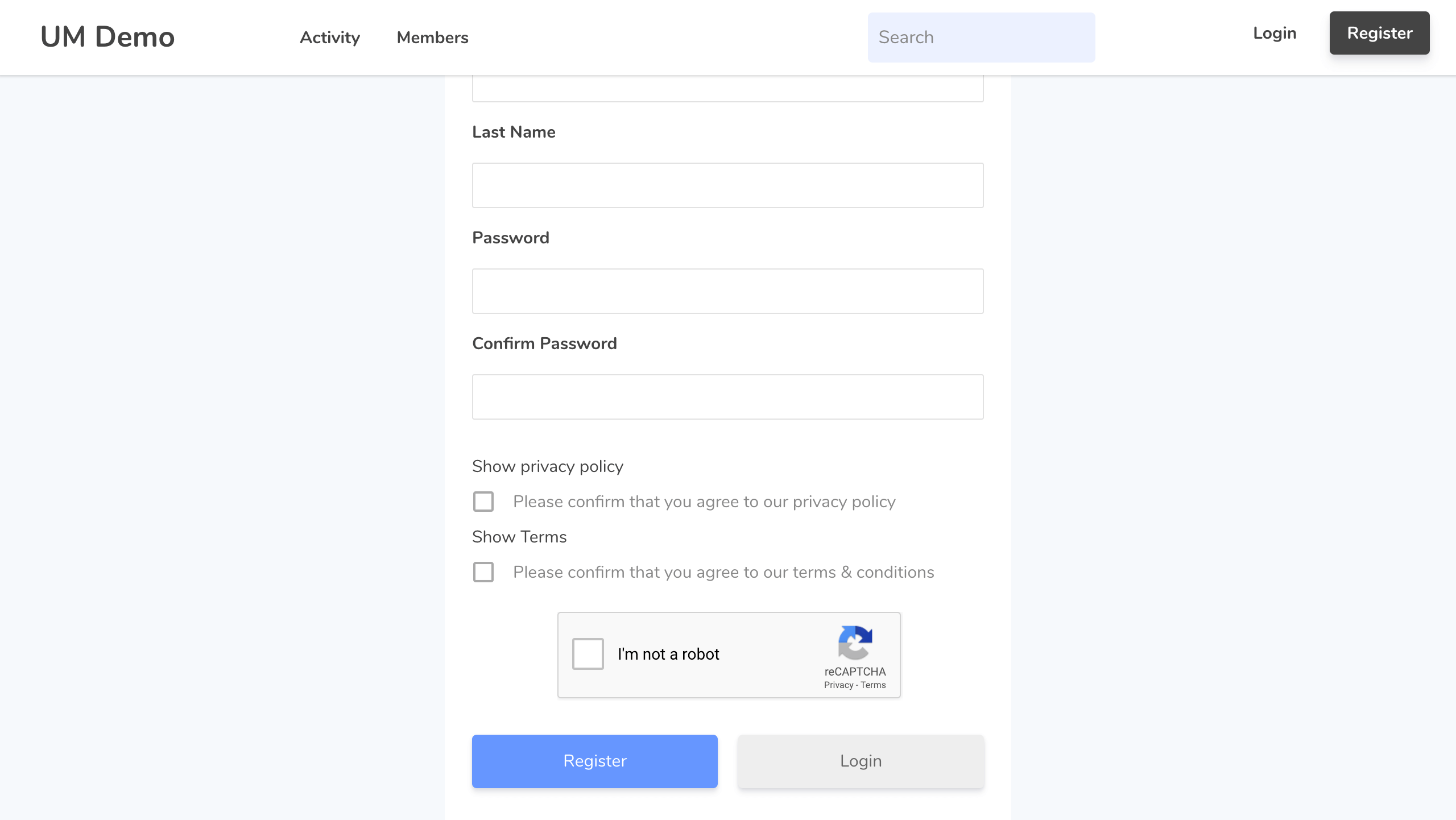
- Front-end user registration
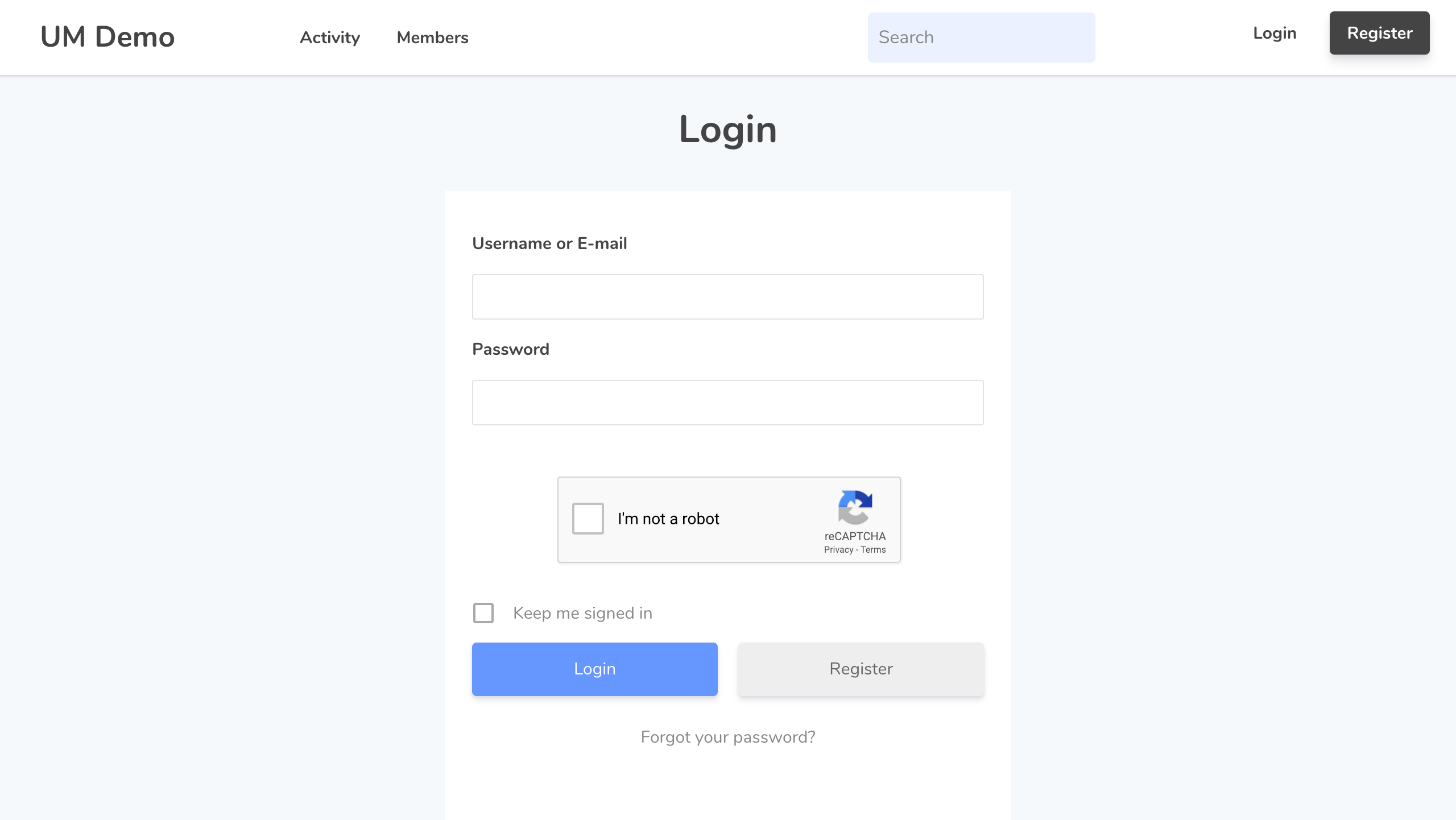
- Front-end gebruiker login
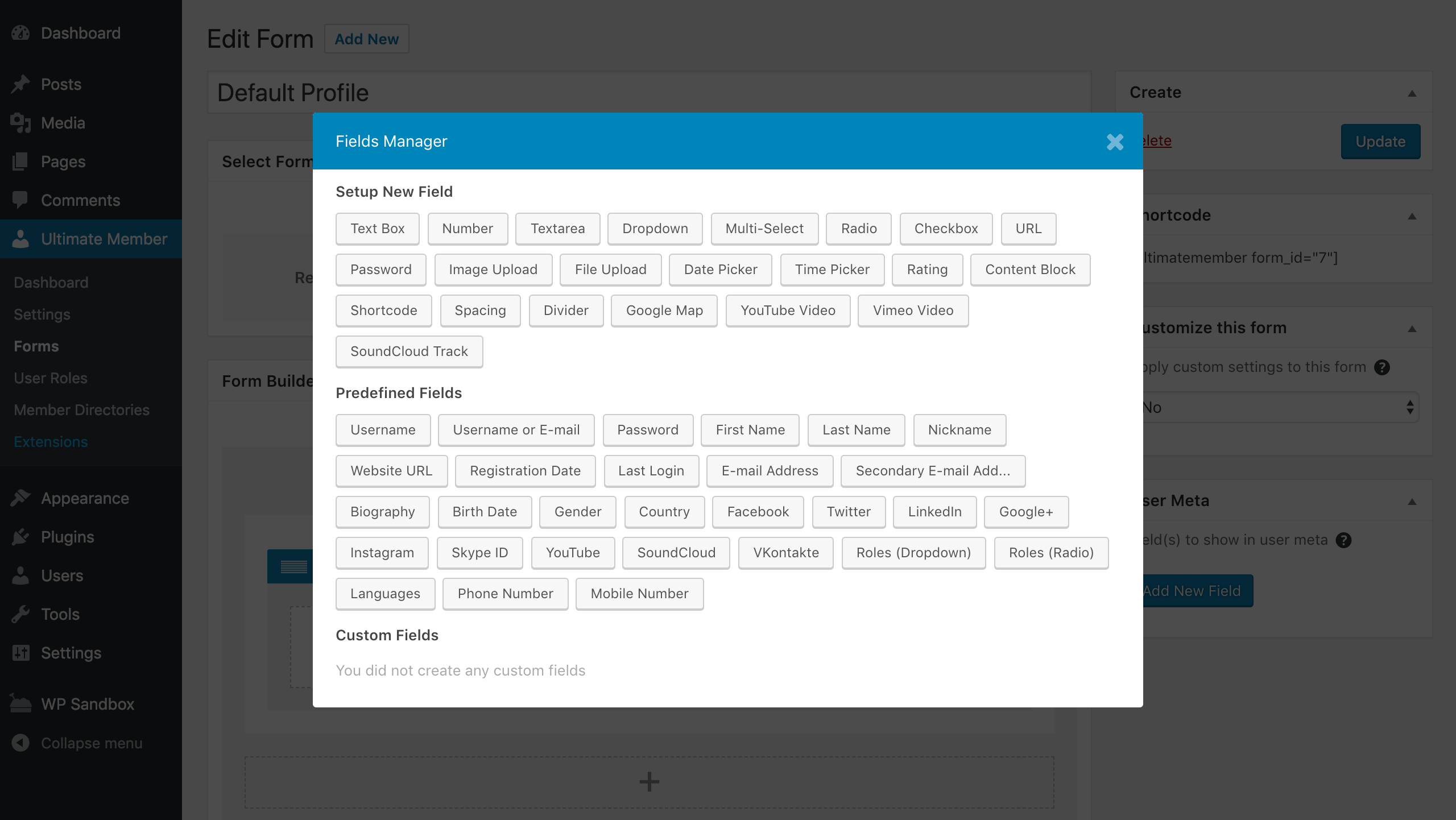
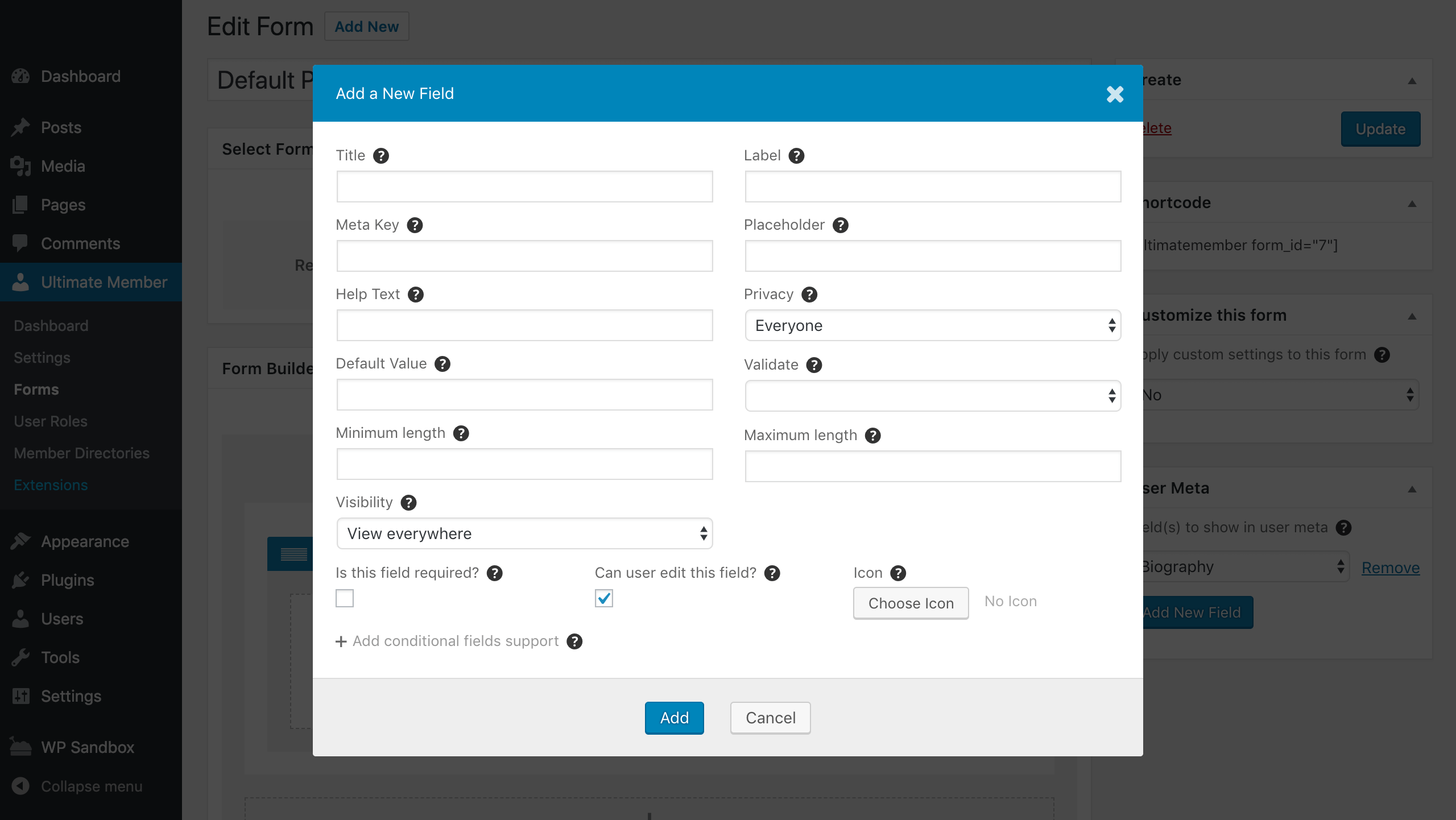
- Aangepaste formuliervelden
- Voorwaardelijke logica voor formuliervelden
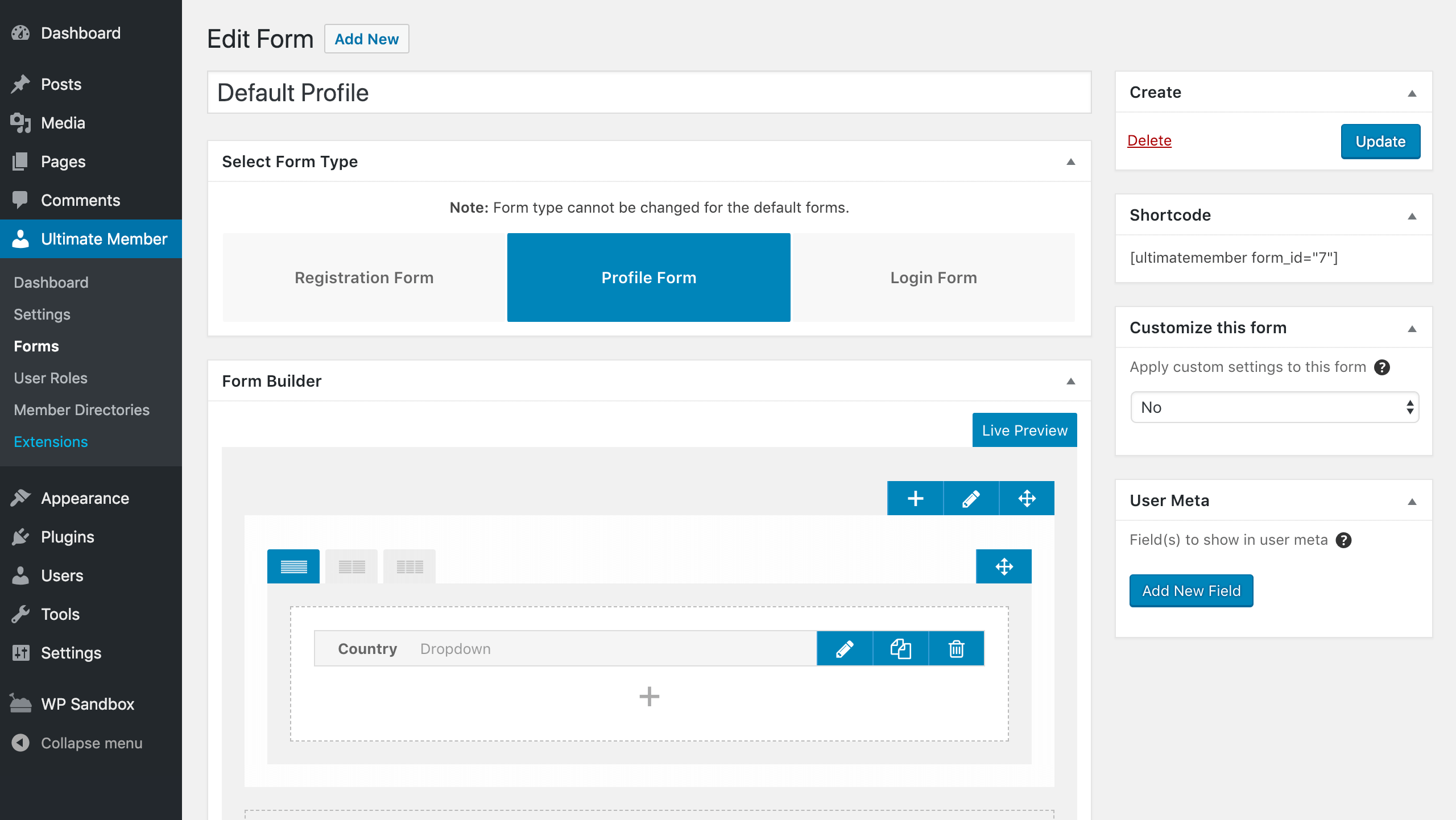
- Verslepen formulierbouwer
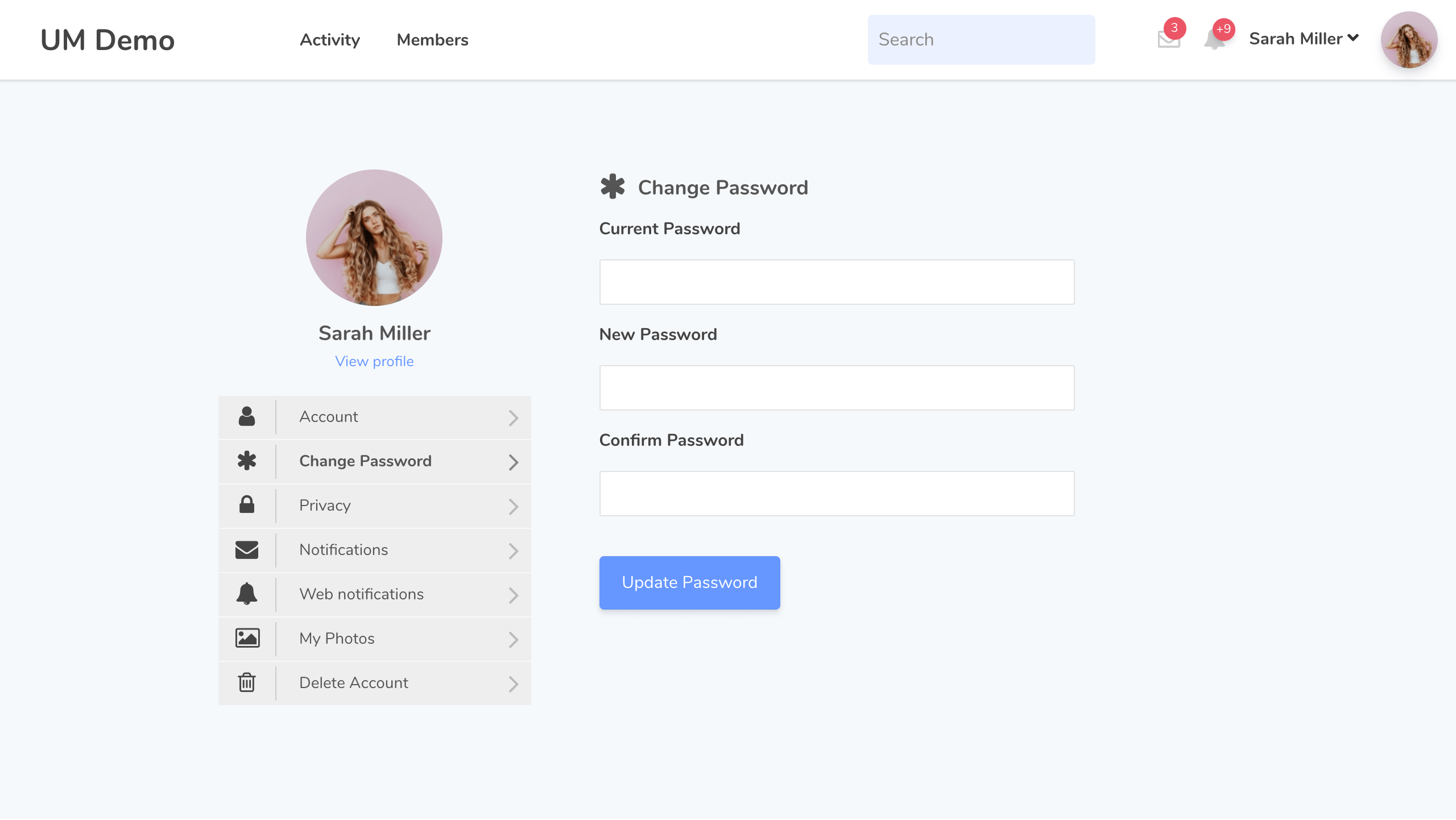
- Gebruikers account pagina
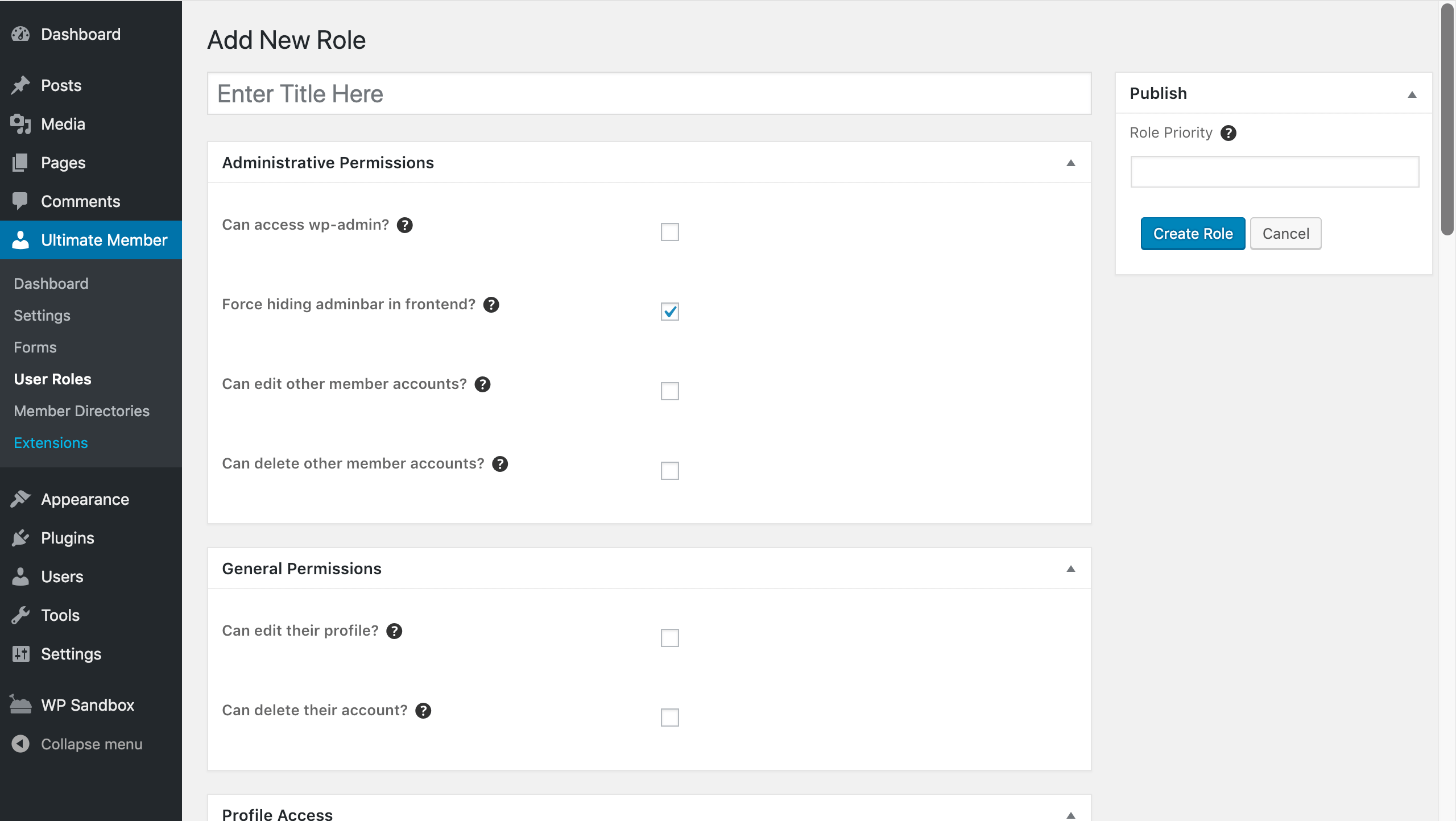
- Aangepaste gebruikersrollen
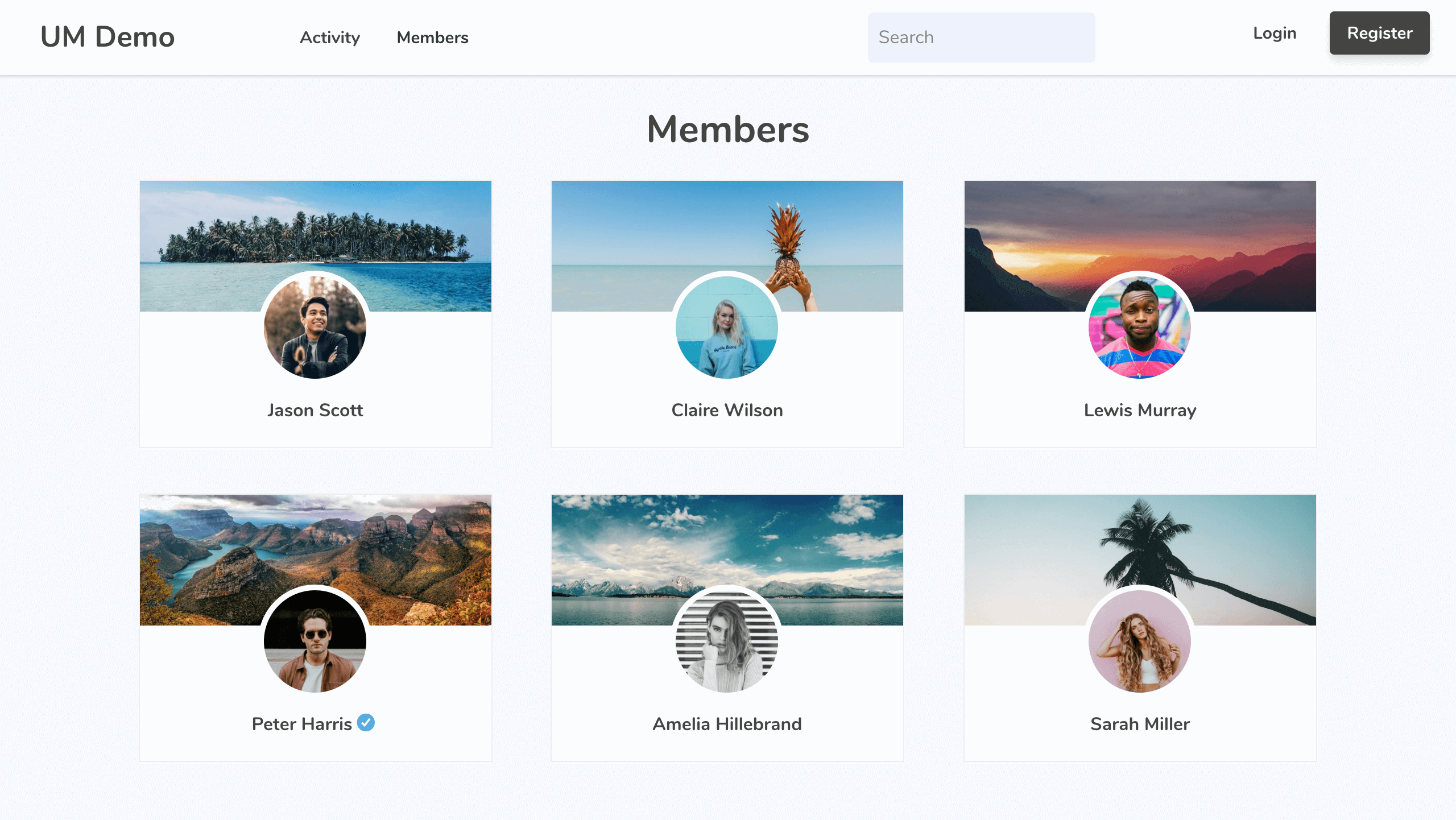
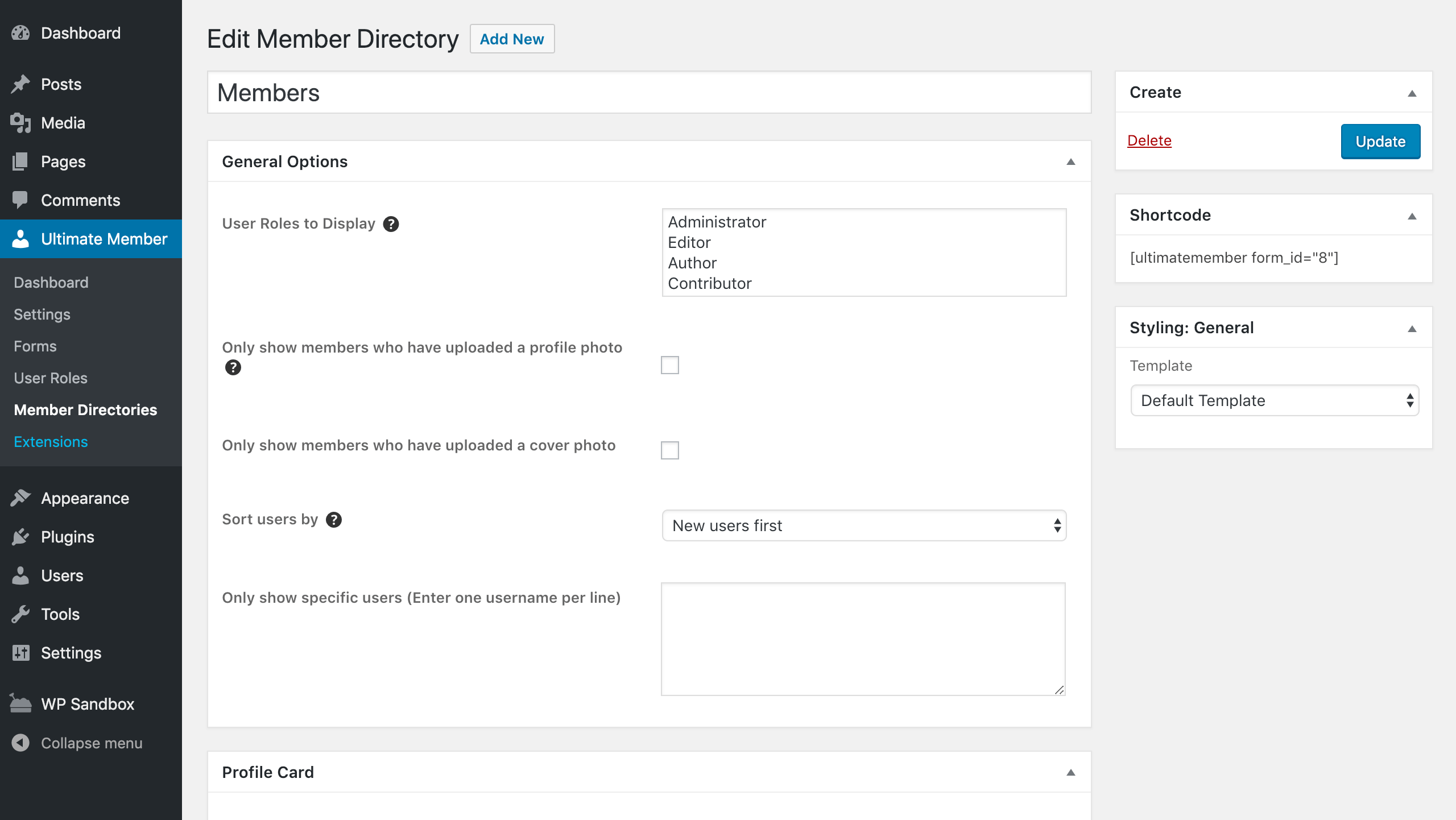
- Leden directories
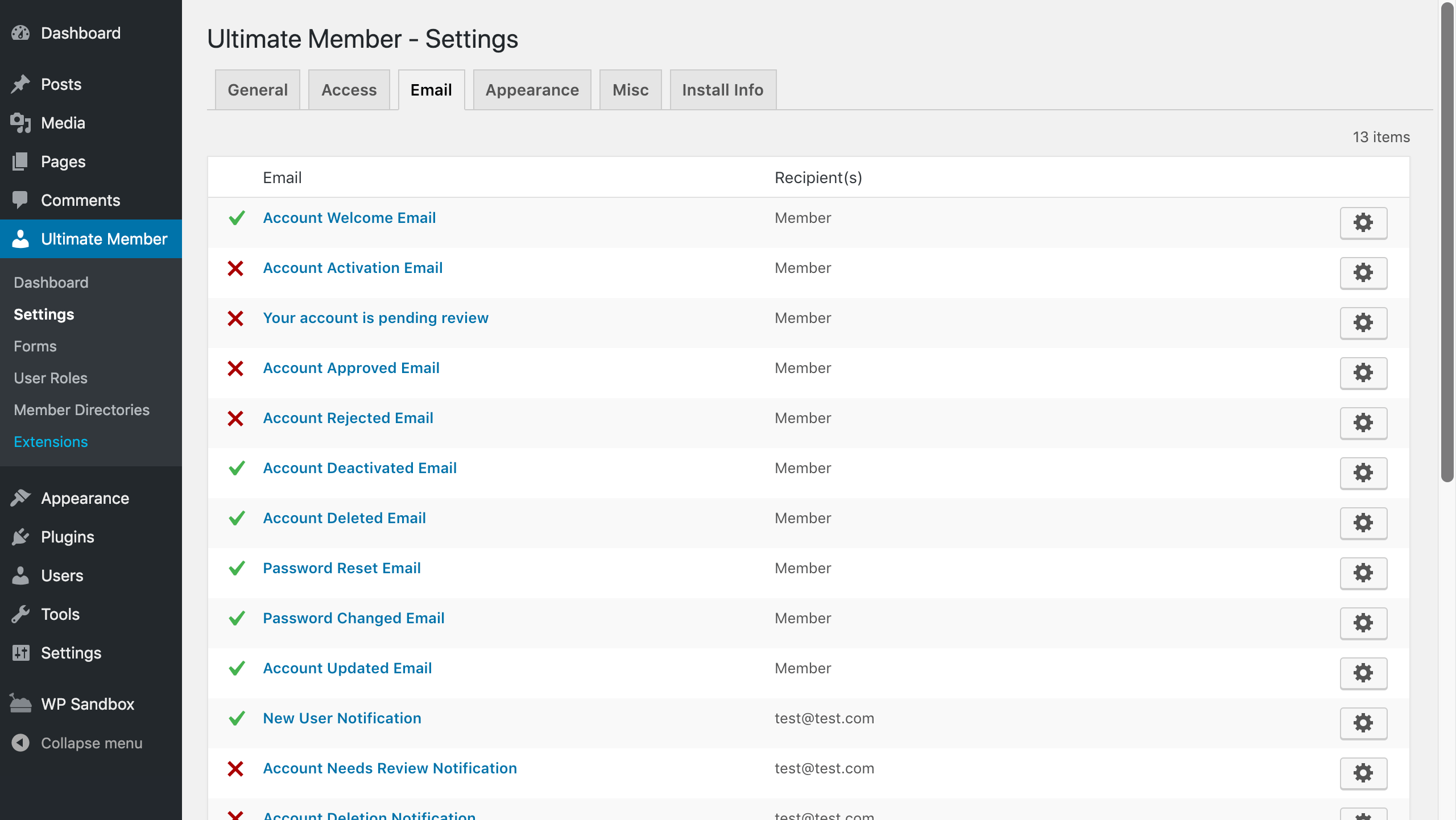
- Gebruiker e-mails
- Inhoudsbeperking
- Voorwaardelijke nav-menu’s
- Toon auteurs berichten en -reacties op gebruikersprofielen
- Ontwikkelaarsvriendelijk met tientallen acties en filters
Read about all of the plugin’s features at Ultimate Member
Paid Extensions
Ultimate Member biedt een reeks extensies waarmee je toestaat de kracht van de plugin uit te breiden. Je kunt al deze extensies met een aanzienlijke korting aanschaffen via een van onze betaalde abonnementen of je kunt de extensies afzonderlijk aanschaffen.
- Zapier – De populaire Zapier apps toestaan te integreren met Ultimate Member
- Stripe – Verkoop betaalde lidmaatschappen om toegang te krijgen tot je site via Stripe abonnementen
- Gebruiker notities – Gebruikers toestaan openbare en privénotities maken vanuit hun profiel.
- Profieltabbladen – Hiermee kun je aangepaste tabs aan profielen toevoegen
- Gebruiker locaties – Hiermee kunnen gebruikers worden weergegeven op een kaart op de leden directory pagina en kunnen gebruikers hun locatie toevoegen via hun profiel.
- Unsplash – Sta gebruikers toe een profiel omslag foto uit Unsplash te kiezen.
- Gebruiker bladwijzers – Sta gebruikers toe om inhoud van je site als bladwijzer toe te voegen
- Gebruiker foto’s – Gebruikers toestaan foto’s naar hun profiel te uploaden
- Groepen – Hiermee kunnen gebruikers groepen maken en eraan deelnemen rondom gedeelde onderwerpen, interesses, etc.
- Privé-inhoud – Toon privé-inhoud aan ingelogde gebruikers, waartoe alleen zij toegang hebben.
- User Tags – Lets you add a user tag system to your website
- Social Activity – Let users create public wall posts & see the activity of other users
- WooCommerce – Allow you to integrate WooCommerce with Ultimate Member
- Private Messages – Add a private messaging system to your site & allow users to message each other
- Followers – Allow users to follow each other on your site and protect their profile information
- Real-time Notifications – Add a notifications system to your site so users can receive real-time notifications
- Social Login – Let users register & login to your site via Facebook, Twitter, G+, LinkedIn, Instagram and Vkontakte (VK.com)
- bbPress – With the bbPress extension you can beautifully integrate Ultimate Member with bbPress
- MailChimp – Allow users to subscribe to your MailChimp lists when they signup on your site and sync user meta to MailChimp
- User Reviews – Allow users to rate & review each other using a 5 star rate/review system
- Verified Users – Add a user verification system to your site so user accounts can be verified
- myCRED – With the myCRED extension you can integrate Ultimate Member with the popular myCRED points management plugin
- Notices – Alert users to important information using conditional notices
- Profile Completeness – Encourage or force users to complete their profiles with the profile completeness extension
- Friends – Allows users to become friends by sending & accepting/rejecting friend requests
Free Extensions
- JobsBoardWP – Deze gratis extensie integreert Ultimate Member met de vacaturebank plugin JobBoardWP.
- ForumWP – Deze gratis extensie integreert Ultimate Member met de forum plugin ForumWP.
- Voorwaarden & condities – Voeg een selectievakje voor de voorwaarden en condities toe aan je registratieformulieren en vereis dat gebruikers akkoord gaan met je algemene voorwaarden voordat ze zich registreren op je site.
- Google reCAPTCHA – Stop bots on your registration & login forms with Google reCAPTCHA
- Online Users – Display what users are online with this extension
Thema
Ons officiële thema is speciaal ontworpen voor sites met ingelogde en uitgelogde gebruikers. Het thema heeft een diepe integratie met de Ultimate Member plugin en de extensies, verschillende header ontwerpen voor ingelogde/uitgelogde gebruikers en werkt samen met de Beaver Builder en Elementor pagina bouwers.
Onze andere plugins
Naast Ultimate Member hebben we nog twee andere plugins: ForumWP en JobBoardWP.
ForumWP
ForumWP is een forum plugin die een online forum aan je site toevoegt, die gebruikers toestaat onderwerpen aan te maken en reacties te plaatsen. Forums zijn een geweldige manier om een online community op te bouwen en te laten groeien.
JobBoardWP
JobBoardWP is een plugin voor vacaturesites die een moderne vacaturebank aan je site toevoegt. Toon vacatures en sta werkgevers toe vacatures in te dienen en beheren, allemaal vanuit de front-end.
Ontwikkeling * Vertalingen
If you’re a developer and would like to contribute to the source code of the plugin you can do so via our GitHub Repository.
Wil je een nieuwe taal toevoegen aan Ultimate Member? Geweldig! Je kunt bijdragen via translate.wordpress.org.
Als je een ontwikkelaar bent en de lijst met UM hooks nodig hebt, kun je deze vinden in onze Hooks-documentatie of Hooks-documentatie v2.
Als je een ontwikkelaar bent en de structuur van onze code moet weten, kun je dit doen via onze Documentatie API.
Documentation & Support
Got a problem or need help with Ultimate Member? Head over to our documentation and perform a search of the knowledge base. If you can’t find a solution to your issue then you can create a topic on the support forum.
Schermafbeeldingen
Blokken
Deze plugin heeft 4 blokken.
- Account Displaying the account page of the current user
- Form Choose display form
- Member Directory Choose display directory
- Password Reset Displaying the password reset form
Installatie
- Activeer de plugin
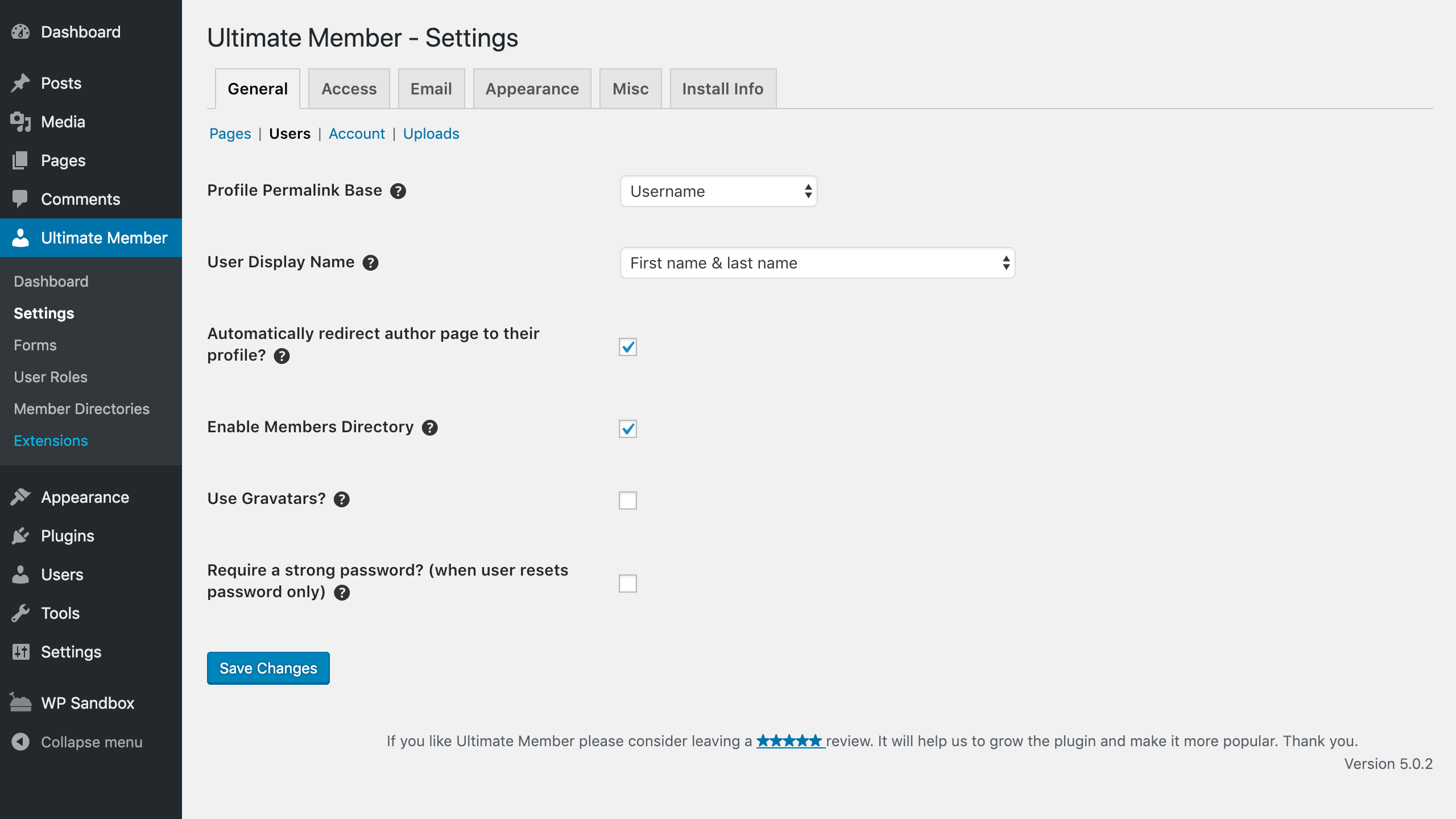
- That’s it. Go to Ultimate Member > Settings to customize plugin options
- For more details, please visit the official Documentation page.
FAQ
-
Do I need to know any coding to use this plugin?
-
No, we have built Ultimate Member to be extremely easy to use and does not require you to manually build shortcodes or have any coding knowledge.
-
Is Ultimate Member mobile responsive?
-
Yes. Ultimate Member is designed to adapt nicely to any screen resolution. It includes specific designs for phones, tablets and desktops.
-
Is Ultimate Member multi-site compatible?
-
Yes. Ultimate Member works great on both single site and multi-site WordPress installs.
-
Does the plugin work with any WordPress theme?
-
Yes. Ultimate Member will work with any properly coded theme. However, some themes may cause conflicts with the plugin. If you find a styling issue with your theme please create a post in the community forum.
-
Does the plugin work with caching plugins?
-
The plugin works with popular caching plugins by automatically excluding Ultimate Member pages from being cached. This ensures other visitors to a page will not see the private information of another user. However, if you add features of Ultimate Member to other pages you have to exclude those pages from being cached through your cache plugin settings panel.
-
Beperkt Ultimate Member de toegang tot wp-login.php wanneer de plugin actief is?
-
De plugin beperkt de toegang tot de wp-login.php pagina niet wanneer deze actief is, zodat onze plugin de bestaande functionaliteit van een site of andere plugins die de standaard inlogpagina gebruiken, niet verstoort. Als je de toegang tot de wp-login.php-pagina wilt beperken, kun je een plugin gebruiken zoals WPS Hide Login of een andere plugin die de mogelijkheid om in te loggen via wp-login.php verwijdert.
-
Zijn de login/registratie pagina’s voor Ultimate Member vereist?
-
Nee, je hoeft niet de login- of registratiepagina’s van onze plugin te gebruiken en je kunt een andere plugin of de standaard WordPress methoden gebruiken voor gebruikersregistratie en login.
-
Zijn er extra PHP-modules nodig om de plugin correct te laten werken?
-
Er zijn geen specifieke extensies nodig. We raden echter sterk aan om deze PHP-modules actief te houden:
mbstring,json,dom,exif,gd,fileinfo,curl,iconv. De pagina wp-admin > Tools > Site Health bevat een overzicht van je installatie en de vereiste modules. Alle belangrijke extensies staan hier vermeld.
Beoordelingen


Bijdragers & ontwikkelaars
“Ultimate Member – Gebruikersprofiel, Registratie, Login, Leden directory, Inhoudsbeperking & Lidmaatschaps plugin” is open source software. De volgende personen hebben bijgedragen aan deze plugin.
Bijdragers


“Ultimate Member – Gebruikersprofiel, Registratie, Login, Leden directory, Inhoudsbeperking & Lidmaatschaps plugin” is vertaald in 30 localen. Dank voor de vertalers voor hun bijdragen.
Interesse in ontwikkeling?
Bekijk de code, haal de SVN repository op, of abonneer je op het ontwikkellog via RSS.
Changelog
Important:
BELANGRIJK: UPDATE DE PLUGIN ONMIDDELLIJK NAAR MINSTENS VERSIE 2.6.7. VERSIE 2.6.7 PATCHES DE KWETSBAARHEID VOOR DE ESCALATIE VAN BEVEILIGINGSPRIVILEGES. ZIE DIT ARTIKEL VOOR MEER INFORMATIE
2.14.0 2026-09-29
Verbeteringen
- Added:
$form_idparameter to the action hooksum_before_form,um_before_{$mode}_fields,um_main_{$mode}_fields,um_after_form_fields,um_after_{$mode}_fieldsandum_after_form. - Added: Action hook
um_before_render_dynamic_modal_contentfor 3rd-party integration when the admin popup is opened. - Added: Filter hooks
um_email_validation_real_error_codesandum_email_validation_error_messagefor 3rd-party integration to change or make visible the real error message for email fields validation. - Added: Threads field support in the UM Forms and Social Icons meta-row.
Bugfixes
- Fixed: Security issue related to an unauthenticated PHP Object Injection vulnerability. (Reported by Ananda Dhakal (Patchstack)). Added
um_maybe_unserialize()function. - Fixed: Security issue related to administrator Stored SQL Injection via Directory Search-Field Identifiers. (Reported by Ananda Dhakal (Patchstack)). Added sanitizing for the searching fields in the member directory.
- Fixed: Security issue related to an unauthenticated Improper Enforcement of Behavioral Workflow vulnerability. (Reported by Ananda Dhakal (Patchstack)). Added unique nonce fields and attributes for requests.
- Fixed: CVE-2026-96270 security issue. Added sanitizing for the form_id attribute during the Ultimate Member forms submission. (Reported by Wordfence).
- Fixed: CVE-2026-93428 security issue. Fixed fields privacy when displaying the User Profile fields. (Reported by Wordfence).
- Fixed: Security issue related to Privilege Escalation. Fixed user account submission and nonce security. Reset the user if it hasn’t the ability to download the file. (Reported by Intrudify (Patchstack)).
- Fixed:
is_url()validation for the social links fields. - Fixed:
unique_emailvalidation. Parse primary and secondary email fields to make the email unique between them.
Templates vereisen een update
- profile/comments.php
- profile/posts.php
- login.php
- members.php
- profile.php
- register.php
Verouderd
- Deprecated:
UM()->check_ajax_nonceandUM()->admin()->check_ajax_nonce()functions. Use WordPress nativewp_verify_nonce(),check_admin_referer()andcheck_ajax_referer()instead with unique nonce field values. Left them now for backward compatibility. - Deprecated: Using
um_admin_scripts.nonceandum_scripts.noncelocalized data in UM scripts. Left them still localized for backward compatibility. - Deprecated: JS common action for
'.um-ajax-action'class. It’s not used anymore in UM core and extensions and can be removed the same as AJAX handler forum_muted_action. - Deprecated: Action hook
um_run_ajax_function__{$hook}used in theum_muted_actionhandler. - Marked as deprecate soon:
in_groupattribute for the fields in the UM Forms builder.
Gecachte en geoptimaliseerde/verkleinde assets (JS/CSS) moeten na de upgrade worden verwijderd/opnieuw gegenereerd
2.13.1 2026-09-15
Verbeteringen
- Added: Fallback for
wp-cli/wp-config-transformerlibrary if the wp-config.php file isn’t writable. - Added: Filter hook
um_members_directory_filter_text3rd parameter$is_defaultto check if it’s admin filtering or frontend query. - Added: ‘Administrative capabilities ban’ option enabled by default after the first installation.
- Optimized: Slow SQL query for batch empty account status check.
- Optimized: Redundant SQL calls when editing the Profile page with callback dropdowns. Cached usermeta existence checks per user and key during a single load (Reported by @MissVeronica, author @faisalahammad).
Bugfixes
- Fixed: Security issue related to an unauthenticated visitor can store JavaScript that runs in an administrator’s session, through their own profile name. (Reported by Karthik Ramakrishnan and WPScan team). Fixed
um_convert_tags()function and applied the escapers throughout the placeholder replacement. - Fixed: Using LIKE compare for the text-type filters with custom usermeta table (Reported by @MissVeronica, author @faisalahammad).
- Fixed: “Can user edit this field?” field setting displaying only for the User Profile form fields.
- Fixed: Getting the pages list in the wp-admin UM > Settings > General > Pages section.
- Fixed: Displaying the field-type time on the User Profile page.
- Fixed: Using
illegal_user_loginsfor the current admin user with the username specified in the illegal user logins list.
Verouderd
- Deprecated: Filter hook
um_members_directory_filter_text_meta_valueis fully deprecated, replacement isn’t required for the text-type filter field.
2.13.0 2026-08-24
Verbeteringen
- Added: Using
illegal_user_loginsfilter to sanitize theuser_loginfield value during registration or upgrade. - Added: Using
wp-cli/wp-config-transformerlibrary to set Ultimate Member > API keys settings constants in wp-config.php instead of storing them in DB. - Added: New user-capabilities functions
UM()->common()->users()->can_view_user(),UM()->common()->users()->get_privacy_setting(),UM()->common()->users()->is_user_profile_private(),UM()->common()->users()->get_restricted_privacy_notice(),UM()->common()->users()->can_view_private_user_profile(),UM()->common()->users()->can_view_user_profile(). The future replacement for theum_can_view_profile()helper with different cases to check. - Updated: Version of the WordPress native excluded functions to avoid the using them in the callbacks.
Bugfixes
- Fixed:
WP_Filesystem()initialization optimization. InitWP_Filesystem()only once when it’s necessary. - Fixed: Redirect on non-main queries (breaks Spectra and block themes). Added conditional check for the main query (based on @faisalahammad suggestions).
- Fixed: Registration form infinite loop – gdpr-register.php calls
the_contentrecursively causing PHP fatal error. Excluded predefined UM pages and pages with [ultimatemember] shortcode from the list, render empty content for such pages if they are already selected to avoid PHP error (based on @faisalahammad suggestions). - Fixed: Causes site-wide
rest_cookie_invalid_nonceon all authenticated REST requests. Refactored admin notice handling to enhance security and flexibility. Removed using localizedum_admin_scripts.nonceglobally on wp-admin. It’s localized only on UM wp-admin pages. (based on @michaeldavisdcpersonal report and @faisalahammad suggestions). - Fixed: Security issue when an unauthenticated visitor can read the content of comments awaiting moderation. (Reported by Alessandro Greco (Aleff) and Giovambattista Ianni, University of Calabria (UNICAL)).
- Fixed: Security issue related to an unauthenticated privilege escalation through the profile form role field. (Reported by Jakub Herman).
- Fixed: Security issue, CVE ID: CVE-2026-18547. Used ‘user_input’ allowed a tag list to sanitize HTML-enabled textarea fields. Deprecated Pickadate.JS and Pickatime.JS libraries for User Forms fields.
- Fixed: Member Directory type-button styles.
- Fixed: Added fallback for the date and time fields to show date and time using the WordPress native format.
Templates vereisen een update
- gdpr-register.php
- profile.php
Verouderd
- Deprecated: Pickadate.JS and Pickatime.JS libraries for User Forms fields. Used HTML native
<input type="date" />and<input type="time" />instead.
Gecachte en geoptimaliseerde/verkleinde assets (JS/CSS) moeten na de upgrade worden verwijderd/opnieuw gegenereerd