
Beschrijving
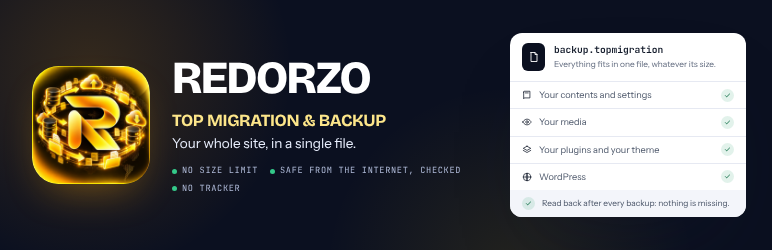
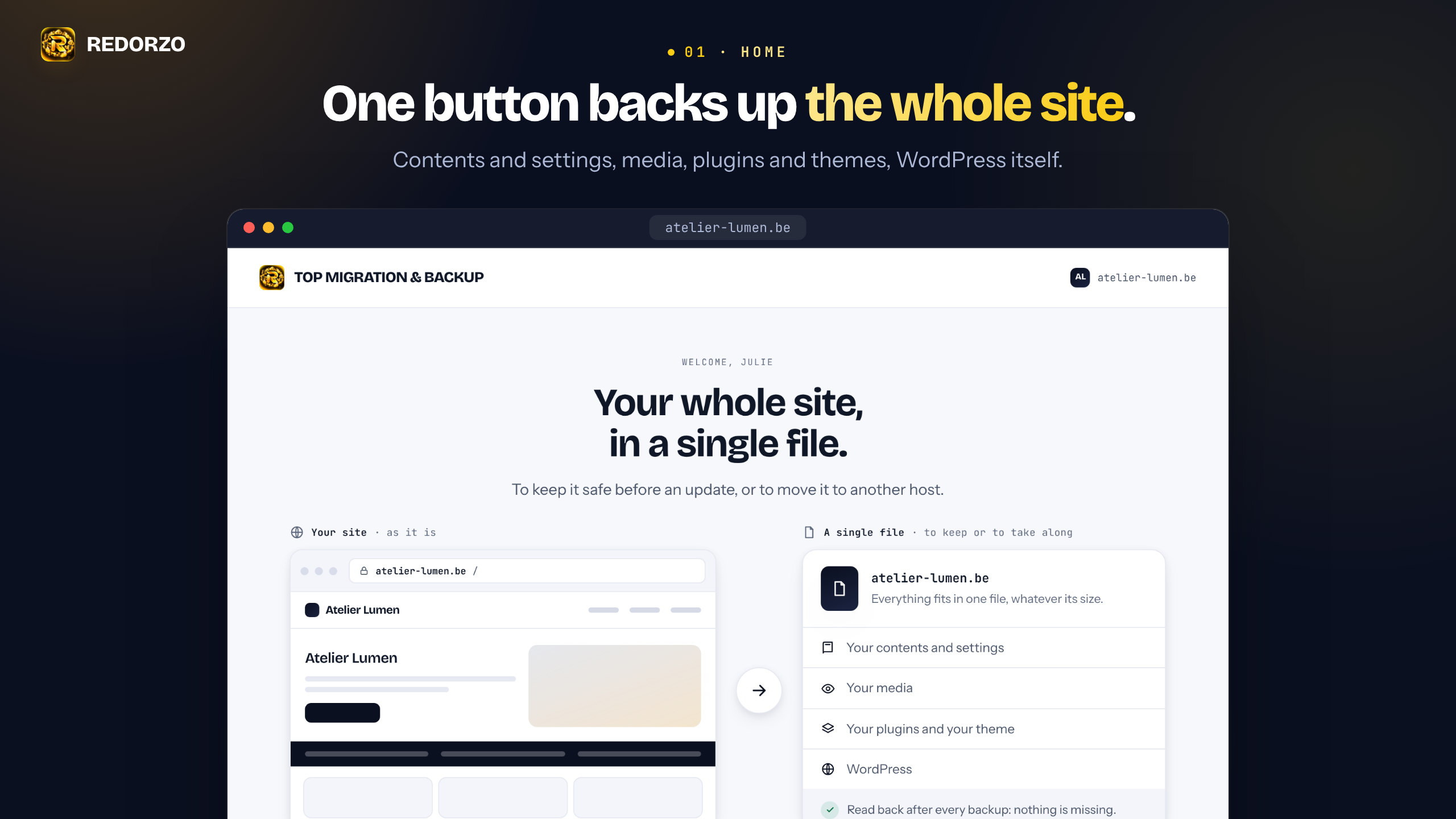
Your whole site, in a single file.
TOP MIGRATION & BACKUP backs up your WordPress site — contents and settings, media, plugins and themes, WordPress itself — into one file, with no size limit. Keep the backup on your server, download it to your computer, and import it back on this site or on another WordPress, at another host.
Back up your whole site
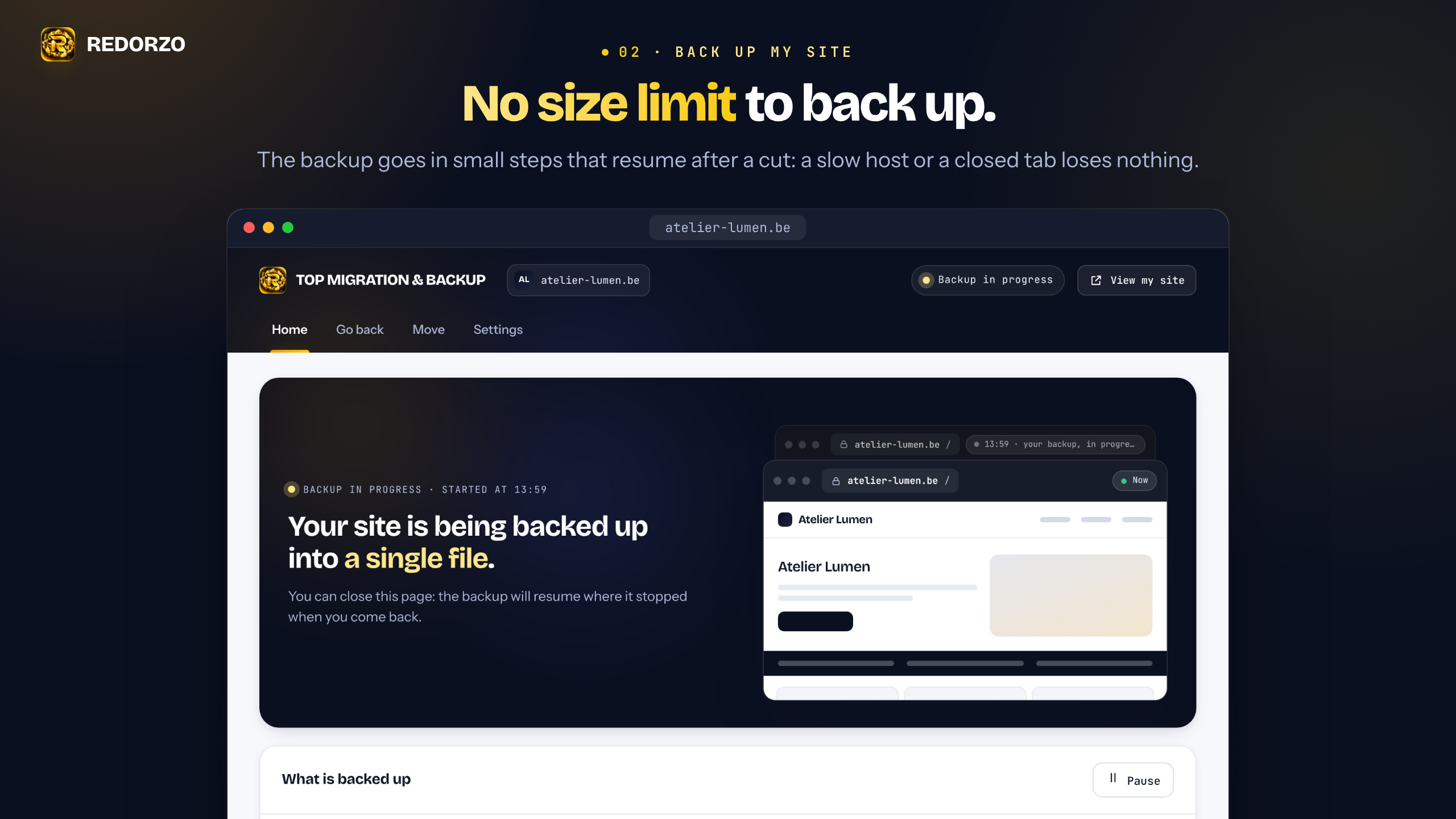
- No size limit to back up. The backup goes in small steps that resume after a cut: a slow host or a closed tab loses nothing.
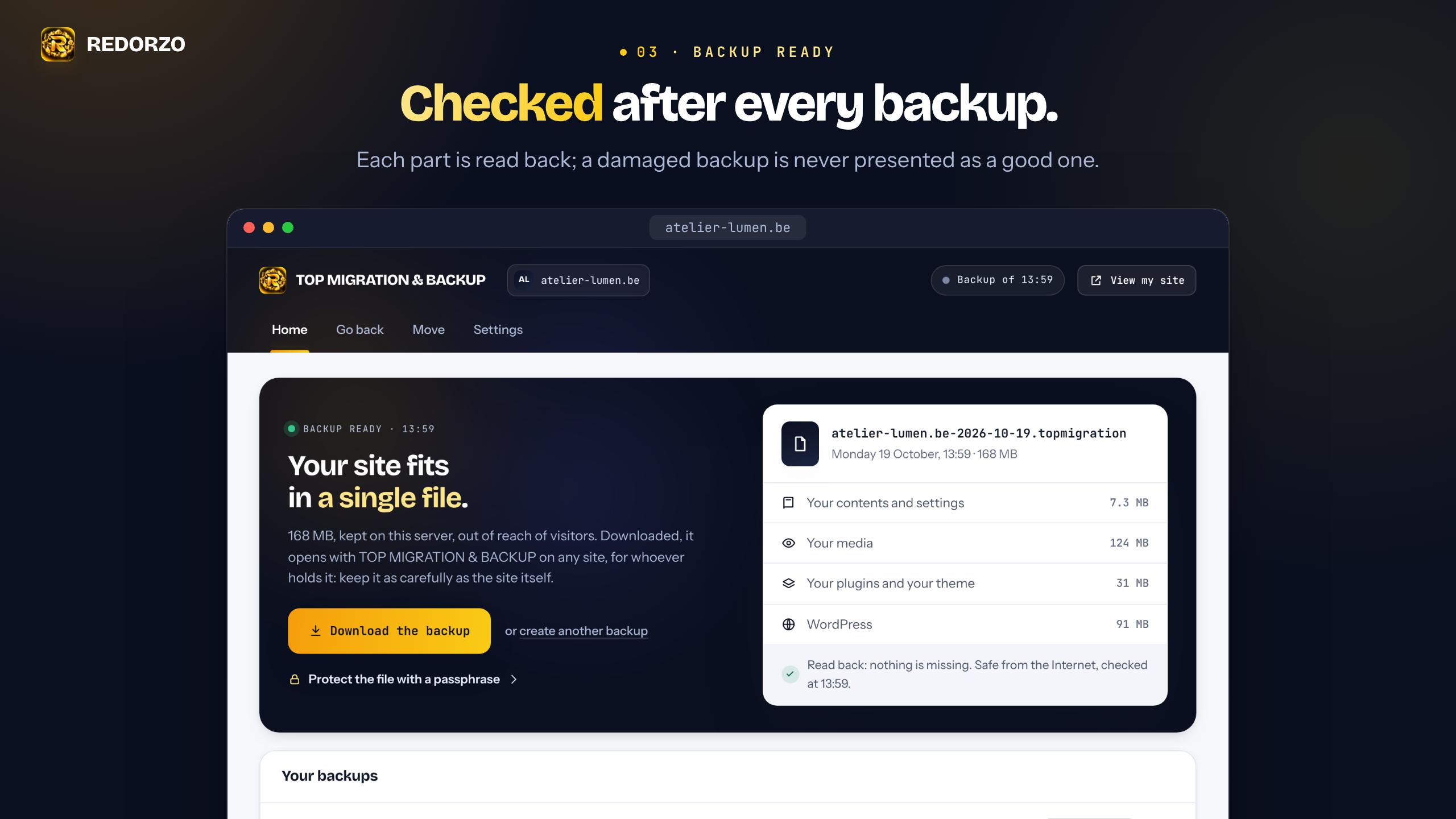
- Checked after every backup. Each part is read back; a damaged backup is never presented as a good one.
Move it to another host, or clone it
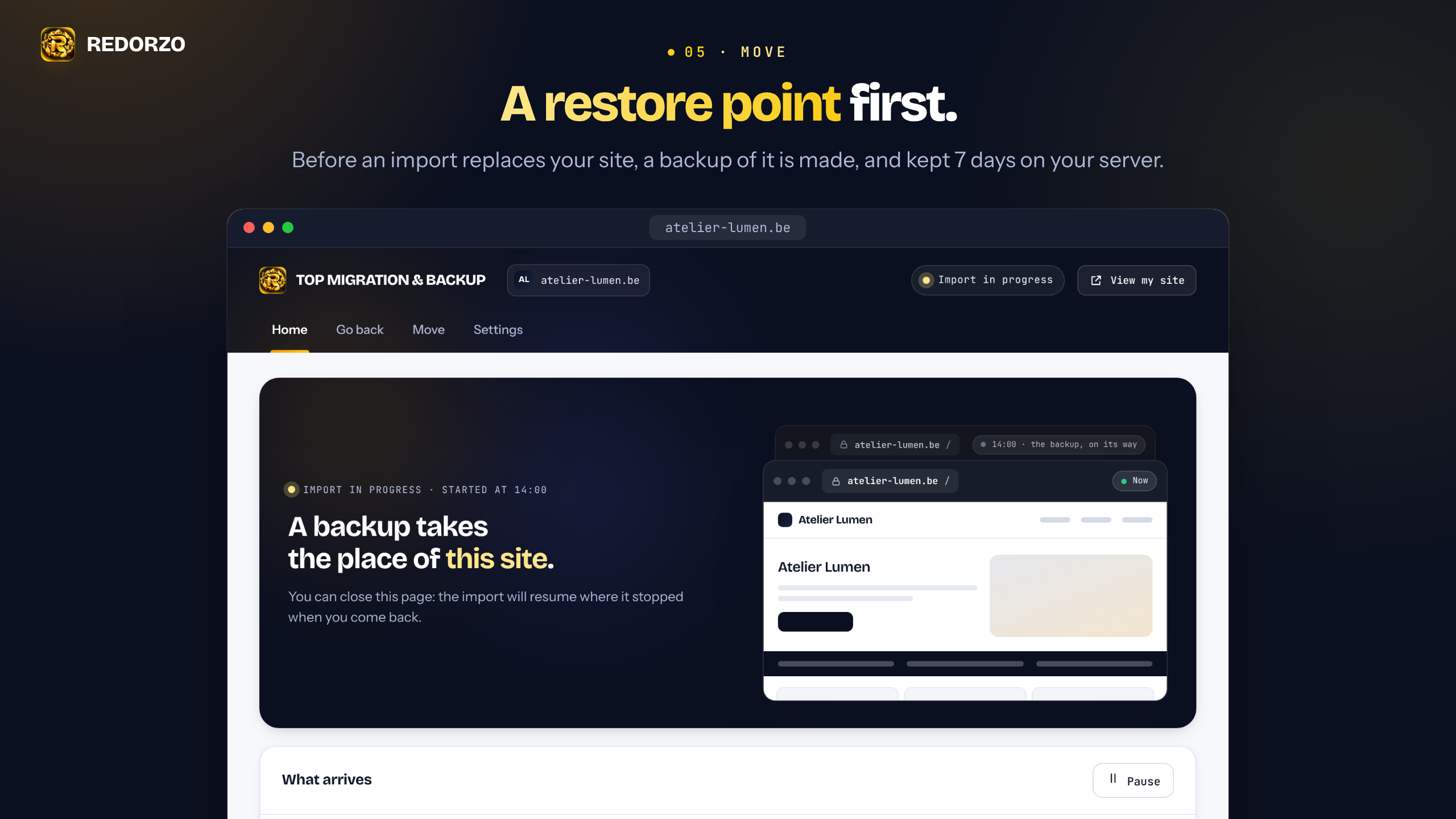
- A restore point first. Before an import replaces your site, a backup of it is made, and kept 7 days on your server.
- Addresses rewritten. When a site moves to a new address, links are rewritten in its database: texts, settings, page builder data and serialized data.
- You stay signed in. After an import, you are signed back in with the account of the imported site that has your e-mail address.
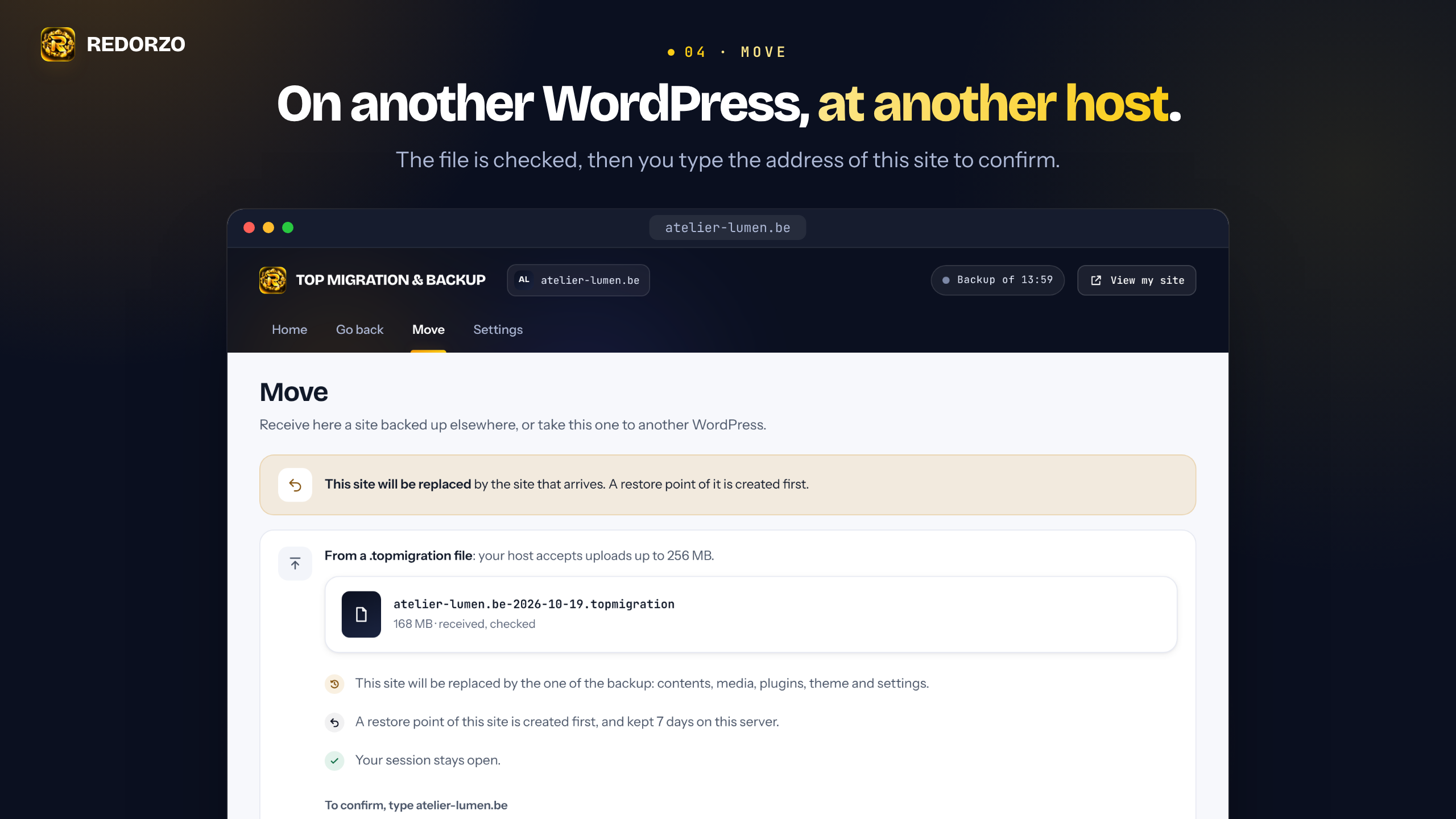
- Clear about the limit of your host. Importing a file is done in one upload, so it is limited by your host’s upload limit. The plugin tells you that limit before you start, never at 99 %.
Safe on your server
- Kept out of reach on your server. Backups stay on your server, sealed with the key of your site, in a folder with a random name; the plugin checks that visitors cannot read it, and gives the line to add when your server lets them. Backups leave your server only through the plugin, to an administrator who is signed in. A downloaded backup opens with TOP MIGRATION & BACKUP on any site, for whoever holds it: keep it as carefully as the site itself, or protect it with a passphrase when you download it.
- Free, with no account, no tracker and no outside service. No scheduled task: a backup or an import moves forward while its screen is open in your browser.
Backups have their own format, .topmigration: only TOP MIGRATION & BACKUP opens them, and it imports no other format.
What this plugin does not do
- It does not back up on a schedule: a backup or an import moves forward while its screen is open.
- It does not send backups anywhere: they stay on your server, or on your computer when you download them.
- It opens only its own format,
.topmigration, and no other. - It does not work on a network of sites (multisite), nor on a site whose database is SQLite.
TOP MIGRATION & BACKUP Plus
TOP MIGRATION & BACKUP Plus, sold on redorzo.com, adds a one-click return to any backup, a restore point before every update, a backup every night in your own storage space (an SFTP server or an S3-compatible space), imports with no size limit, and moving to another WordPress with a three-word code.
External services
This plugin connects to no outside service: it sends nothing to REDORZO or to anyone else, and needs no account. Your backups stay on your server, or on your computer when you download them.
Schermafbeeldingen
Installatie
- Install and activate TOP MIGRATION & BACKUP from the Plugins screen.
- Open TOP MIGRATION & BACKUP in the admin menu, then click “Back up my site”.
- To move the site, download the backup. On the other WordPress, install TOP MIGRATION & BACKUP, then import the file from its Move screen.
FAQ
-
Is it free? Do I need an account?
-
Yes, it is free, and it needs no account. It backs up, downloads and imports your site with no tracker and no outside service. TOP MIGRATION & BACKUP Plus, sold separately on redorzo.com, adds its own features; this plugin works fully without it.
-
How do I move my site to a new host?
-
On your site, open TOP MIGRATION & BACKUP, click “Back up my site”, then download the backup. On the new host, install WordPress and TOP MIGRATION & BACKUP, open its Move screen and choose the file. Type the address of the new site to confirm: the backup takes its place, the addresses are rewritten, and you stay signed in.
-
Can I clone my site to a staging or a local site?
-
Yes, the same way: import the backup on the other WordPress. That site keeps its own address, and the links in its database are rewritten. The file must fit the upload limit of that server; the plugin shows it before you choose the file.
-
Is there a size limit?
-
Not to back up: the backup goes in steps of a few seconds, whatever the size of the site. It needs room on your server for the backup file. With PHP 7.4, a single file bigger than 2 GB stops the backup, which says so; PHP 8 or later has no such limit.
To import a file, the limit is your host’s: the file goes in one upload, so it must fit the smaller of PHP’s
upload_max_filesizeandpost_max_size. The plugin shows this limit before you choose a file, and a file above it never leaves your computer. Your host can raise it, and the plugin writes the message to send them. -
Where are my backups kept?
-
On your server, in
wp-content/uploads/top-migration/, in a folder with a random name. Visitors are refused there (.htaccessfor Apache,web.configfor IIS); the plugin checks it from your browser and, when your server lets visitors in, gives the line to add (for nginx). Each backup has a random name and is sealed with the key of your site. The backups you make stay until you delete them; the restore point made before an import is kept 7 days. -
What opens a downloaded backup?
-
Only TOP MIGRATION & BACKUP. A
.topmigrationfile is not a zip: no other software opens it, and TOP MIGRATION & BACKUP imports no other format. A backup downloaded from the Free edition carries its own key, so it opens with TOP MIGRATION & BACKUP on any WordPress, for whoever holds it: keep it as carefully as the site itself. To protect it, tick “Protect the file with a passphrase” before you download it: the passphrase is then asked at the import, and without it the file opens for no one. -
How do I import a backup?
-
On the WordPress that receives the site, install TOP MIGRATION & BACKUP and open its Move screen. Under “From a .topmigration file”, choose the file: it is sent, then checked. Type the address of this site to confirm. A restore point of this site is made first; then the contents, media, plugins, themes and settings of the backup take its place, and the site keeps its own address. You stay signed in with the account of the imported site that has your e-mail address; if there is none, the screen tells you which account to use.
-
How do I go back to a backup?
-
Open Go back and choose the moment. Download that backup, then import it from the Move screen, under your host’s upload limit.
-
What is not in a backup?
-
wp-config.php (it holds the database access of this server), caches, the backups of other backup plugins, TOP MIGRATION & BACKUP itself, and the database tables that do not carry the prefix of your site. The translations of TOP TRANSLATE travel as TOP TRANSLATE keeps them, sealed by the key of your site, and that key never travels. The translations of REDORZO – Multilingual Translation & SEO come back only to this site: they cannot be read in a downloaded file.
-
Does it work in the background?
-
No. Nothing runs while you are away: a backup or an import goes on while its screen is open. Close the page and it waits; open it again and it resumes where it stopped.
-
What happens when I delete the plugin?
-
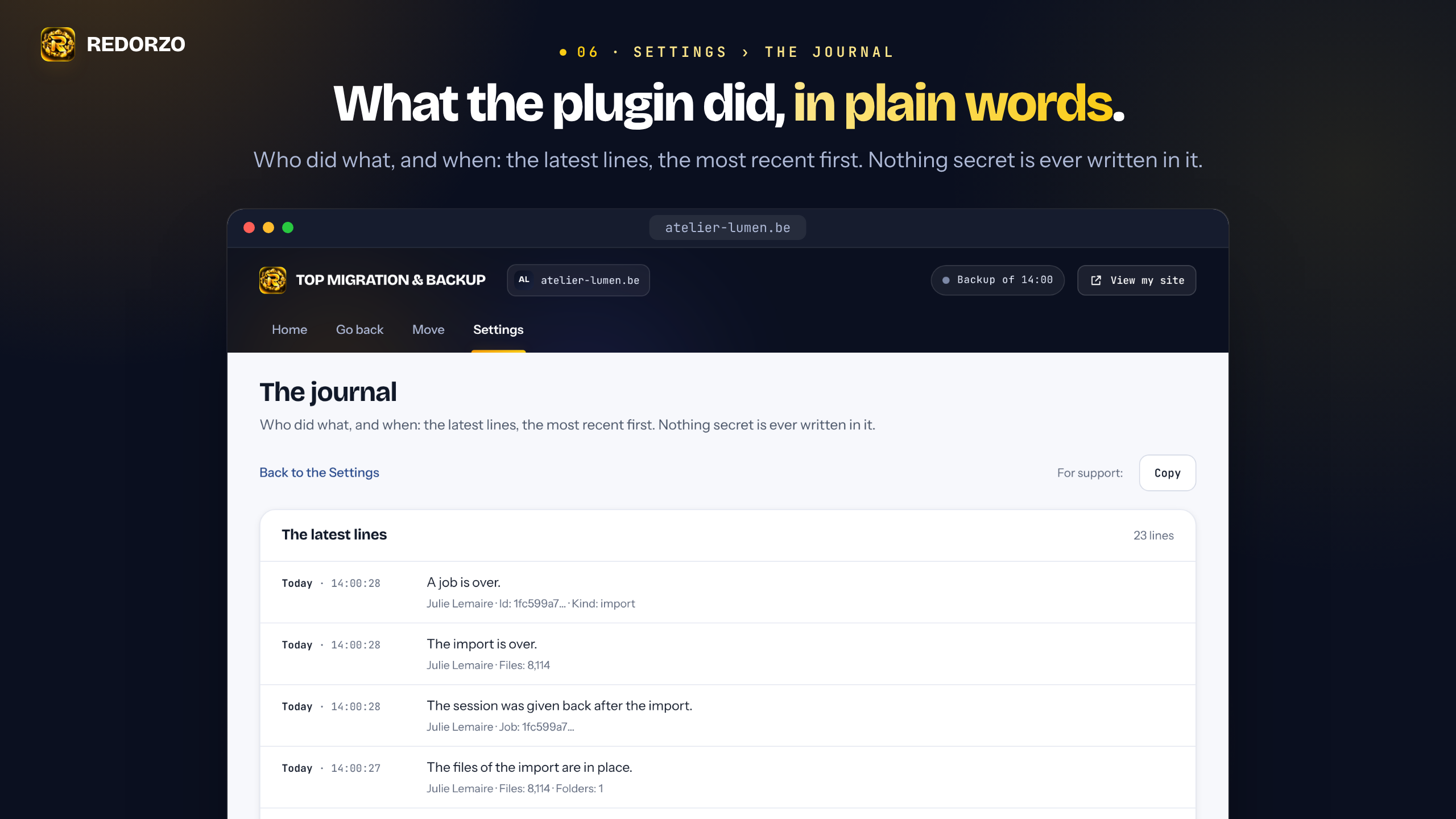
Deactivating it changes nothing. Deleting it removes its settings, its journal and its work in progress. Your backups stay on your server, in
wp-content/uploads/top-migration/, unless you switched on “Delete my backups with the plugin” in its Settings. To keep a backup elsewhere, download it first. -
Which sites does it work on?
-
WordPress 6.2 or later and PHP 7.4 or later, with a MySQL or MariaDB database. A site whose database is SQLite cannot be backed up by this version. A network of sites (multisite) is not supported either: the plugin says so and does nothing there.
Beoordelingen
Er zijn geen beoordelingen voor deze plugin.
Bijdragers & ontwikkelaars
“REDORZO TOP MIGRATION & BACKUP” is open source software. De volgende personen hebben bijgedragen aan deze plugin.
Bijdragers
Vertaal “REDORZO TOP MIGRATION & BACKUP” in je eigen taal.
Interesse in ontwikkeling?
Bekijk de code, haal de SVN repository op, of abonneer je op het ontwikkellog via RSS.
Changelog
1.0.6
- Translations included for 55 languages.
- A short presentation of TOP MIGRATION & BACKUP Plus on the Dashboard, the Plugins screen and the Home screen, shown to administrators seven days after activation. Each one can be hidden for good.
1.0.5
- First version.