

Beschrijving
Social Slider Feed lets you easily display Instagram, Facebook, and YouTube feeds anywhere on your WordPress site. Create responsive sliders, grids, masonry layouts and more using widgets or shortcodes, with full control over layout, spacing, image sizes, and ordering.
Designed for fast setup and maximum flexibility, Social Slider Feed helps you keep your website engaging by automatically showcasing your latest social content.
Kenmerken
- Display Instagram, Facebook, and YouTube feeds anywhere using widgets or shortcodes
- Support for multiple accounts and multiple feeds at the same time
- Multiple layout options: slider, grid, masonry, thumbnails, and more
- Fully responsive with separate layout settings for desktop and mobile
- Show images and videos in a built-in lightbox without leaving your site
- Display post captions
- Sort posts by date, popularity, or randomly
- Show or hide account name and social icons
- Fast setup with intuitive settings and one-click account authorization
How It Works
- Connect your Instagram, Facebook, or YouTube account from the plugin settings
- Create a feed and customize its layout and display options
- Add it to your site using a widget or shortcode
Support
We’re here to help. Feel free to open a new thread on the Support Forum.
Useful Resources
- If you like this plugin, you’re sure to love our other plugins as well.
- Our blog is a great place to learn more about WordPress.
- Get the most out of your website with our helpful WordPress YouTube Tutorials.
Schermafbeeldingen
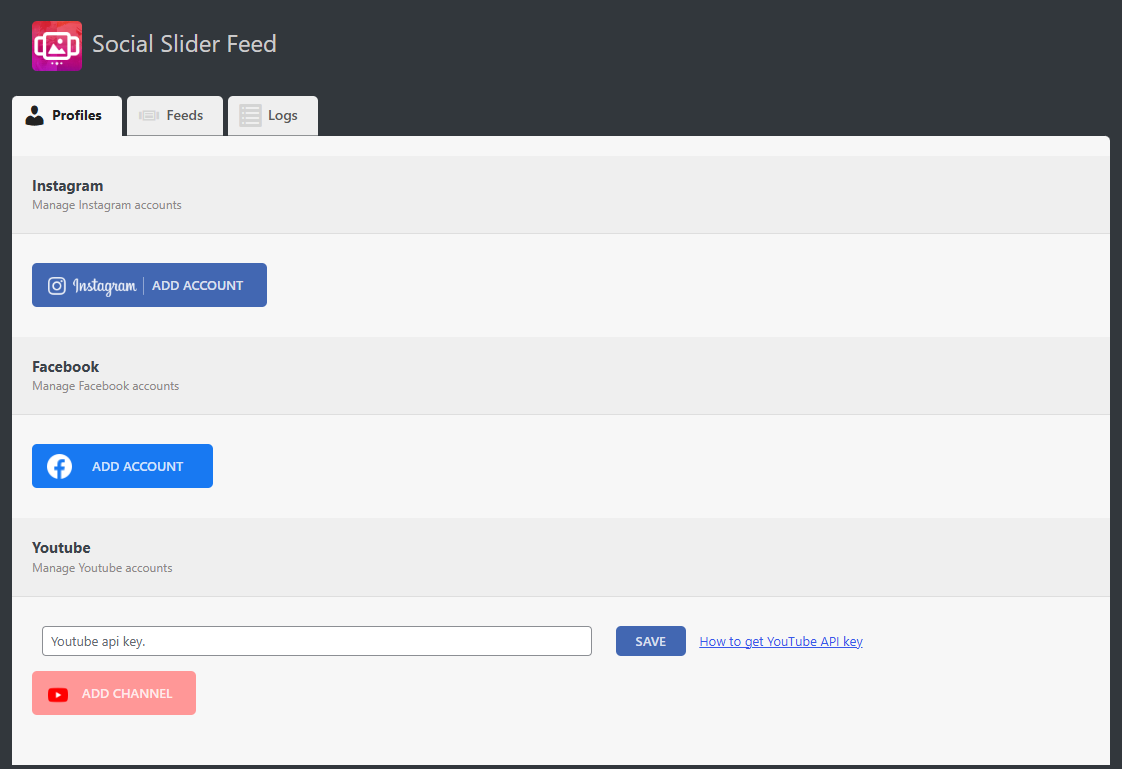
Social profile settings 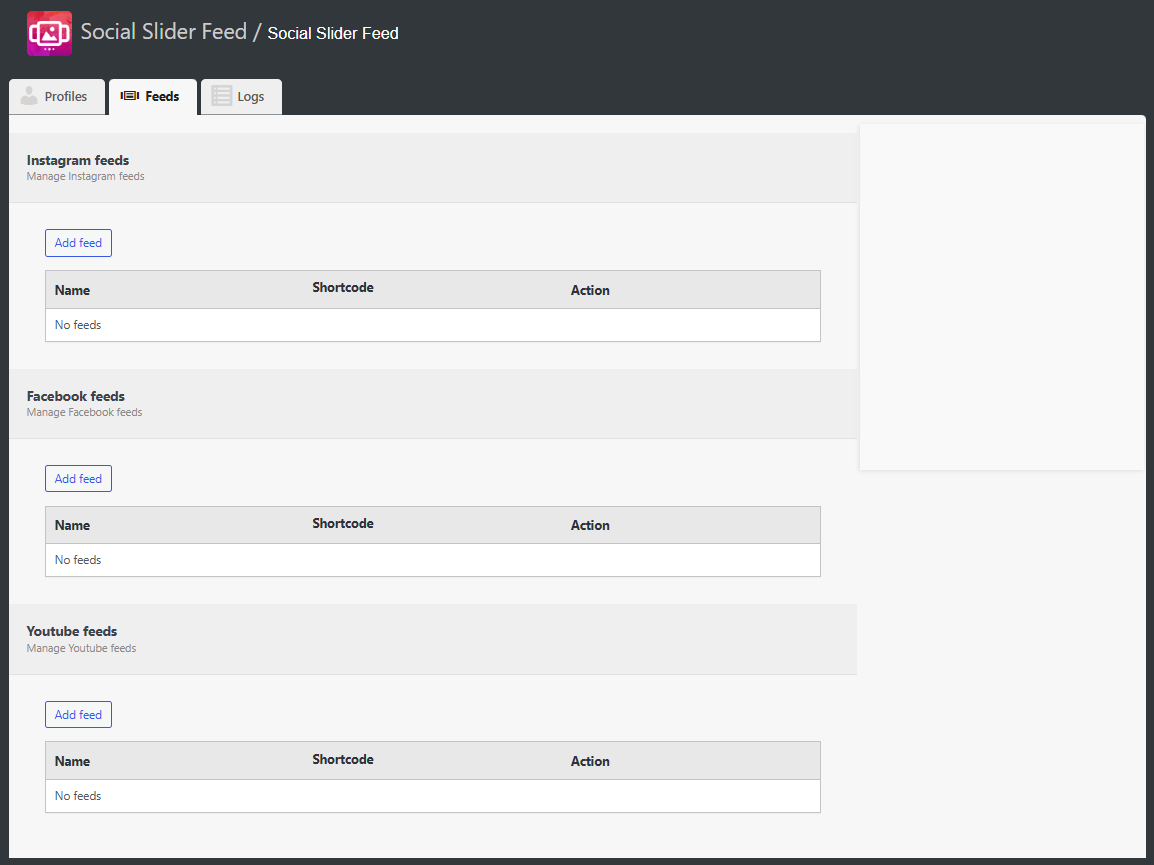
List of social feeds 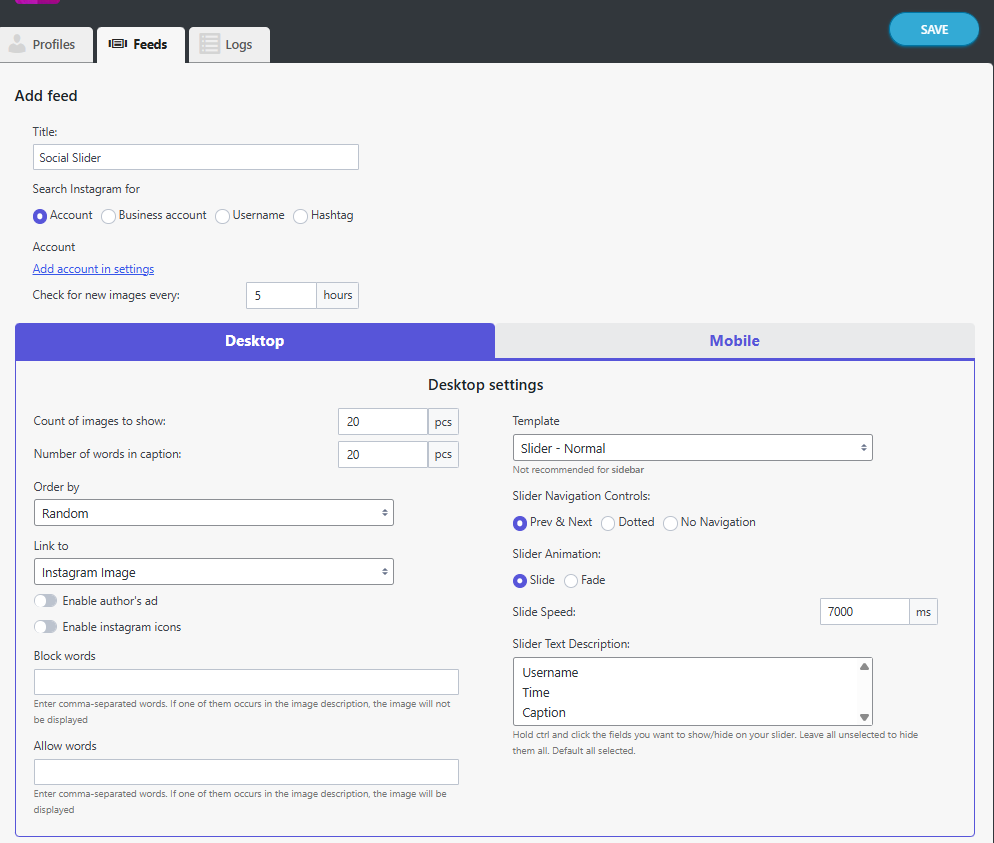
Instagram feed settings 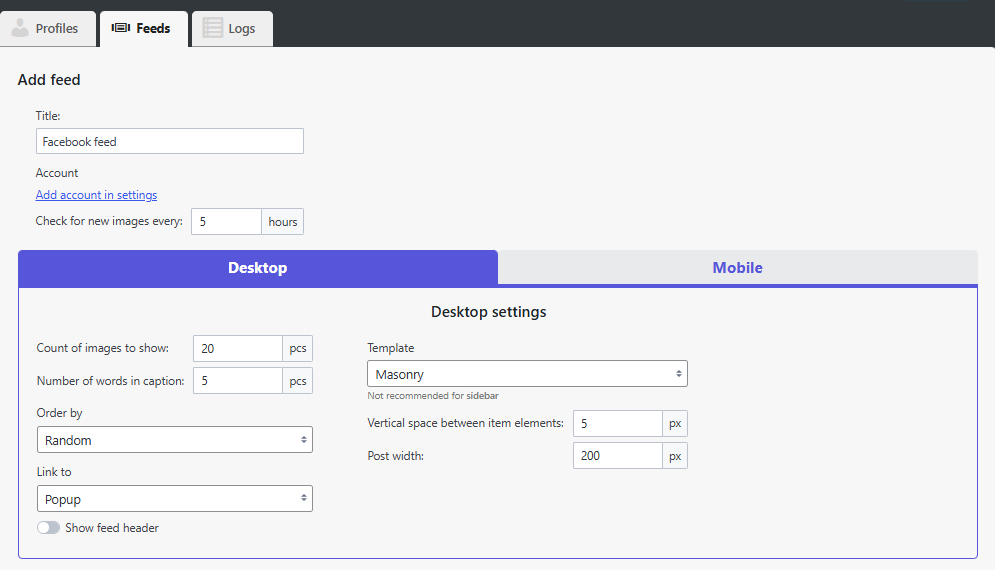
Facebook feed settings 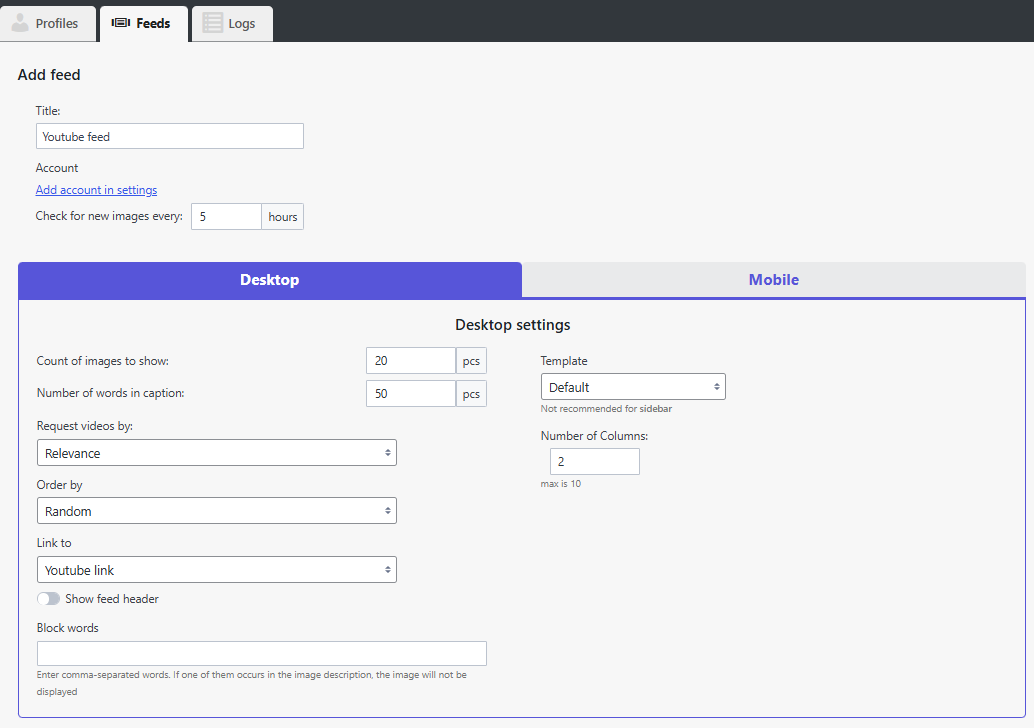
YouTube feed settings 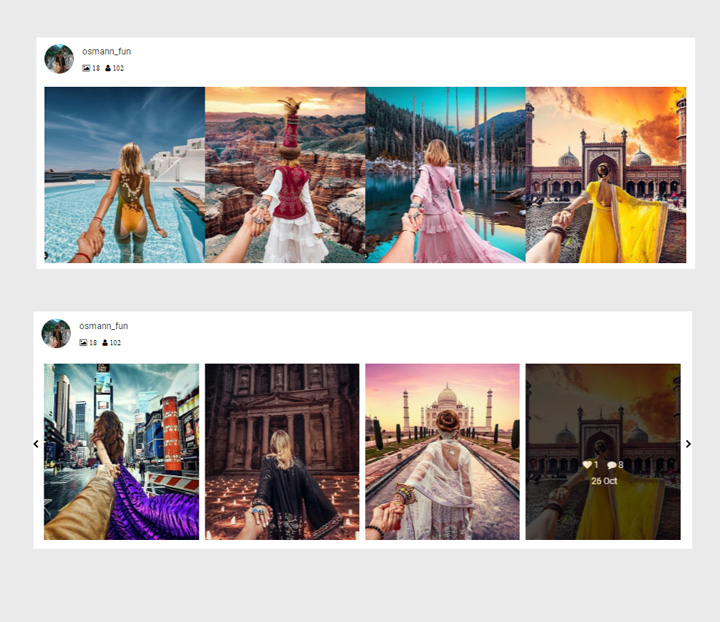
Normal slider layout 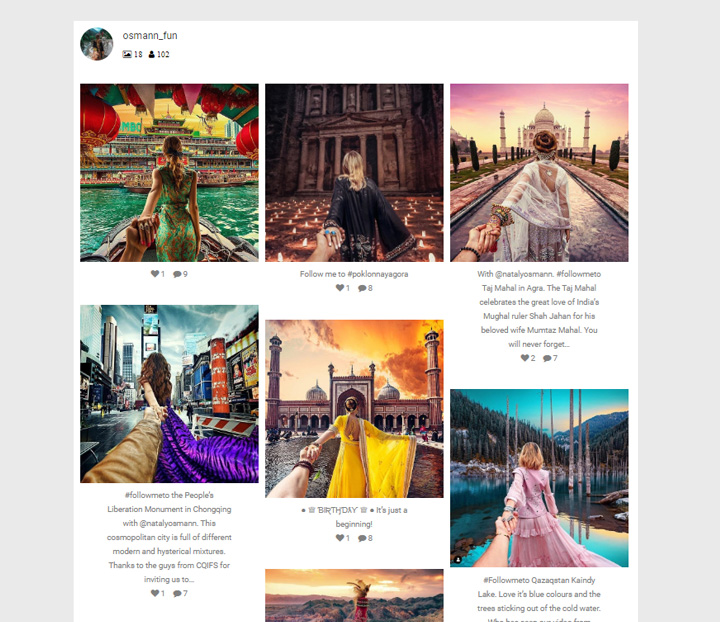
Thumbnail layout 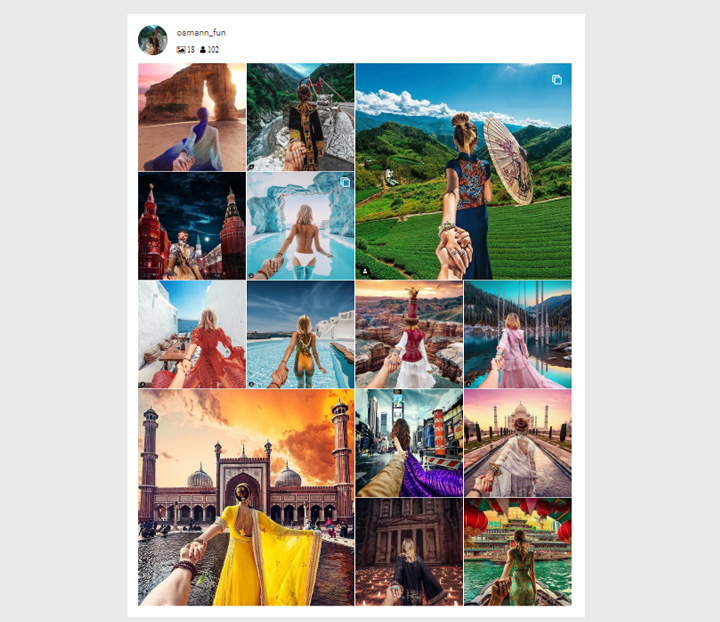
Thumbnail without border layout 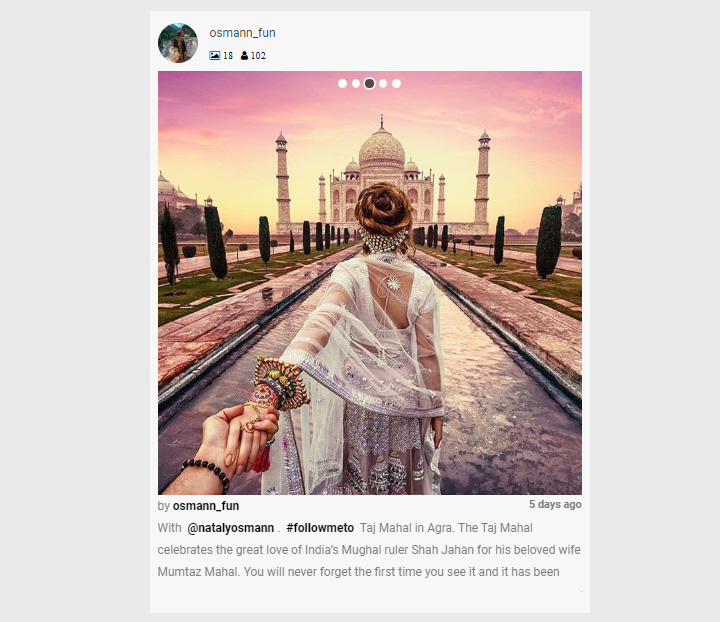
Slick slider layout 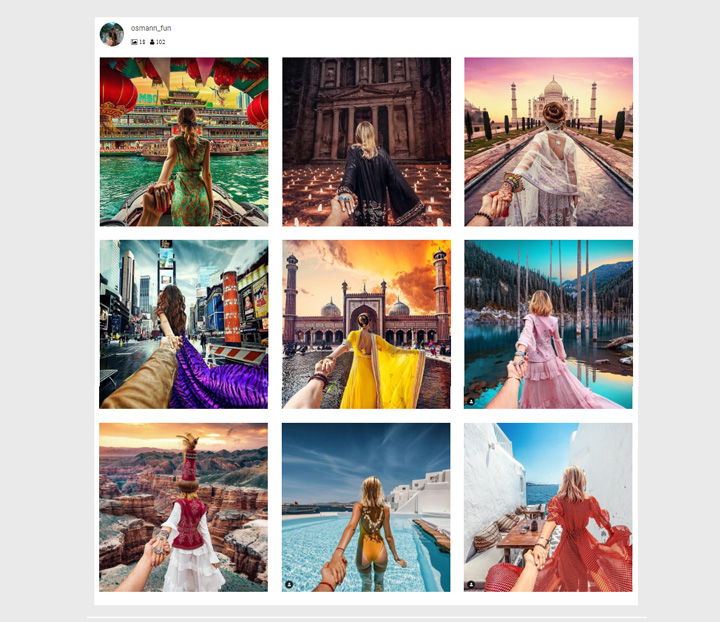
Masonry layout 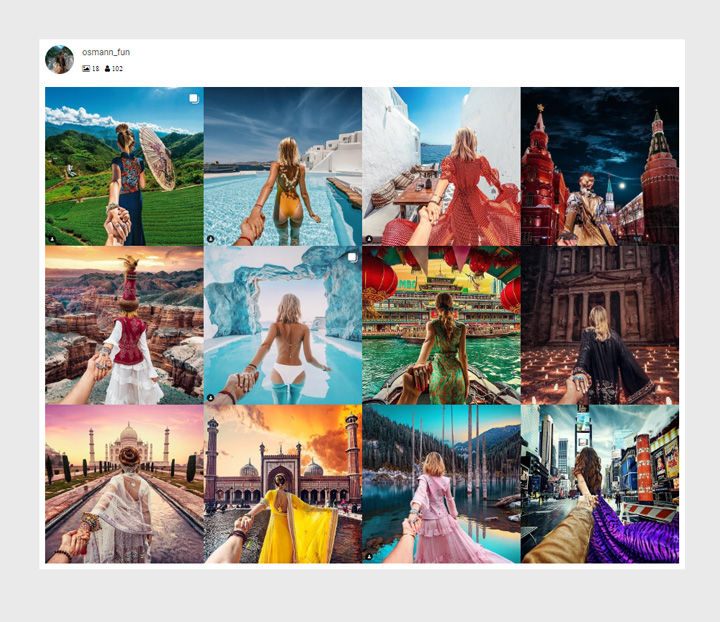
Highlight layout
Installatie
- In your WordPress admin, go to Plugins > Add New
- In the Search field, type “Social Slider Feed”
- Under “Social Slider Feed” by Themeisle, click the Install Now link
- Once the process is complete, click the Activate Plugin link
FAQ
-
Images from Instagram are no longer displayed in the widget
-
Go to the plugin settings and reconnect your instagram account.
Then open the widget settings and select the newly added account. -
Go to the plugin settings and add an Instagram account by clicking Add account.
Then open the widget settings and select the newly added account. -
If you see a message ‘No images found’
-
Go to the plugin settings and reconnect your instagram account.
-
Yes. You can create and display multiple Instagram, Facebook, and YouTube feeds on the same site, each with its own layout and settings.
Beoordelingen


Bijdragers & ontwikkelaars
“Social Slider Feed” is open source software. De volgende personen hebben bijgedragen aan deze plugin.
Bijdragers
“Social Slider Feed” is vertaald in 3 localen. Dank voor de vertalers voor hun bijdragen.
Vertaal “Social Slider Feed” in je eigen taal.
Interesse in ontwikkeling?
Bekijk de code, haal de SVN repository op, of abonneer je op het ontwikkellog via RSS.
Changelog
Version 2.3.4 (2026-04-09)
- Updated dependencies
Version 2.3.3 (2026-03-05)
- Enhanced security
Version 2.3.2 (2026-02-06)
- Moved all PRO features to the free version
- Removed personal Instagram account option since its no longer supported by Instagram API
- Removed support box and simplified UI
- Fixed issue where Instagram content by username was not fetching
Version 2.3.1 (2025-11-26)
- Update author and remove Instagram personal account connections which is no longer supported by Meta
Version 2.3.0 (2025-11-26)
Social Slider Feed plugin has been acquired by Themeisle 🎉
We’re happy to announce that Themeisle is now the new owner of Social Slider Feed. This acquisition will help ensure the plugin’s continued development, better support, and exciting new updates in the future.
Your existing setup will continue to work as usual — no action is required on your part.
2.2.9 (08.02.2025)
Fixed security vulnerabilities and improved plugin compatibility.
- Resolved potential security issues to enhance the safety of user data.
- Verified and updated compatibility with WordPress 6.7.
- Added minor fixes for improving plugin functionality and stability.
This update ensures better performance and adheres to the latest WordPress standards.
2.2.7 (09.12.2024)
- Fixed: Security issues
- Fixed: _load_textdomain_just_in_time warning in debug mode
2.2.6
- Fix security issues
- Compatibility with WordPress 6.7
2.2.5
- Fix security issues
2.2.0
- There was an error connecting Instagram and Facebook accounts for a long time. This is due to bureaucratic problems when passing application moderation in the Meta company. We have fixed the bugs for now.
- Compatibility with WordPress 6.5
- Сompatibility with php 8.3
2.1.0
- Fix instagram and facebook feed. Need to reconnect all accounts!
2.0.7
- Fix security issues
2.0.6
- Fix security issues
2.0.5
- Fix adding account (personal/business)
- Fix show feed
2.0.4
- Fix adding account
- WP 6.0 compatibility
- Minor fixes
2.0.3
- Fix Facebook shortcode
- Fix Slick slider arrows
- WP 5.9 compatibility
- Minor fixes
2.0.2
- Fix Slider normal description
- Minor fixes
2.0.1
- The old plugin slug was returned
- Minor fixes
2.0.0
- New feed management system
- Completely redesigned interface
- Added Facebook feed
- Fixed: Youtube settings issue
- Minor fixes
- Support for WordPress 5.8 and the new widget interface
1.9.5
- Fixed: Removed unnecessary loading of styles and scripts
- Fixed: Conflicts with some themes in the masonry template
- Fixed: Performance improvement
- Minor fixes
1.9.4
- Fixed: Empty Youtube settings
- Fixed: Script localize error
- Minor fixes
1.9.3
- Hotfix: Error while no stories
- Corrections in the text
1.9.2
- Hotfix: Inability to display the first picture
1.9.1
- Added: Display stories from business account (PRO)
- Fixed: Template Slider Overlay
- Minor bug fixes
1.9.0
- Added: Widgets to display content from Youtube
- Added: Display images from hashtag
- Added: Setting to turn off the icons on the images
- Fixed: Display more 25 images from account
- Bugfixes
1.8.6
- Fixed: Big images in widget
1.8.5
- Fixed: Security issue
1.8.4
- Fixed: Errors on Components page
1.8.3
- Fixed: script and styles loading on pages
- Fixed: display in the mobile version
1.8.2
- Fixed: script and styles loading on pages where is no widget
- Minor bug fixes
1.8.1
- Minor bug fixes
1.8.0
- Added: separate settings for Desktop and Mobile versions
- Minor bug fixes
1.7.13
- Fixed: Unable to save widget settings
1.7.12
- Added the Components page
- Added the Shopifeed component (PRO) (https://cm-wp.com/instagram-slider-widget/shopifeed)
- Added ‘Allow list’ to widget settings
1.7.11
- Hot Fix
1.7.10
- Added ‘alt’, ‘rel’ HTML attributes to images
- Minor bug fixes
- Fixed issue with disabled premium widget (PRO)
- Added new setting to ‘Slick slider’ (PRO)
1.7.9
- Fix a problem with a long page load with a widget (Mandatory update!)
1.7.8
- Redesign Widgets plugin page
- Add ability to create demo widgets
1.7.7
- Fixed ’50 years ago’
- Added a message about missing widgets
1.7.6
- Minor fixes
1.7.5
- Fixed delete empty account
- Compatible with PHP 7.4
- Other fixes
1.7.4
- Fixed “50 years ago” in Slider Normal and Slider Overlay templates
1.7.3
- Fixed search for ‘hashtag’ and ‘username’. Due to changes in Instagram, ‘hashtag’ and ‘username’ have stopped working
1.7.2
- Fixed adding of accounts ( Warning count() )
1.7.1
- Bugfixes
1.7.0
- The plugin now works on the new Instagram Basic Display API. To make your widgets work again, reconnect your instagram accounts in the plugin settings. Read more about the changes
- ADDED: Ability to add a Business Instagram Account. This gives you more options for displaying information.
- ADDED: New widget setting: “Business Account”. You can choose which type of account to display information through.
- ADDED: New widget setting: “Blocked words”. If at least one of the listed words occurs in the image description, it will not be displayed.
- Minor bugfixes
1.6.4
- In free slider templates images are now crop to square
- Added a pop-up window by clicking on the image in PRO version of the plugin
- Trying to fix a problem with adding an account for some users
- Minor bugfixes
1.6.3
- Bug fix
1.6.2
- Bug fix
1.6.1
- Fixed Slider Normal
1.6.0
- Added authorization via Instagram API
- Fixed visual issues
- Added PRO version of the plugin. Learn more about the Pro version or watch the demo.
1.5.0
- Renamed the plugin to conform to Facebook and Instagram
1.4.3
- Fix voor instagram api aanpassing
1.4.2
- Kleine fix voor instagram json aanpassing
1.4.1
- Opgelost Instagram update waardoor hashtags niet meer werkten
- Hellip verholpen die optrad bij gebruik van wp trim-woorden
- De functie gewijzigd die afbeeldingen lokaal opsloeg om alleen als bijlagen op te slaan
1.4.0
- Probleem opgelost waarbij dubbele afbeeldingen werden ingevoegd in Mediabibliotheek
- Een knop in widget toegevoegd om eerder gemaakte dubbele afbeeldingen te verwijderen
- Vereenvoudigde opties om afbeeldingen in mediabibliotheek op te slaan
- Een optie toegevoegd om een backlink weer te geven om de ontwikkeling van deze plug-in te helpen
1.3.3
- Foutenmelding opgelost.
1.3.2
- Deeplink-probleem met smartphones opgelost. Bijdragers via wordpress forum @ricksportel
- Optie toegevoegd om gebruikers te blokkeren bij het zoeken naar hashtag. Gesponsord door VirtualStrides.com
- Aangepast formaten om vierkant bijgesneden en originele formaten weer te geven
- Alleen nieuwe wordpress-grootte toegevoegd voor instagram-plug-in – het kan nodig zijn om opnieuw thumbnails te genereren.
- Optie toegevoegd om te stoppen om met Pinterest te pinnen op afbeeldingen
1.3.1
- Probleem opgelost toen er geen afbeeldingen werden getoond vanwege instagram recente wijzigingen.
- Bijschrift corrigeren wanneer er geen bijschrift in de afbeelding is
- stel wachttijd in op 3 min voor php vanwege grotere afbeeldingen
- flexslider bijgewerkt naar nieuwste versie
1.3.0
- Optie toegevoegd om te zoeken naar hashtags
- Limiet toegevoegd voor het aantal woorden dat in de titel moet verschijnen
- Opgelost 500 server fout die optrad bij het laden van 15+ afbeeldingen
- CSS gecorrigeerd voor bepaalde templates
1.2.3
- Links toegevoegd voor Instagram Hashtags
- Flexslider geüpdatet naar 2.5.0
- Snelheid van slides toegevoegd in milliseconden
- Beeldformaat voor afbeeldingen-functie teruggebracht die rechtstreeks vanaf Instagram zijn geladen
- CSS gewijzigd voor thumbnails sjabloon
- Thumbnails zonder randen toegevoegd
1.2.2
- De code aangepast om te werken met een nieuwe Instagram-pagina
- De optie om de grootte van de afbeelding aan te passen bij het rechtsstreeks laden van afbeeldingen van Instagram
- 24 afbeeldingen kunnen nu worden weergegeven
- Bug met meerdere widgets opgelost met widget-id’s in class-namen
- Betere uitleg voor bronnen toegevoegd
1.2.1
- Bugfixes
- Shortcode voor widgets
- Optie om geen afbeeldingen in de mediabibliotheek in te voegen
1.2.0
- Volledige herschrijving van de plugin
1.1.3
- bugfix werkt niet na update van wordpresss
- Multisite-ondersteuning toegevoegd
- Javascript voor de slider verplaatst naar een plek bovenaan de pagina
1.1.2
- Kleine bugfix
- Optionele Slider Caption Overlay-sjabloon toegevoegd
1.1.1
- De tekst en het controleknoppen voor de slider zichtbaar gemaakt als je er met de muis overheen gaat.
- Html-opmaak van de slider gereorganiseerd
- CSS-styling voor slider
1.1.0
- Optie toegevoegd om afbeeldingen aan een aangepaste URL te koppelen
- Optie toegevoegd om afbeeldingen te linken aan lokaal opgeslagen instagram afbeeldingen
- Vaste flexslider-naamruimte veroorzaakt problemen op sites die gebruik maken van de flexslider-plugin.
- Hernoemen van css-klassen om overeen te komen met de nieuwe naamruimte van de flexslider
1.0.4
- Optie toegevoegd om afbeeldingen in mediabibliotheek in te voegen
- Vaste fout veroorzaakt door ontbrekende json_last_error () -functie (alleen php ouder dan 5.3)
1.0.3
- Optie toegevoegd om afbeeldingen te koppelen aan gebruikersprofiel of afbeeldingen-URL
- Opruimen van de code
1.0.2
- Compatibiliteit voor php ouder dan 5.3
- Stijling oplossing voor thumbnail lay-out
- Optie toegevoegd om de vertoning van afbeeldingen te randomiseren
1.0.1
- Preg_match verwijderd
- Exacte array-index gebruiken
- Bugfixes
1.0
- Eerste release