

Beschrijving
WordPress plugin voor externe uitgelichte afbeeldingen, video’s, audio’s en meer
De FIFU plugin heeft sinds 2015 duizenden sites wereldwijd geholpen om geld te besparen op opslag, verwerking en copyright.
Als je genoeg hebt van het verspillen van tijd en gegevensbronnen aan het genereren van thumbnails, het optimaliseren van afbeeldingen en eindeloze imports, dan is deze plugin iets voor je.
Uitgelichte afbeelding
Gebruik een externe afbeelding als uitgelichte afbeelding van je bericht, pagina of aangepaste berichttype.
- Remote featured image
- Optimized images
- Make all images square
- Afbeelding zoeken (Unsplash)
- Standaard uitgelichte afbeelding
- Verberg uitgelichte media
- Modify post content
- Afbeeldingstitel automatisch instellen
- Kolom voor uitgelichte afbeelding
- [PRO] Afbeelding zoeken (zoekmachine)
- [PRO] rechtsklikken uitschakelen
- [PRO] opslaan in de mediabibliotheek
- [PRO] vervang niet gevonden afbeelding
- [PRO] aangepaste pop-up
- [PRO] bbPress and BuddyBoss Platform integration
- [PRO] pagina omleiding
Automatische uitgelichte media
- Automatisch uitgelichte media instellen vanuit de inhoud van het bericht
- [PRO] stel uitgelichte afbeelding automatisch in met behulp van berichttitel en een zoekmachine
- [PRO] automatisch uitgelichte media instellen met behulp van webpagina adres
- [PRO] Auto set product images from ASIN
- [PRO] Automatisch uitgelichte media instellen vanuit aangepast veld
- [PRO] Auto set featured image using ISBN
- [PRO] automatisch schermafbeelding instellen als uitgelichte afbeelding
- [PRO] uitgelichte afbeelding van Unsplash automatisch instellen met behulp van tags
- [PRO] Auto-share on social media
Automatisering
- WP-CLI integratie
- [PRO] add-on voor WP All Import
- [PRO] WooCommerce importeren
- [PRO] WP REST API
- [PRO] WooCommerce REST API
- [PRO] plan het genereren van metadata
WooCommerce
- Remote product image
- Lightbox en Zoom
- [Pro] galerij voor externe afbeeldingen
- [Pro] galerij voor externe video’s
- [PRO] categorie afbeeldingen automatisch instellen
- [PRO] variabel product
- [PRO] variatie afbeelding
- [PRO] galerij voor variatie afbeelding
- [PRO] opslaan in de mediabibliotheek
- [PRO] FIFU productgalerij
- [PRO] Snel kopen
- [PRO] voeg afbeelding toe aan e-mail met bestelling
Uitgelichte video
Ondersteunt URL’s van YouTube, Vimeo, Twitter, 9GAG, Cloudinary, Tumblr, Publitio, JW Player, VideoPress, Sprout, Odysee, Rumble, Dailymotion, Cloudflare Stream, Bunny Stream, Amazon, BitChute, Brighteon, Google Drive, Spotify en SoundCloud. Externe en lokale videobestanden worden ook ondersteund.
- [PRO] uitgelichte video
- [PRO] kijk later
- [PRO] video thumbnail
- [PRO] afspeelknop
- [PRO] minimale breedte
- [PRO] video bedieningselementen
- [PRO] automatisch afspelen bij mouseover
- [PRO] Automatisch afspelen
- [PRO] afspeel loop
- [PRO] dempen
- [PRO] privacy verbeterde modus
- [PRO] Achtergrond video
Widgets voor Elementor
- Uitgelichte afbeelding
- [PRO] uitgelichte video
Widgets voor WordPress
- [PRO] Uitgelichte media
- [PRO] uitgelicht raster
- [PRO] productgalerij
Velden voor Gravity Forms
- Uitgelichte afbeelding
- [PRO] uitgelichte video
- [PRO] uitgelichte slider
Velden voor Dokan
- Uitgelichte afbeelding
- [PRO] productgalerij
Anderen
- [PRO] snelle bewerking
- [PRO] uitgelichte audio
- [PRO] uitgelichte slider
- [PRO] shortcode
- [PRO] Taxonomie afbeelding
Functies voor ontwikkelaars
- fifu_dev_set_image($post_id, $image_url)
- [PRO] fifu_dev_set_video($post_id, $video_url)
- [PRO] fifu_dev_set_slider($post_id, $url_list, $alt_list)
- [PRO] fifu_dev_set_image_list($post_id, $image_url_list)
- [PRO] fifu_dev_set_video_list($post_id, $video_url_list)
- [PRO] fifu_dev_set_category_image($term_id, $image_url)
- [PRO] fifu_dev_set_category_video($term_id, $video_url)
FIFU cloud
- Cloudopslag (nooit meer een afbeelding kwijt)
- Wereldwijd CDN (afbeeldingen worden veel sneller geladen)
- Geoptimaliseerde thumbnails (verwerkt in de cloud)
- Facturering op basis van gebruik (per opgeslagen afbeelding)
- Slim bijsnijden (detecteert mensen en objecten vóór het bijsnijden)
- Hotlink bescherming (sites kunnen je afbeeldingen niet insluiten)
Links
Schermafbeeldingen
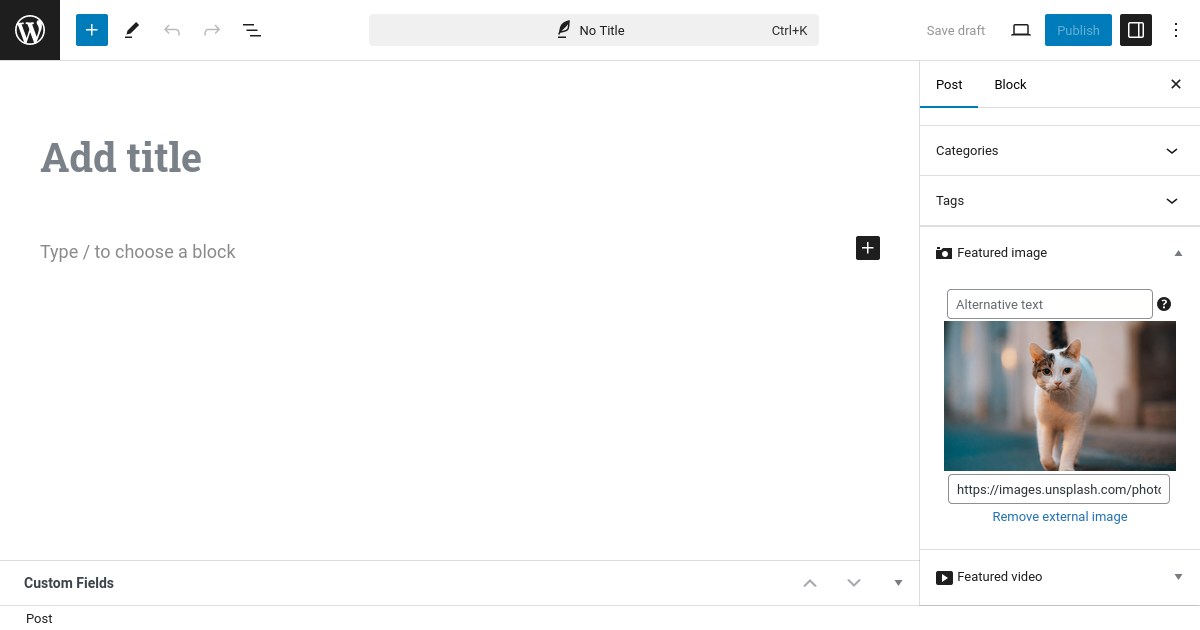
Uitgelichte afbeelding
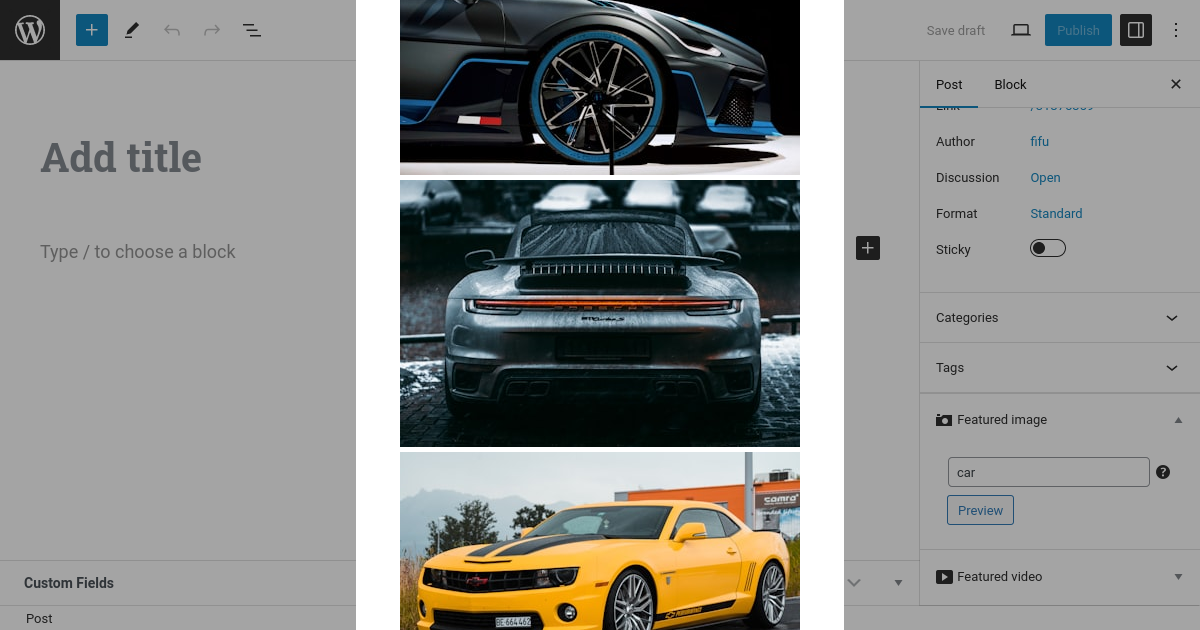
Afbeelding zoeken
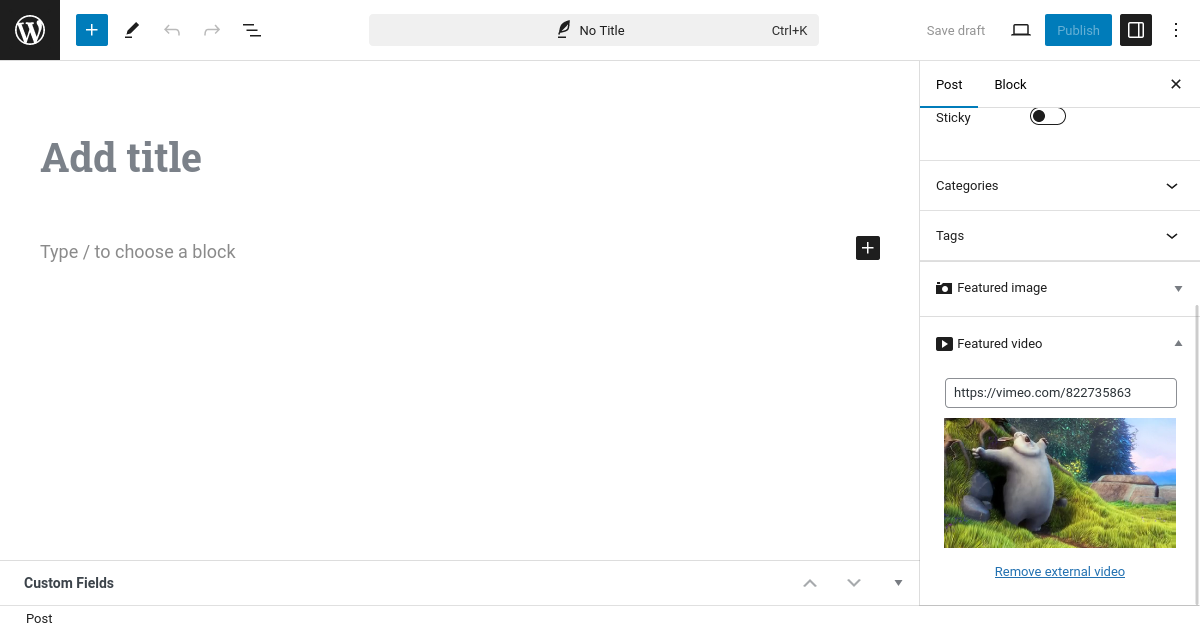
Uitgelichte video
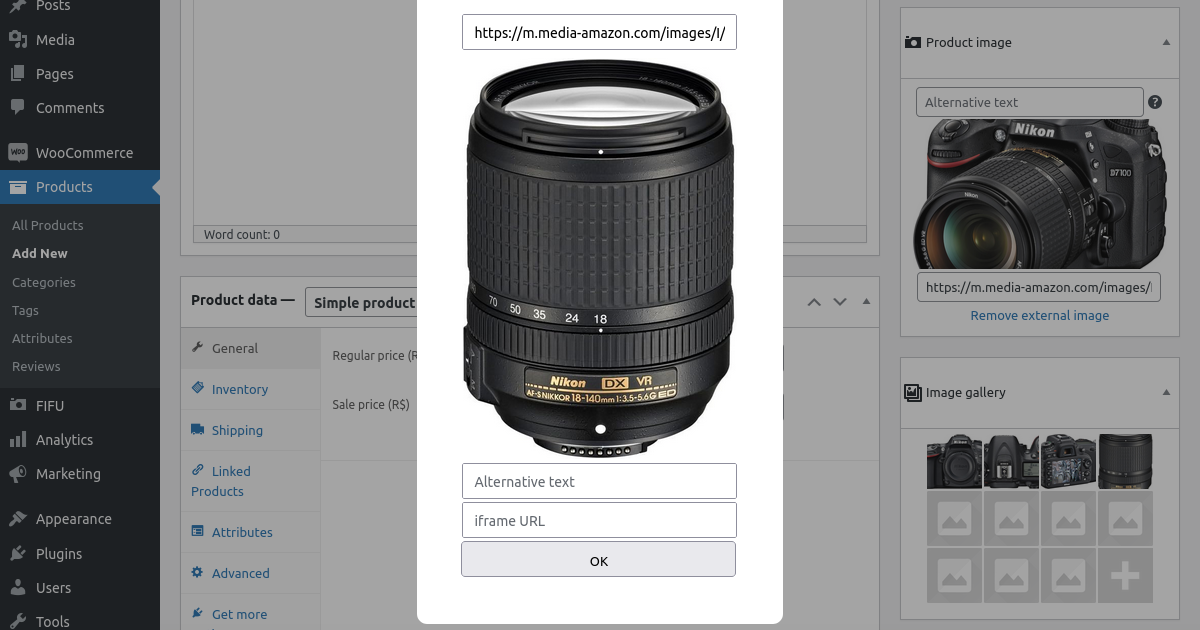
Afbeeldingengalerij voor WooCommerce producten
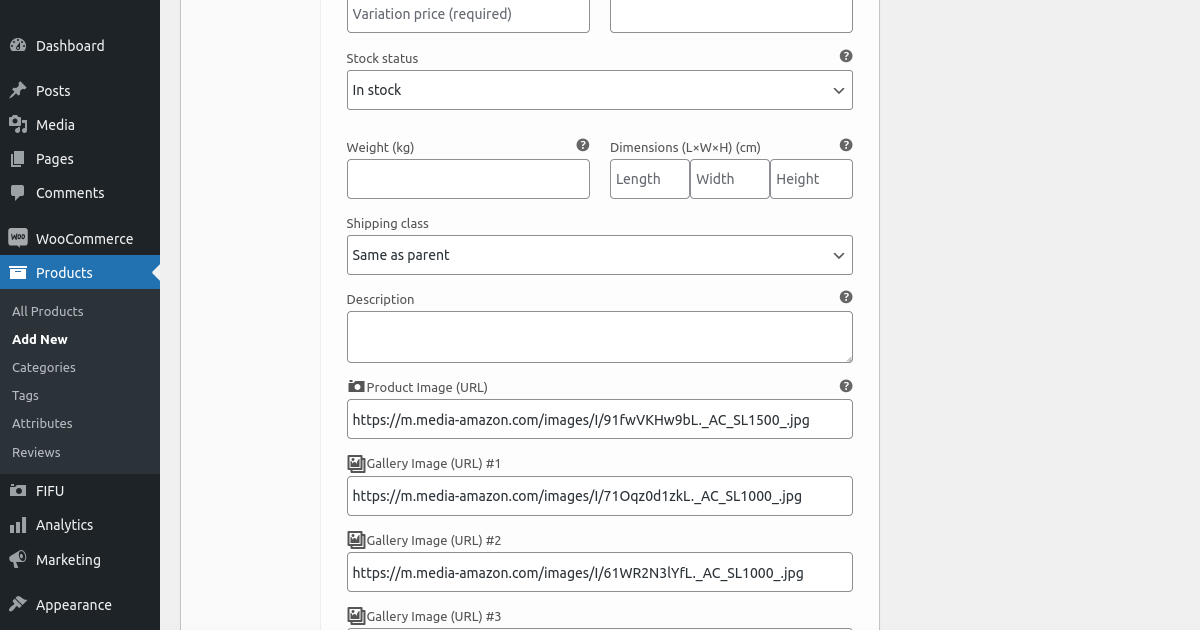
Afbeeldingengalerij voor productvariaties van WooCommerce
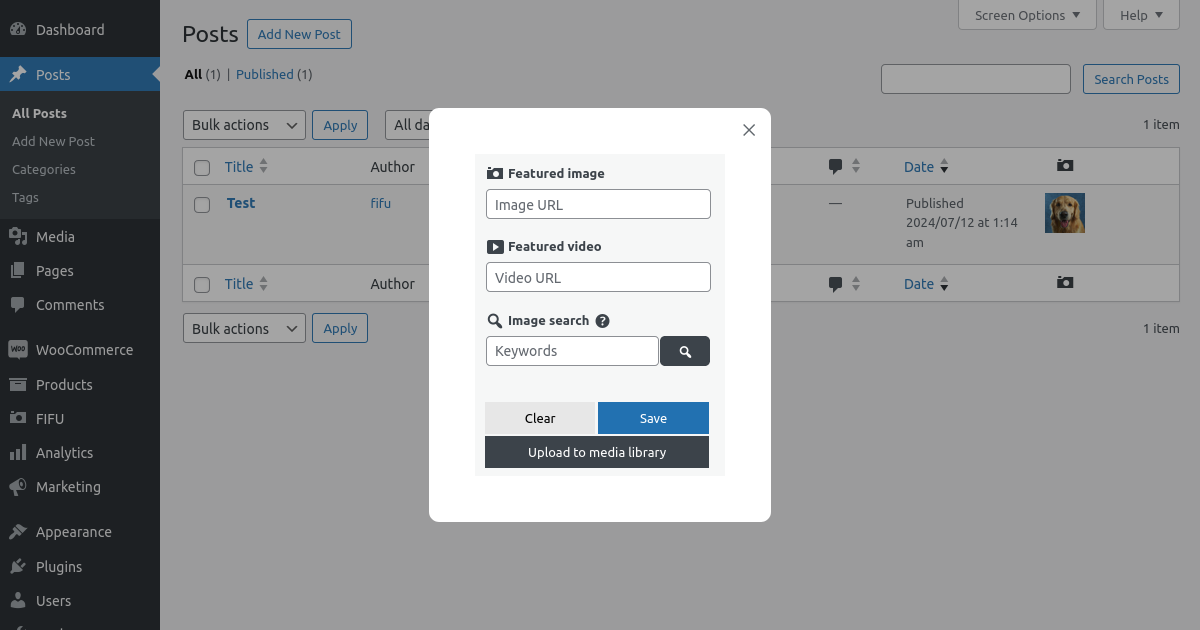
Snel bewerken

Widgets voor Elementor
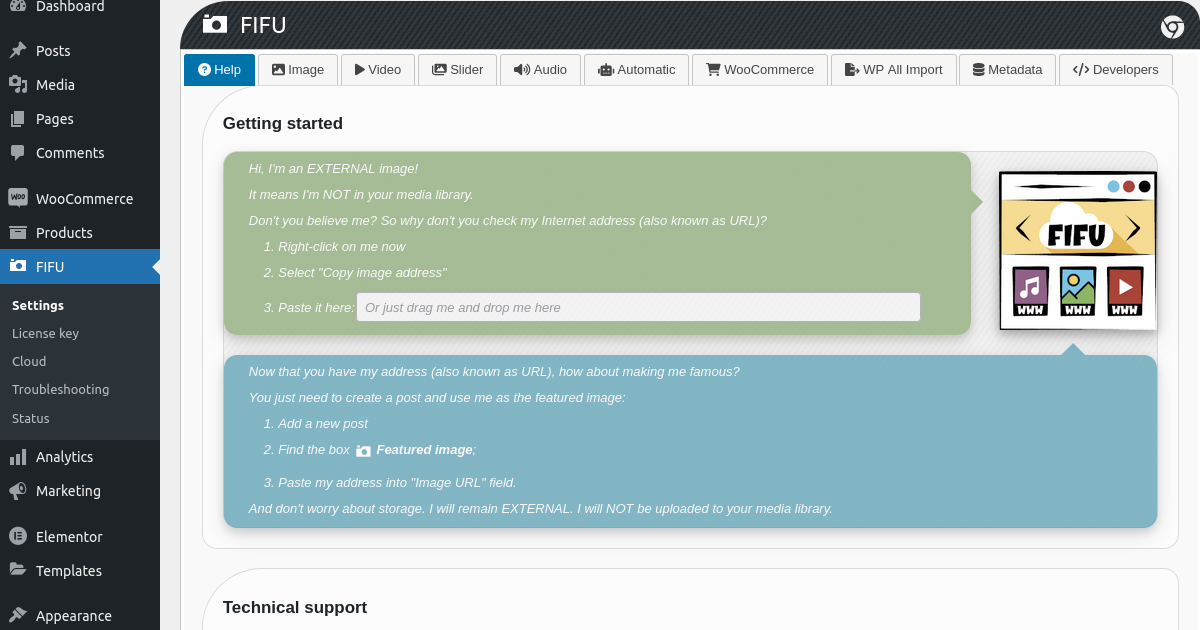
Settings Help

Settings Image
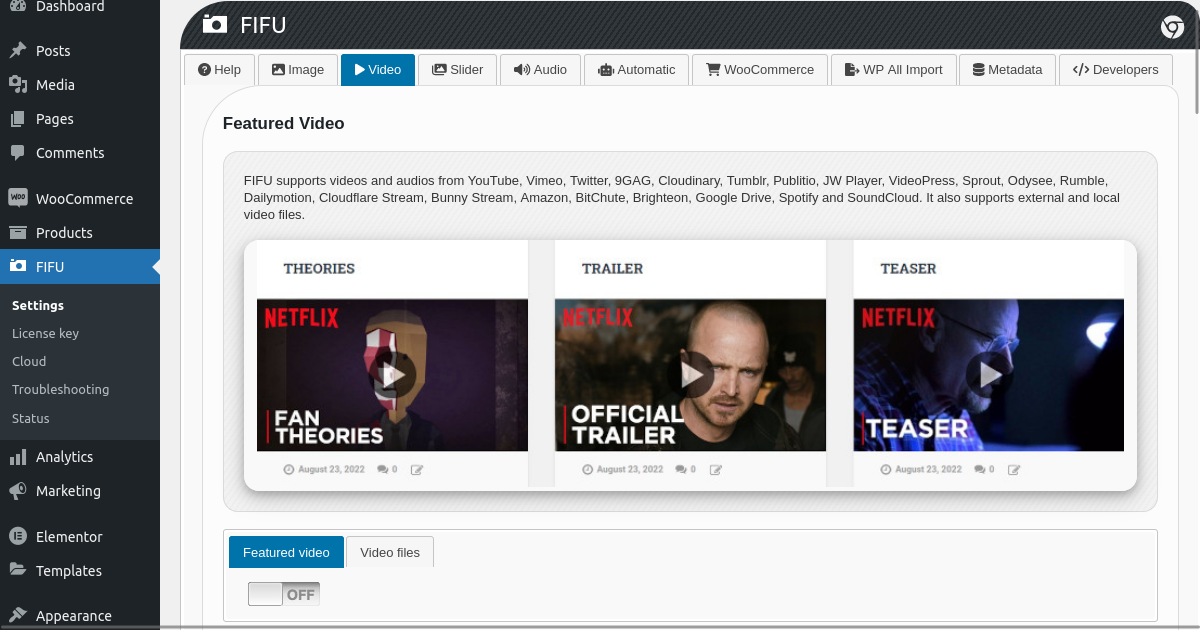
Settings Video

Instellingen Slider
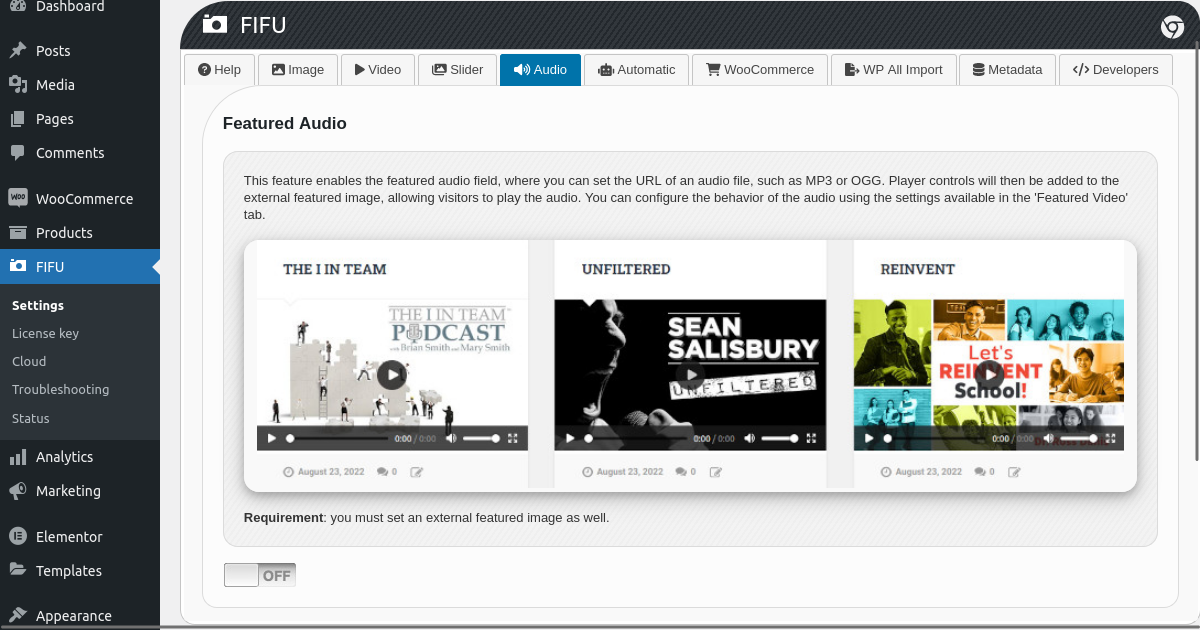
Instellingen Audio

Instellingen Automatisch
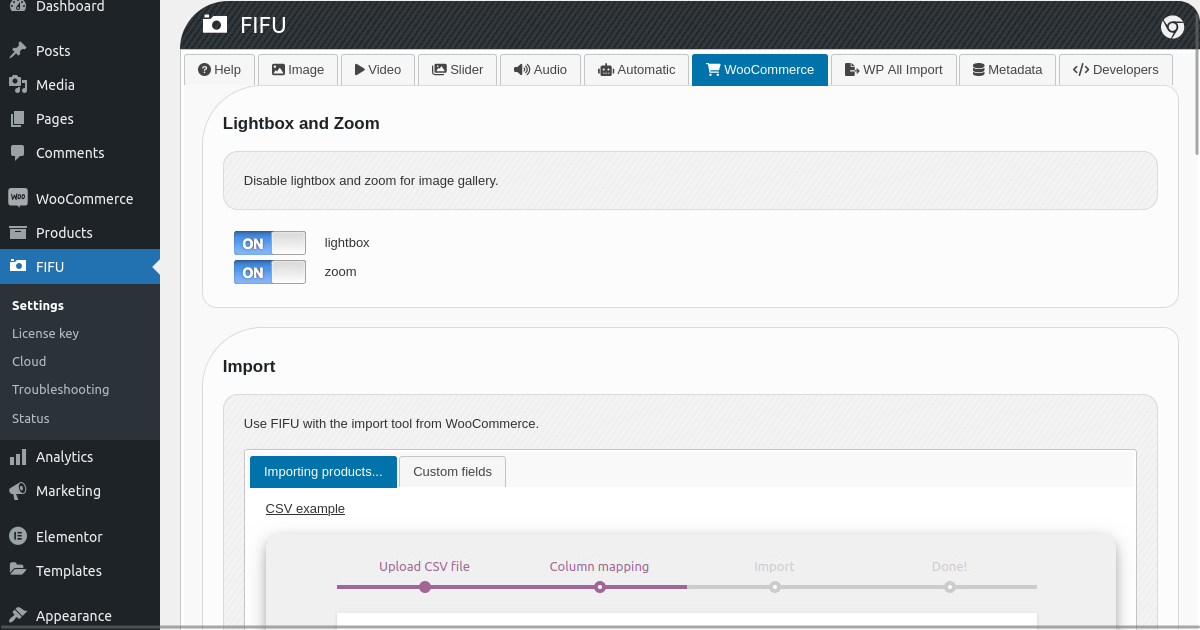
Instellingen WooCommerce
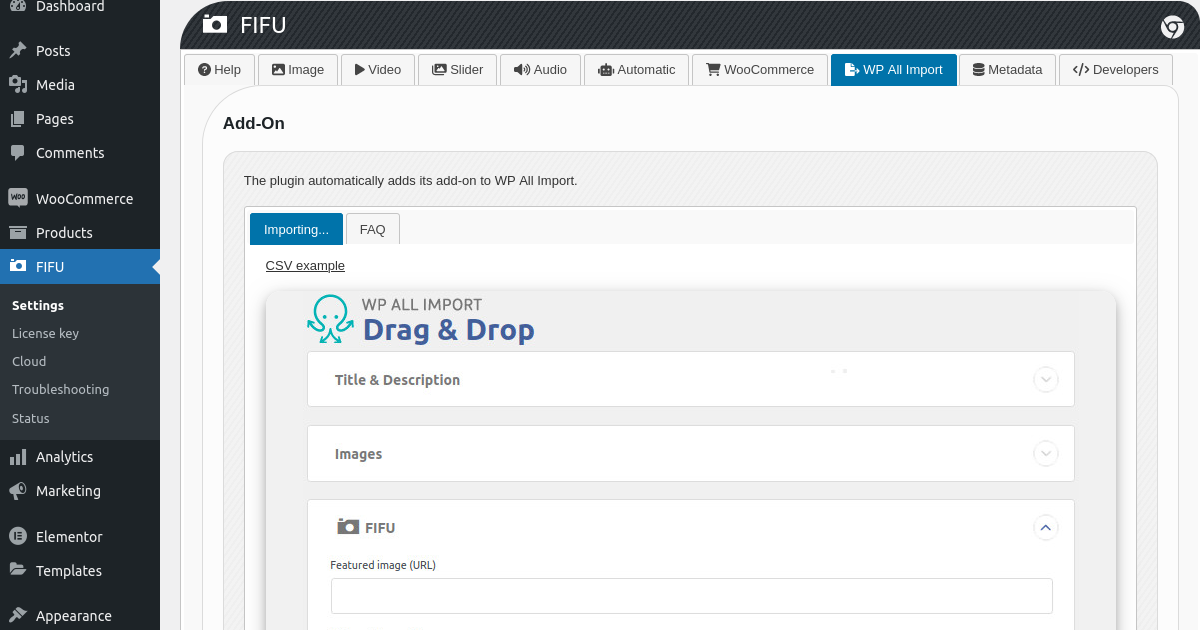
Instellingen WP All Import
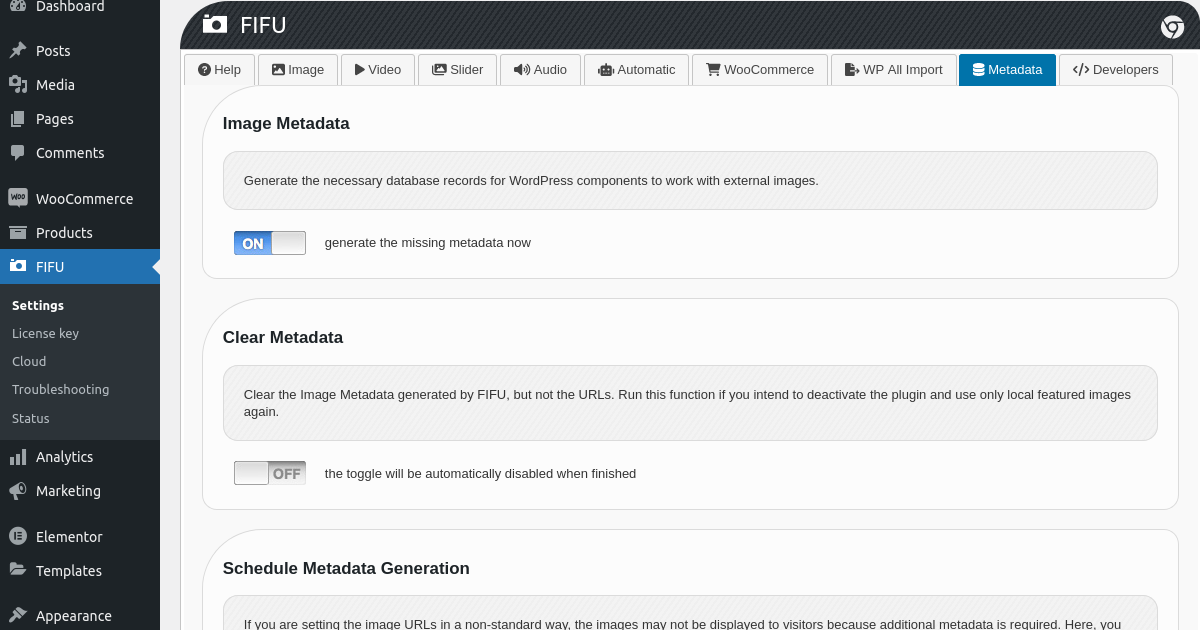
Instellingen Metagegevens

Settings Developers
Blokken
Deze plugin heeft 1 blok.
- Fifu Image
Installatie
Installeer FIFU vanuit WordPress
- Bezoek de pluginpagina in je dashboard en selecteer ‘Nieuwe toevoegen’;
- Zoek naar ‘FIFU’;
- Activeer FIFU vanaf je Plugins pagina;
FIFU handmatig installeren
- Upload de ‘featured-image-from-url’ map naar de /wp-content/plugins/ folder;
- Activeer de FIFU plugin via het menu ‘Plugins’ in WordPress;
FAQ
-
- Je afbeelding URL is ongeldig. Kijk eens naar Instellingen Aan de slag.
-
Slaat FIFU de afbeeldingen op in de mediabibliotheek?
-
- Nee. Alleen de PRO versie kan dit doen, maar het is optioneel. De plugin is ontworpen om te werken met externe afbeeldingen.
-
Waarom wordt de uitgelichte afbeelding twee keer weergegeven?
-
- You enabled “Modify Post Content add featured media” option unnecessarily.
-
Waarom wordt de uitgelichte afbeelding niet weergegeven?
-
- Controleer of de optie “Uitgelichte media verbergen” onterecht is ingeschakeld.
-
Waarom zijn er geen wijzigingen na het updaten van de instellingen?
-
- Probeer je cache leeg te maken.
-
Is er actie nodig voordat FIFU wordt verwijderd?
-
- Toegangsinstellingen en wis de meta gegevens.
-
Wat zijn de meta gegevens die door FIFU zijn gemaakt?
-
- Database registers die helpen WordPress componenten om te werken met externe afbeeldingen. Deze plugin kan de metagegevens van ~50.000 afbeelding URL’s per minuut genereren.
-
Wat zijn de nadelen van externe afbeeldingen?
-
- No image optimization or thumbnails by default. You can fix that with ‘Optimized Images’ feature.
-
Wat zijn de voordelen van externe afbeeldingen?
-
- Je bespaart geld op opslag, verwerking en copyright. En je kunt extreem snelle importprocessen hebben.
-
Is het legaal om afbeeldingen in te sluiten zonder toestemming?
-
- Ja dat is zo. Klik hier om meer te weten.
-
Do remote images affect SEO?
-
- Nee, externe afbeeldingen beïnvloeden SEO niet. Klik hier om meer te weten.
Beoordelingen


Bijdragers & ontwikkelaars
“Featured Image from URL (FIFU)” is open source software. De volgende personen hebben bijgedragen aan deze plugin.
Bijdragers
“Featured Image from URL (FIFU)” is vertaald in 10 localen. Dank voor de vertalers voor hun bijdragen.
Vertaal “Featured Image from URL (FIFU)” in je eigen taal.
Interesse in ontwikkeling?
Bekijk de code, haal de SVN repository op, of abonneer je op het ontwikkellog via RSS.
Changelog
5.3.3
- Fix: Integration with WPML not working; Fix: Deprecated notices.
5.3.2
- Fix: vulnerability reported by Wordfence team.
5.3.1
- New feature: Auto-share on social media; Fix: Featured image might not be displaying on X.
5.3.0
- Enhancement: Quick Edit column (PRO feature) not displayed initially for new users to avoid confusion; Enhancement: bbPress and BuddyBoss Platform (can now add images to activities).
5.2.9
- New: multisite network menu; Enhancement: integration with the WPML Multilingual CMS plugin (when a post or product is duplicated, FIFU now duplicates its image data); Fix: Optimized Images (URLs not being included in structured data); Fix: possible syntax error on sites with very old PHP versions.
5.2.8
- Fixes: vulnerabilities reported by the Wordfence Security team.
5.2.7
- New: Notice to rate the plugin; Enhancement: Auto set featured media from post content (now supports local relative URLs); Fix: Incomplete product data generated for Rich Results.
5.2.6
- Enhancement: improved integration with Rich Results from Google; Enhancement: alternative text can now be displayed as captions at the bottom of the image; Fix: images defined by other plugins were being displayed on social media instead of the remote featured image; Fix: Elementor widget not working with newer Elementor versions.
5.2.5
- Enhancement: Improved translations and support for 40 new languages; Enhancement: Alternative Text field now opens in the lightbox for easier editing; Enhancement: Redirects to the plugin settings after activation; Fix: Quick Edit not working for variable products with multiple attributes; Fix: Google Drive images not displaying in the admin area.
5.2.4
- New: Optimized Images > Sizes > Make all images square; Enhancement: Collection of anonymous stats is not necessary for now and has been disabled; Fix: Resolved conflict with Rank Math SEO plugin (fatal error).