

Beschrijving
FilmComet (formerly Long Play) is calm, ad-free video hosting for filmmakers, educators and creators: no algorithm, no autoplay, no recommendations pulling viewers away – just your video, presented properly.
WordPress only turns video links into players for sites on its own built-in list. This plugin adds FilmComet to it.
What it does
- Paste a FilmComet video link (
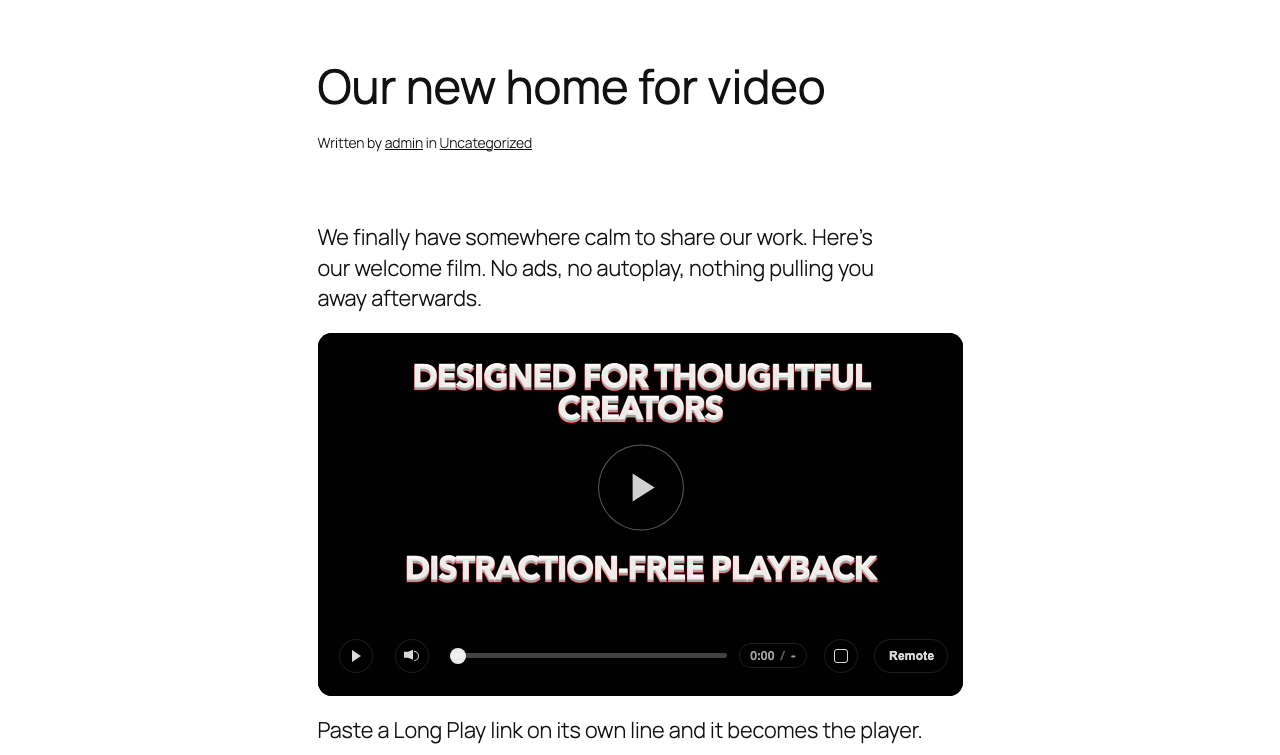
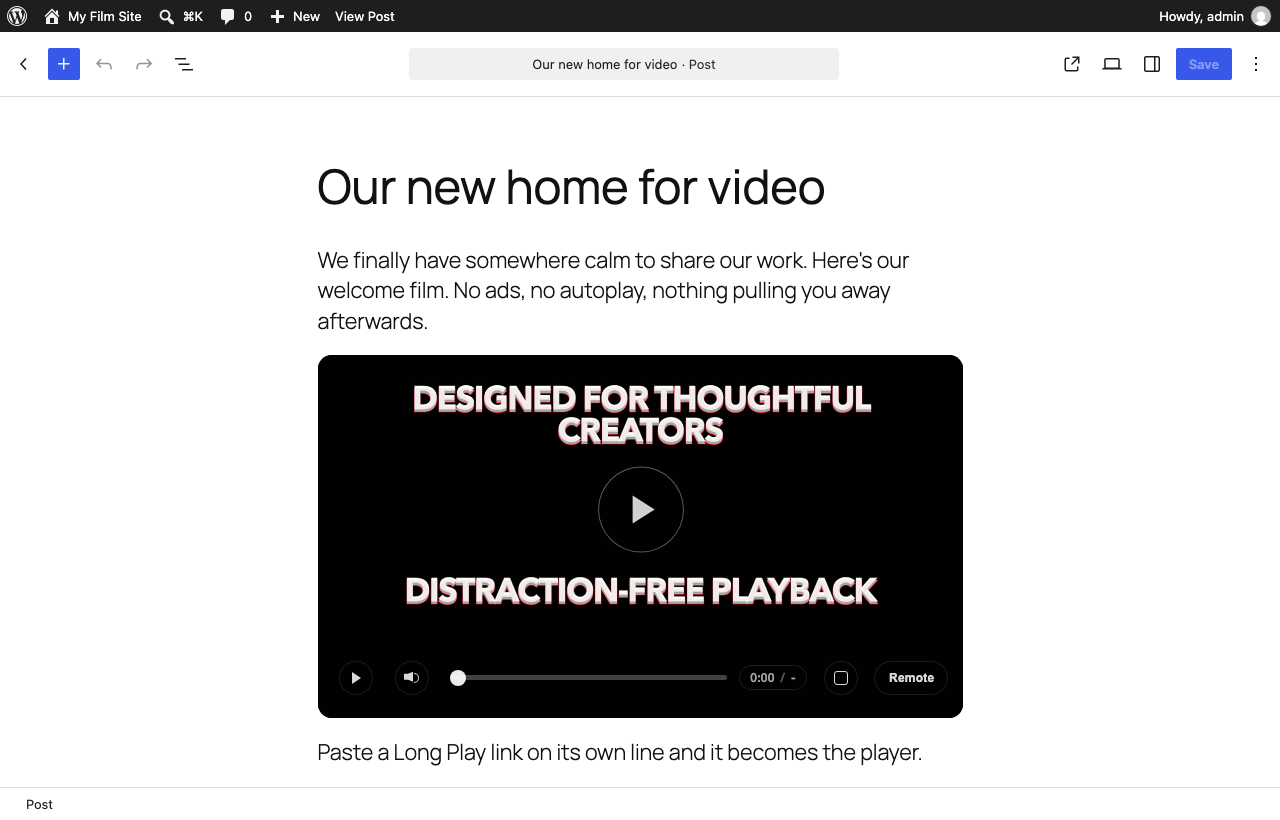
https://longplayplatform.com/browse/..., or the same link on filmcomet.com) on its own line, or into an Embed block, and it becomes the FilmComet player. - Or use a shortcode:
[longplay id="abc123XYZ"], with optionalwidth,heightandstart(in seconds). - Works with the block editor, the classic editor and page builders that support WordPress embeds.
Moving from Vimeo or YouTube? Swap your old players for FilmComet
Your site may have years of posts with Vimeo or YouTube players in them. Instead of editing each one, go to Tools > Swap videos:
- Press “Scan my site”. The plugin lists every Vimeo and YouTube video in your posts, pages and widgets.
- Videos you imported into FilmComet (from Vimeo, or your YouTube channel through Google Takeout) are matched for you. For anything else, paste the FilmComet link.
- Tick the ones to swap and save. Wherever the old player was, visitors now see the FilmComet player, at the same width, in your film’s real shape (no black bars), and starting at the same point – with no ads, and nothing suggesting other videos when yours ends.
Your posts are never edited. The swap happens as each page is shown, so unticking a video, switching the swap off, or deactivating the plugin brings the old players straight back.
About FilmComet
- Ad-free playback on every plan – FilmComet never inserts ads into your videos.
- Up to 4K, with adaptive streaming that starts fast and avoids buffering.
- Private sharing, password protection, share links with viewing notes, and domain-restricted embeds so a video only plays on your own site.
- Sell or rent your videos directly to your audience.
- Captions, multiple audio tracks, chapters and transcripts.
- Moving from Vimeo? FilmComet can import your Vimeo library for you.
- A free plan that will always exist, and a Creator plan whose price is locked for life.
Create a free account – no credit card required.
External services
This plugin connects to FilmComet (longplayplatform.com), the video hosting service whose videos it embeds. It sends nothing until a post or page contains a FilmComet video link or the [longplay] shortcode.
- When a post contains a FilmComet video link, WordPress asks FilmComet’s oEmbed endpoint (
https://longplayplatform.com/oembed) for the player code. It sends the video link and the requested player size. WordPress keeps the answer, as it does for YouTube or Vimeo links. - When you press “Scan my site” on the Tools > Swap videos page, the plugin sends the Vimeo and YouTube video ids it found (and nothing else) to
https://longplayplatform.com/api/video-matches, which answers with any public FilmComet copies of those videos. This happens only when you press the button. - To give a swapped player or a [longplay] shortcode the film’s real shape, the plugin asks FilmComet’s oEmbed endpoint (
https://longplayplatform.com/oembed) for that video’s width and height, sending only the FilmComet video link. The answer is kept for a week, so this happens at most once a week per video. - When someone views the post, their browser loads the player from
https://longplayplatform.com/embed/.... FilmComet receives what any embedded player receives: the visitor’s IP address and browser details, and your site’s address (not the page or the visitor) so videos limited to your website can play.
FilmComet Platform Rules (terms of use) and privacy policy.
Schermafbeeldingen

Installatie
- Install the plugin from Plugins > Add New, or upload the
long-play-embedsfolder to/wp-content/plugins/. - Activate it.
- Paste a FilmComet video link into any post or page.
FAQ
-
Which videos can be embedded?
-
Public FilmComet videos. Private videos, and videos limited to other websites by their creator, show a “This video is unavailable” message instead.
-
Can I make a video play only on my own website?
-
Yes. On the Creator plan and above, set the video to Private share and list your website under domain restriction. It will then play only in embeds on your site.
-
Which players can be swapped?
-
Vimeo and YouTube players in posts, pages and widgets: Embed blocks, links on their own line, and pasted embed code (including YouTube’s privacy-enhanced youtube-nocookie.com players). A player added by a page builder’s own video widget, outside the post content, is left as it is.
-
Does swapping change my posts?
-
No. Nothing in your posts is changed. The FilmComet player is shown in place of the old one as the page is displayed. Untick a video, switch the swap off, or deactivate the plugin, and the old player is back.
-
Why wasn’t my video matched automatically?
-
Automatic matches come from FilmComet’s Vimeo import and its YouTube import (Google Takeout), and only public videos are matched. If you uploaded the video yourself, or it is unlisted or private-share on FilmComet, paste its FilmComet link into the box instead.
-
Does it work with page builders?
-
Anything that uses WordPress’s standard embeds, such as the block editor’s Embed block, will show the FilmComet player. The
[longplay]shortcode works anywhere shortcodes do, including most page builders.
Beoordelingen
Er zijn geen beoordelingen voor deze plugin.
Bijdragers & ontwikkelaars
“FilmComet Embeds” is open source software. De volgende personen hebben bijgedragen aan deze plugin.
Bijdragers
Vertaal “FilmComet Embeds” in je eigen taal.
Interesse in ontwikkeling?
Bekijk de code, haal de SVN repository op, of abonneer je op het ontwikkellog via RSS.
Changelog
1.3.0
- Long Play is now FilmComet: the plugin, its player titles and Tools > Swap videos use the new name.
- filmcomet.com links work as well as longplayplatform.com ones, pasted on their own line, in an Embed block, in the [longplay] shortcode or in Tools > Swap videos.
1.2.0
- New: YouTube players can be swapped too (Embed blocks, links, pasted embed code including youtube-nocookie.com, Shorts and youtu.be links). YouTube start times carry over.
- The page is now Tools > Swap videos. Your Vimeo swaps from 1.1.0 carry on as they were.
- Every Long Play player now takes the film’s real shape, so wide and portrait films never sit in a 16:9 box with black bars: swapped Vimeo and YouTube players (the old width is kept, the height follows the film), the frames the block editor and Vimeo’s embed code put around them, and the [longplay] shortcode. The shape comes from Long Play and is remembered for a week.
- [longplay] shortcode: give a width and the height follows the film; give both a width and a height to set your own shape.
1.1.0
- New: Tools > Swap Vimeo videos. Scan your site for Vimeo players, match them to your Long Play videos, and show Long Play instead, without editing any posts.
- Vimeo start times (#t=) carry over to the Long Play player.
1.0.0
- First release: Long Play links become players;
[longplay]shortcode.