

Beschrijving
Super Duper MHD Assistant lets shop owners display best-before dates (“MHD” = Mindesthaltbarkeitsdatum) on their WooCommerce products. It is especially useful for online shops selling food, cosmetics, supplements or any other products with a limited shelf life.
🇨🇭🇩🇪🇦🇹 Note for DACH users: the plugin interface and support are available in German (Switzerland, Germany, Austria). All texts and settings are fully translated into German.
Features
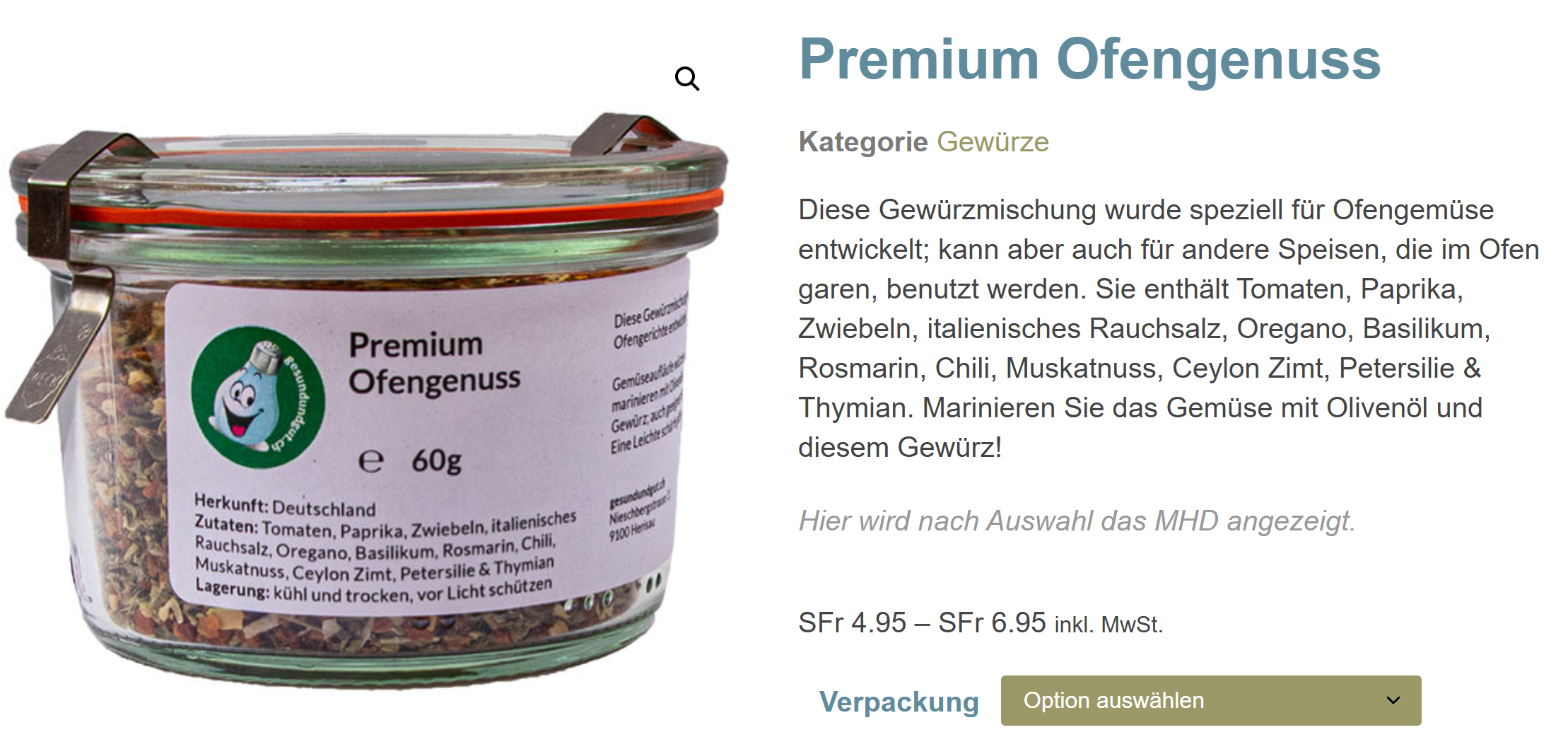
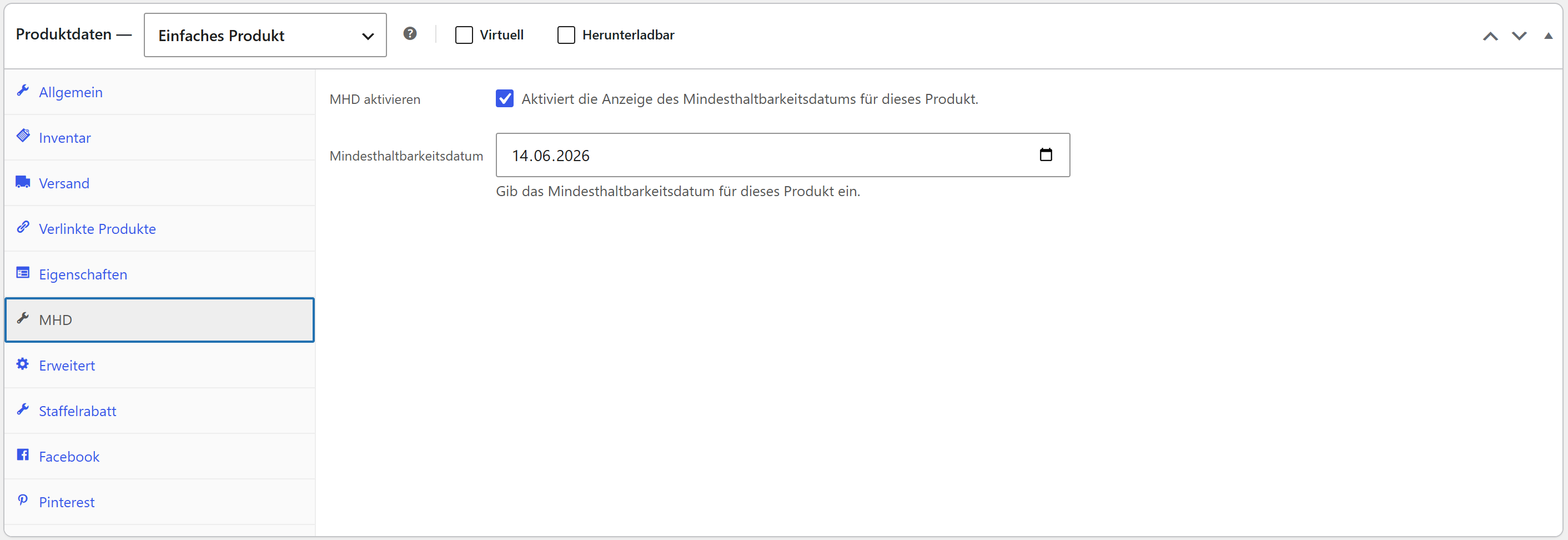
- Best-before display for simple products – one best-before date per product
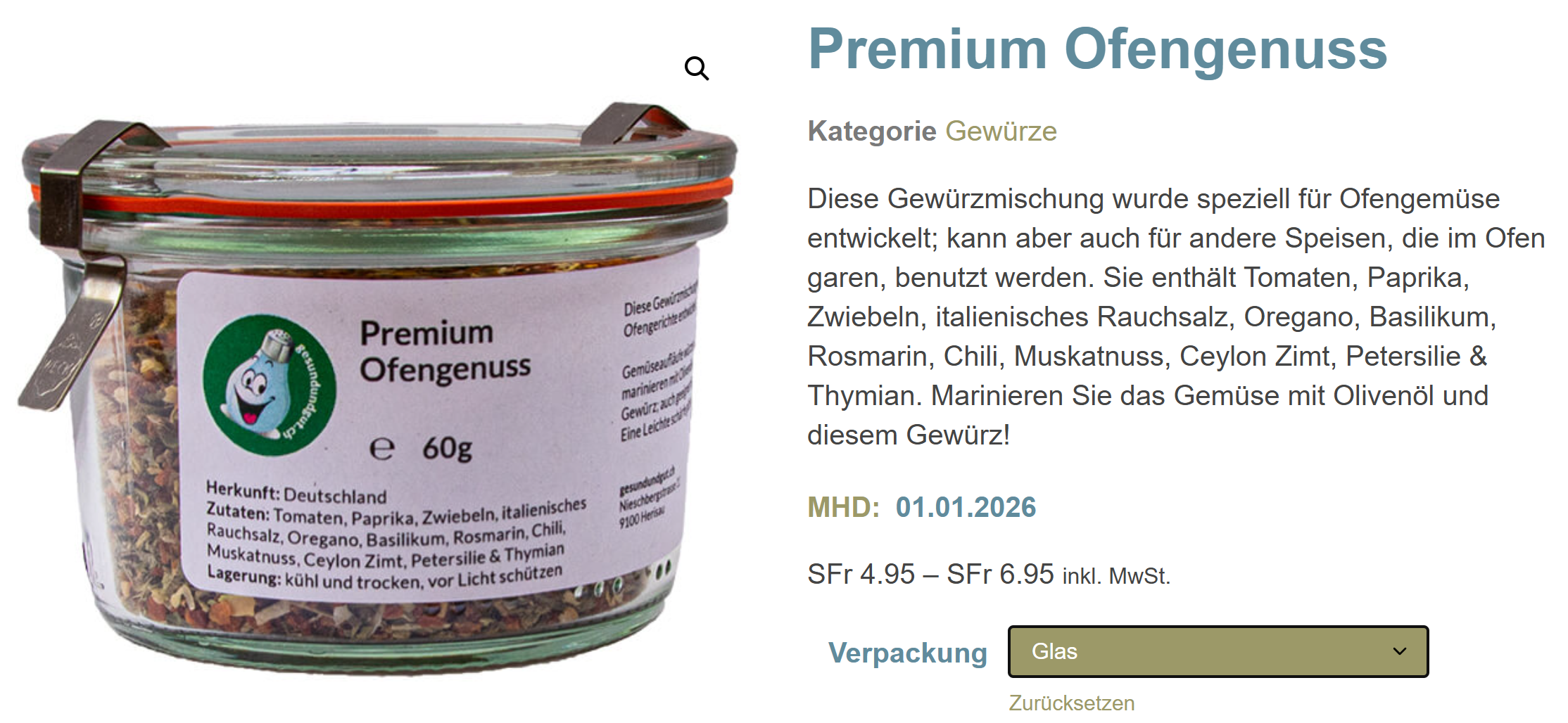
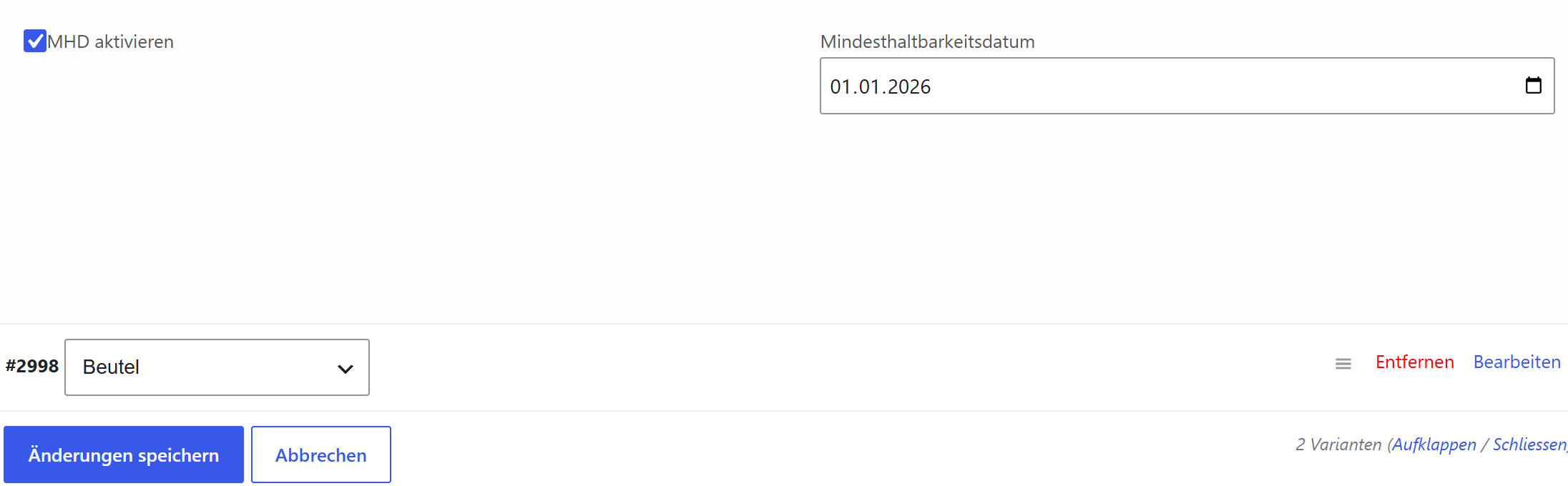
- Best-before display for variable products – the matching date for the selected variation
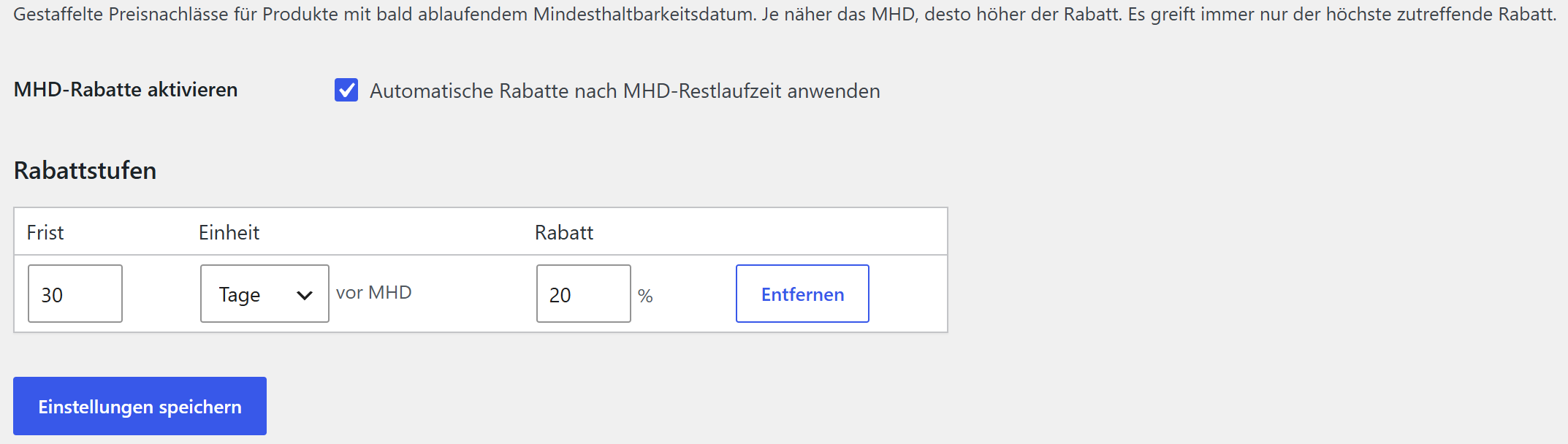
- Automatic expiry discount – optional price reduction for products whose best-before date is approaching (from X days/weeks before the date Y %)
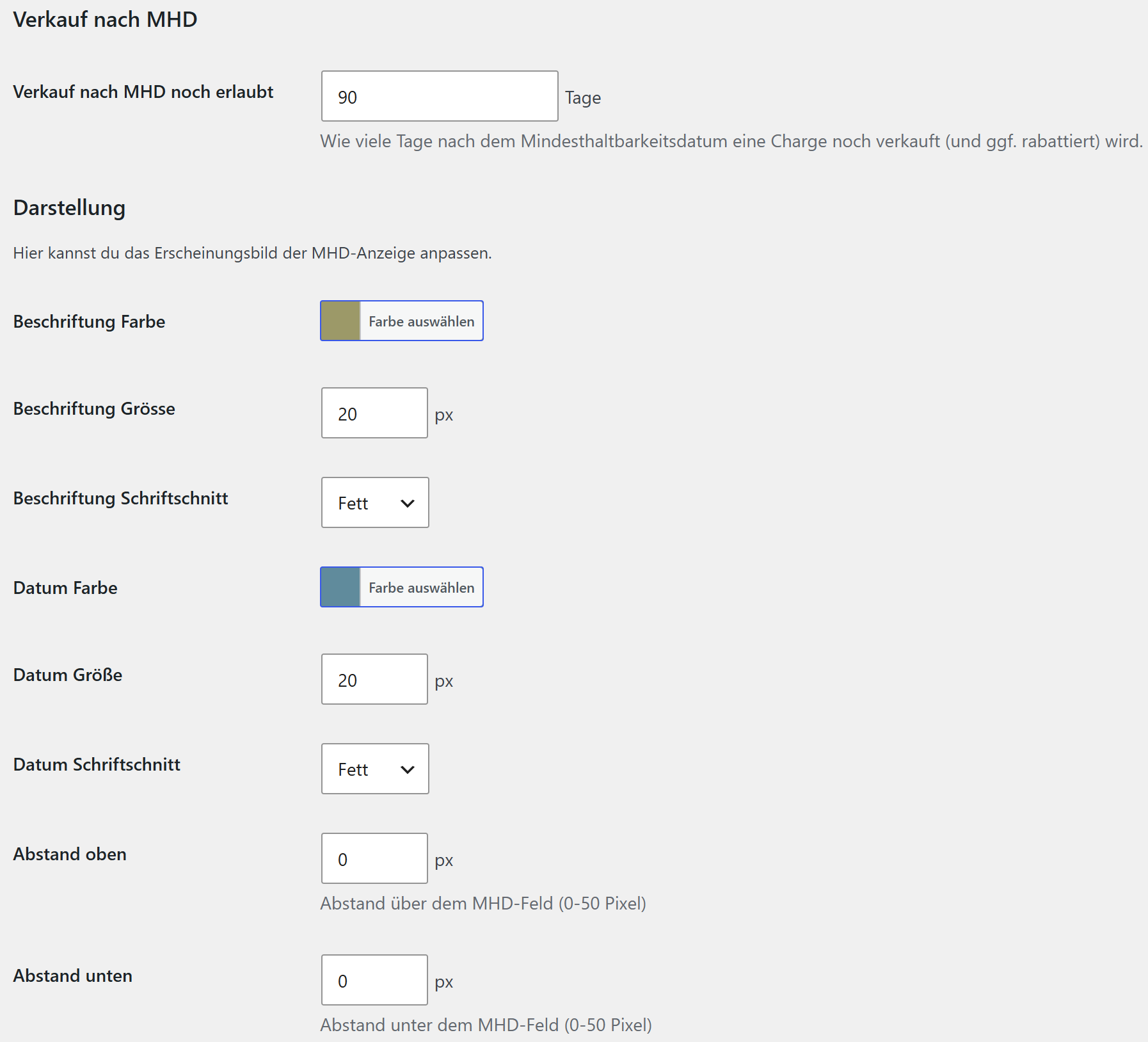
- “Sell after best-before” grace period – configure how many days past the best-before date a product may still be sold; afterwards it is treated as expired
- Fully customizable appearance – colors, font sizes, font weights and spacing
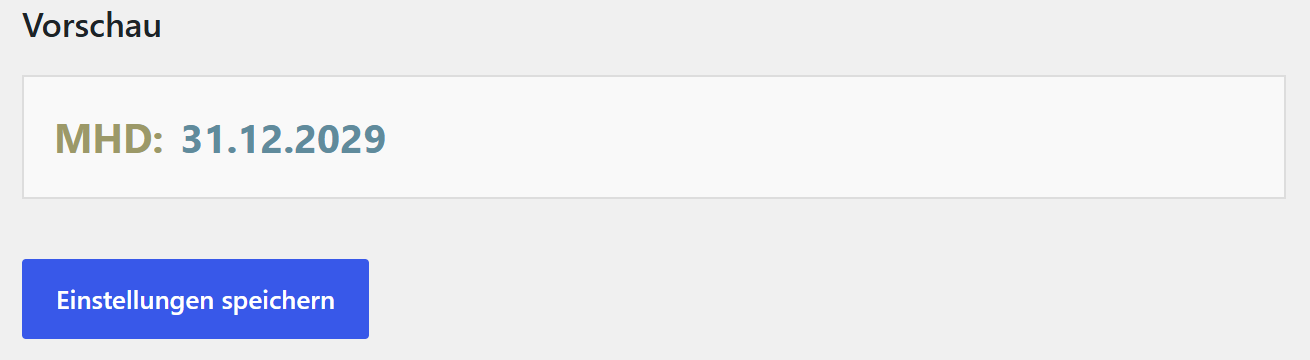
- Live preview – see changes immediately
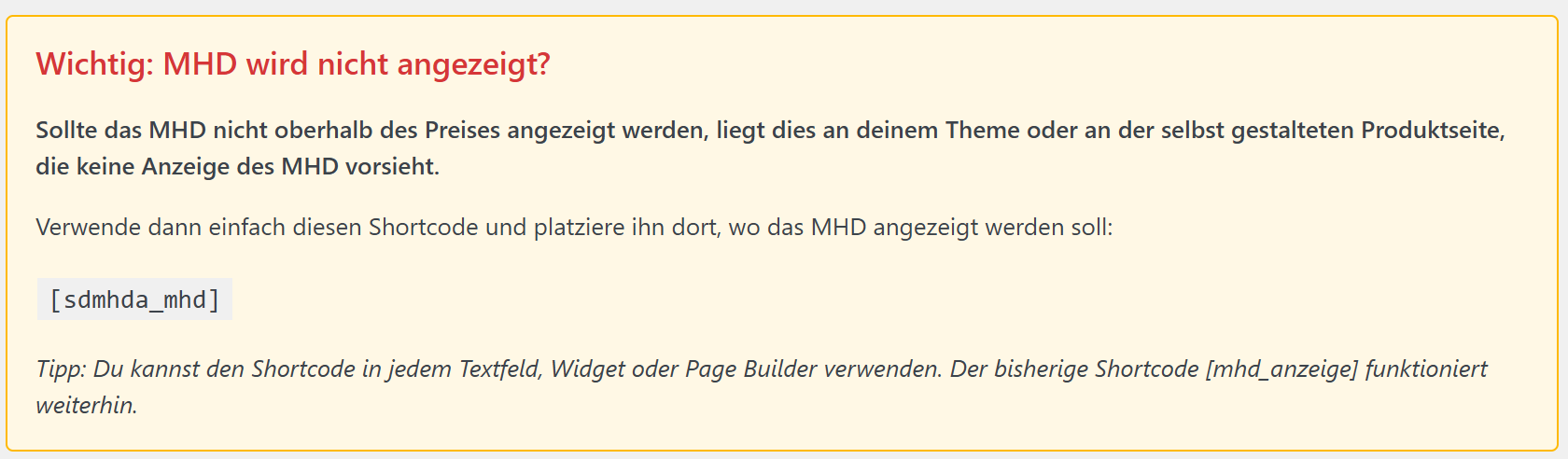
- Shortcode support – flexible placement with
[sdmhda_mhd]for maximum compatibility - Theme compatible – works with all WooCommerce themes, including Elementor and page builders
- German localization – complete translations for Germany, Austria and Switzerland
Pro version
A separate Pro version is available directly from Super Duper Plugins (superduperplugins.ch). It is a standalone plugin that you install over this free version – same plugin, your settings are kept – and it adds:
- Batch / LOT management with FEFO stock control – multiple batches per product/variation with LOT number, best-before date and stock; on sale the batch with the earliest best-before date is reduced first (First Expired, First Out) and the WooCommerce stock is kept in sync
- Batch overview – a dashboard widget and an overview page for soon-expiring batches
- Multiple discount tiers – e.g. 4 weeks 20 %, 2 weeks 30 %, 3 days 50 %
- Display modes for several best-before dates – only when a batch runs low, or all batches in stock
- Quantity per best-before date – show the available quantity per date, with its own styling
- Daily e-mail notification about expiring batches
The Pro version is distributed by Super Duper Plugins and is not hosted on WordPress.org.
Appearance options
- Customizable label and value colors (with color picker and hex input)
- Configurable font sizes (10–24 px)
- Different font weights (normal, bold, lighter)
- Individual top and bottom spacing (0–50 px)
- Live preview of all changes
Shortcode usage
Use the shortcode [sdmhda_mhd] for maximum flexibility:
- Place the best-before date exactly where you want it
- Ideal for custom themes or page builders
- A reliable solution for display issues
External services
This free version does not connect to any external services. It runs entirely on your own site.
(The separate Pro version contacts the Super Duper Plugins license server only to validate a Pro license key; that is documented with the Pro version.)
Schermafbeeldingen
Installatie
Automatic installation
- Go to your WordPress dashboard.
- Navigate to Plugins > Add New.
- Search for “Super Duper MHD Assistant”.
- Click Install Now and then Activate.
Manual installation
- Upload the plugin files to the
/wp-content/plugins/super-duper-mhd-assistant/directory. - Activate the plugin through the Plugins menu in WordPress.
- Make sure WooCommerce is installed and active.
Configuration
- Appearance: go to MHD Assistant > Settings and adjust colors, font sizes and spacing. The live preview shows the result immediately.
- Best-before for simple products: edit a product and open the MHD tab in the Product data box. Enable best-before and choose the date.
- Best-before for variable products: on the Variations tab, enable best-before per variation and set a date.
- Expiry discount (optional): under MHD Assistant > Rabatte, enable the automatic discount and set a tier.
- Shortcode (optional):
[sdmhda_mhd]for flexible placement in your theme or page builder.
FAQ
-
The best-before date is not shown, what can I do?
-
Use the shortcode
[sdmhda_mhd]and place it where you want on your product page (theme or page builder). Also check that best-before is enabled and a date is set, and clear any caches. -
Does the plugin work with variable products?
-
Yes. For variable products the best-before date appears once the customer selects a variation – showing the date of exactly that variation. Each variation can have its own date.
-
Can I customize the appearance?
-
Yes, under MHD Assistant > Settings: colors, font sizes, font weights and spacing – with a live preview.
-
Is there a Pro version with batch tracking?
-
Yes. Batch/LOT management with FEFO stock control, a batch overview, multiple discount tiers, additional display modes and a daily e-mail notification are available in the separate Pro version from superduperplugins.ch. It installs over this free version and is not hosted on WordPress.org.
-
Is the plugin translation ready?
-
Yes. Complete translations for German (Germany, Austria, Switzerland – formal and informal) are included. Additional languages can be added through the standard WordPress localization.
Beoordelingen
Er zijn geen beoordelingen voor deze plugin.
Bijdragers & ontwikkelaars
“Super Duper MHD Assistant” is open source software. De volgende personen hebben bijgedragen aan deze plugin.
Bijdragers
“Super Duper MHD Assistant” is vertaald in 2 localen. Dank voor de vertalers voor hun bijdragen.
Vertaal “Super Duper MHD Assistant” in je eigen taal.
Interesse in ontwikkeling?
Bekijk de code, haal de SVN repository op, of abonneer je op het ontwikkellog via RSS.
Changelog
1.2.7
- Initial release.