
Beschrijving
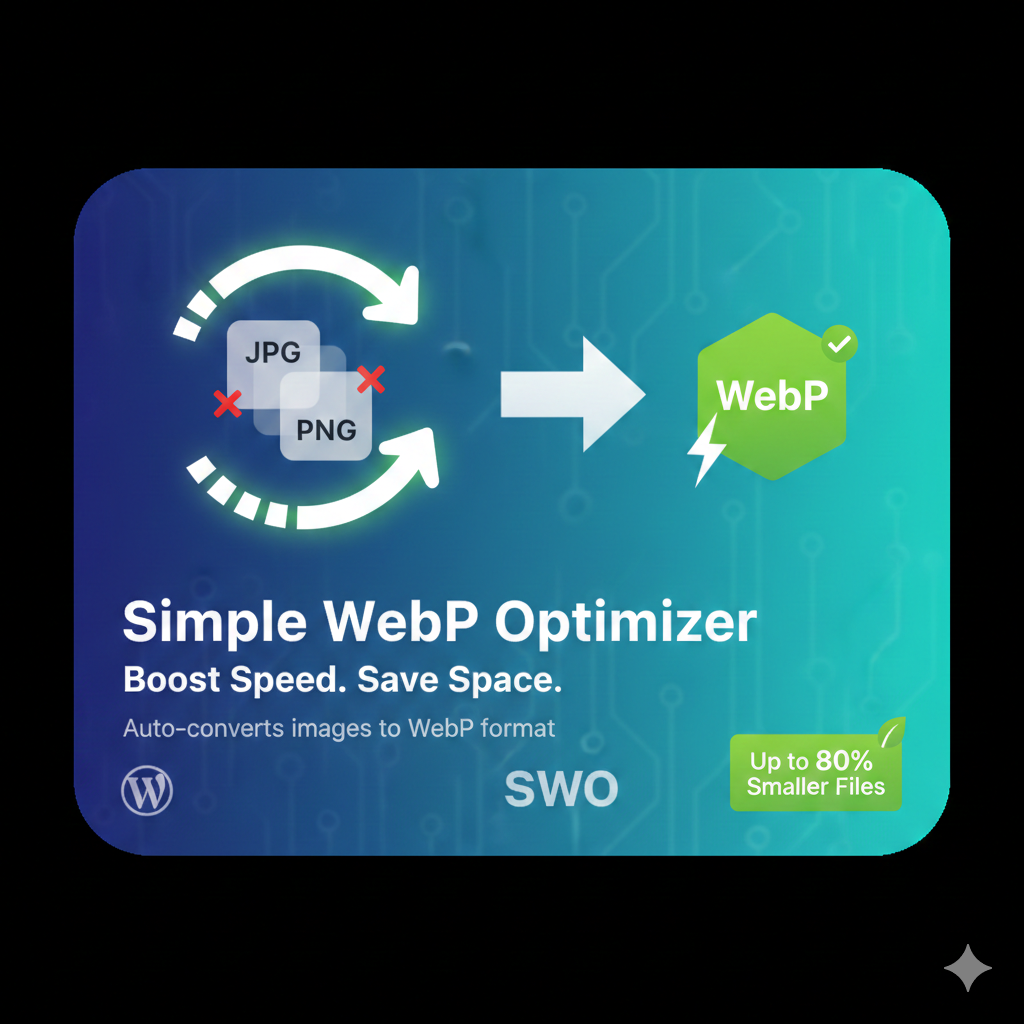
Automatically converts your JPEG and PNG uploads into Google’s WebP format. This plugin reduces image file sizes by up to 80% without sacrificing visual quality.
Installatie
- Upload the
simple-webp-optimizerfolder to the/wp-content/plugins/directory. - Activate the plugin through the ‘Plugins’ screen in WordPress.
- Go to Settings -> WebP Optimizer to configure.
Beoordelingen
Er zijn geen beoordelingen voor deze plugin.
Bijdragers & ontwikkelaars
“Simple WebP Optimizer” is open source software. De volgende personen hebben bijgedragen aan deze plugin.
Bijdragers
Vertaal “Simple WebP Optimizer” in je eigen taal.
Interesse in ontwikkeling?
Bekijk de code, haal de SVN repository op, of abonneer je op het ontwikkellog via RSS.
Changelog
2.0
- Initial public release with bulk optimization support.