
Beschrijving
Vendor Product Dashboard for WooCommerce adds a frontend dashboard for vendors, allowing them to manage their own products without access to the WordPress admin area.
Vendors can:
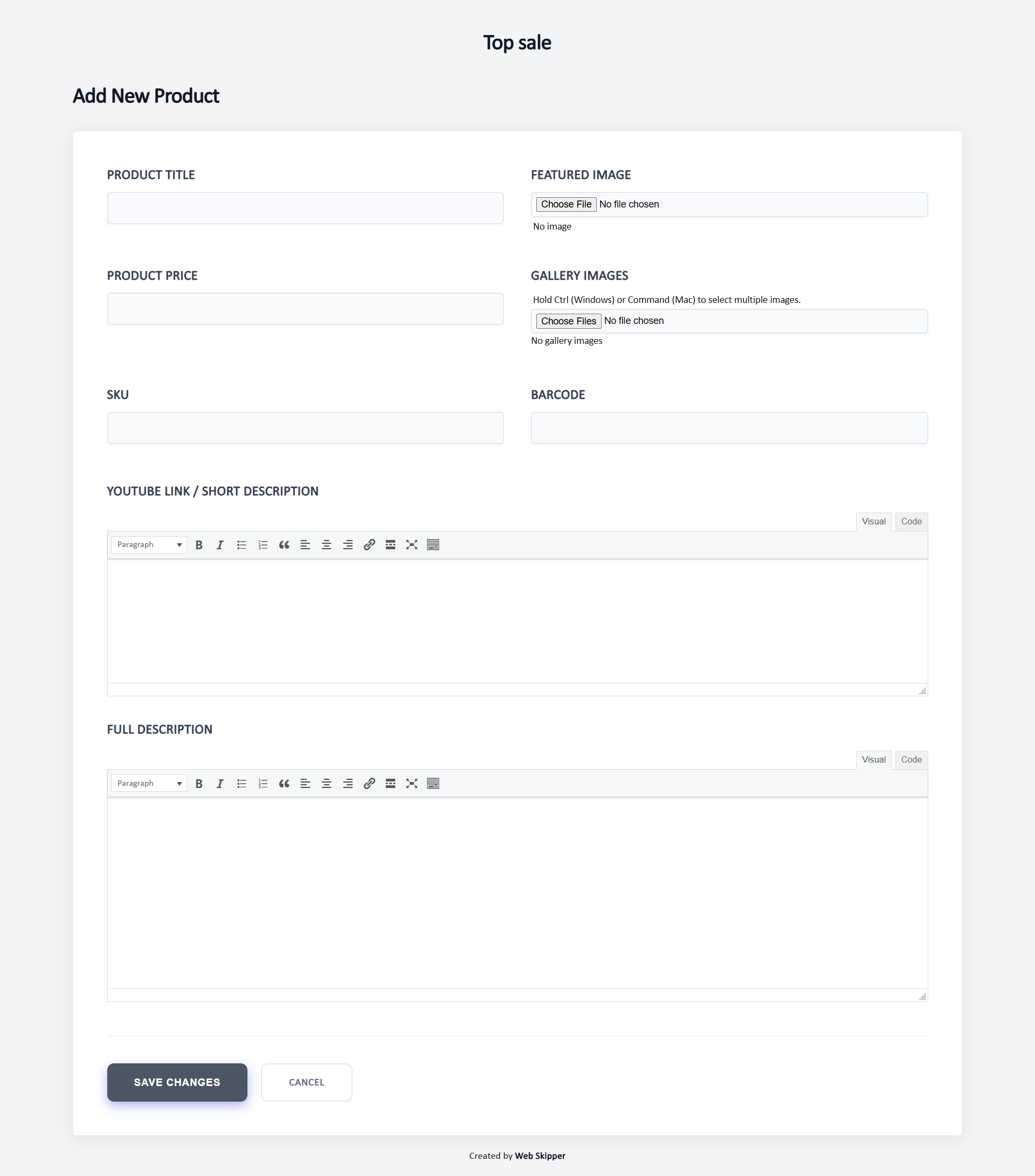
* Add new products
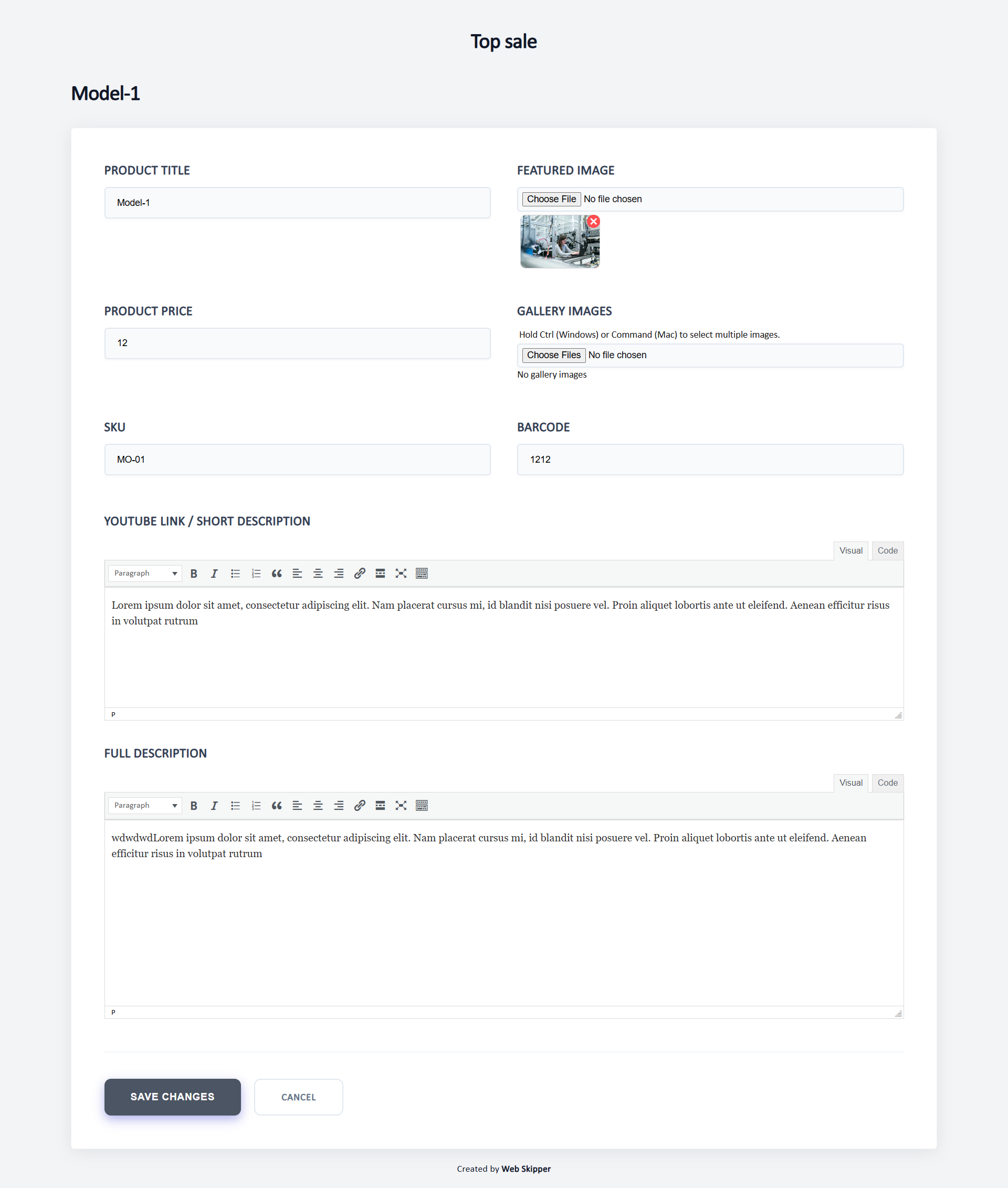
* Edit product content (title, short and full description)
* Change product price, SKU, and barcode
* Update stock quantity and stock status (applied immediately)
* Publish or unpublish a product and set its catalog visibility (applied immediately)
* Upload product images and videos
All vendor changes are saved as Pending Review, while the store admin keeps full control over what gets published. Stock levels are the one exception: they are applied immediately, because holding a stock figure in a queue while orders keep coming in would let an approval roll the level back and oversell the product.
This plugin is ideal for multi-vendor stores, brands working with external suppliers, and marketplaces that require moderation before publishing product changes.
User Roles & Access Control
* Each vendor is assigned to specific brands
* Vendors can manage only products related to their own brands
* Products are automatically linked to vendors
* Vendors work in a frontend dashboard without wp-admin access
* Store owners retain full control through admin approval
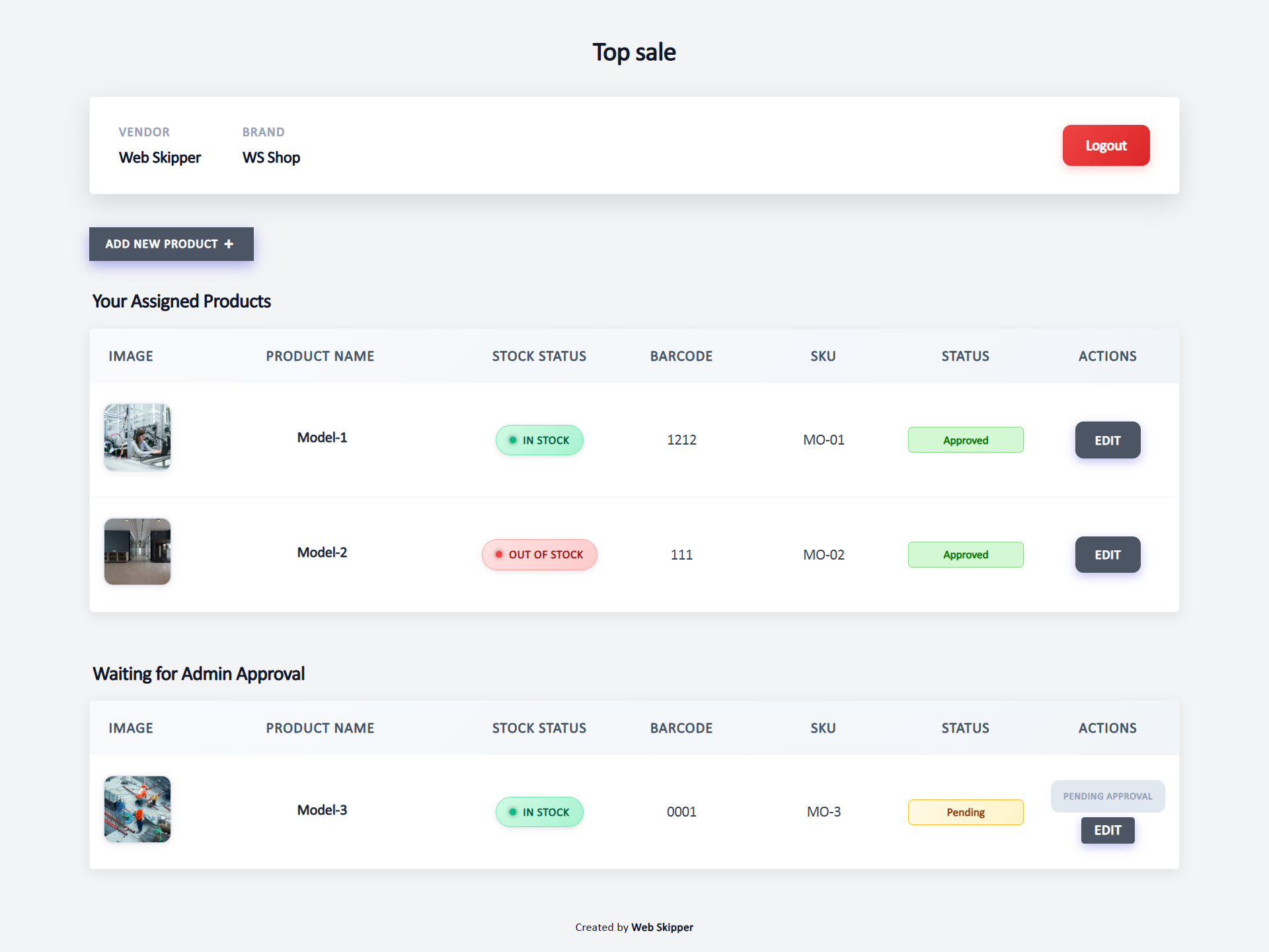
Vendor-Friendly Dashboard
* Clean, WordPress-native frontend interface
* View products with images, stock quantity and status, price, description, SKU, and barcode
* Search products by name, SKU or barcode
* Paginated product list that stays fast with large catalogues
* Clear indicators showing missing or incomplete content
* Changes are never published automatically
Admin Moderation
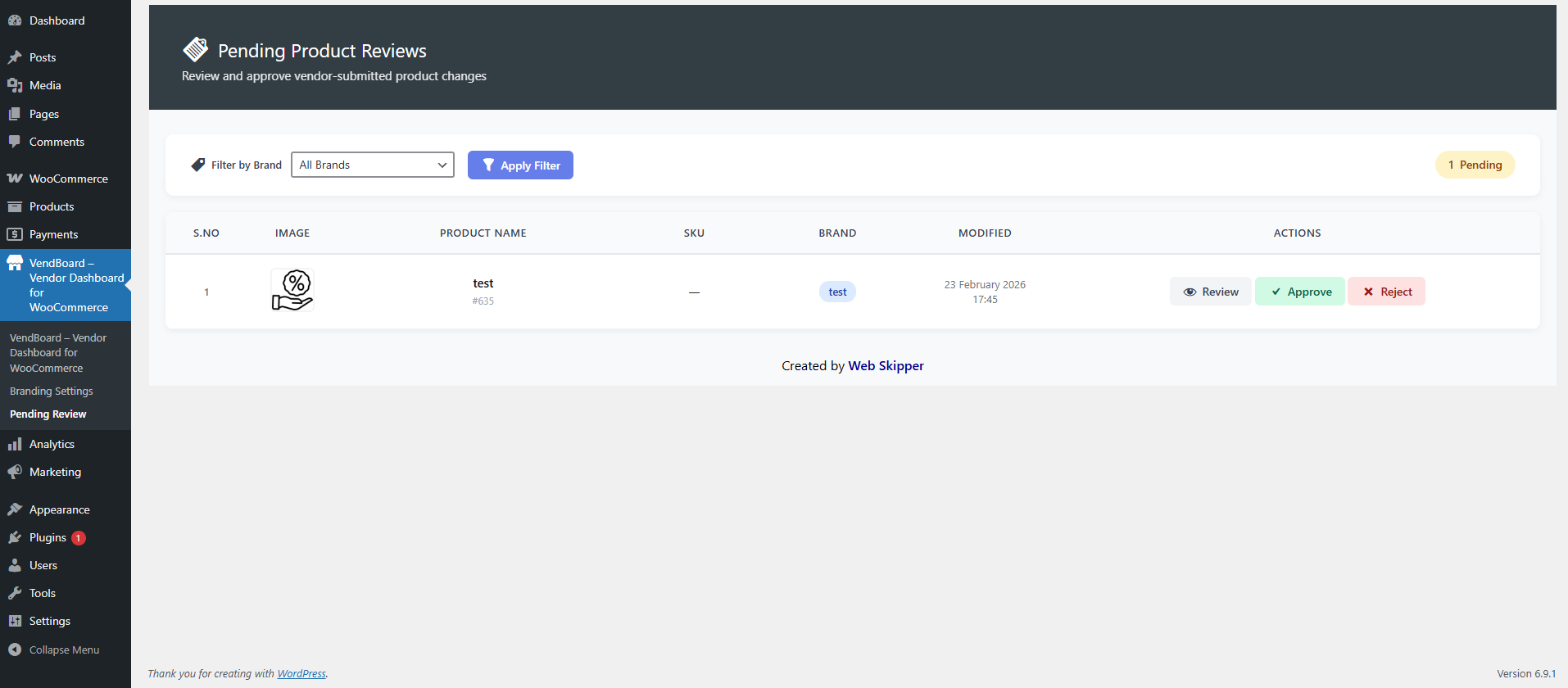
* Review all vendor product updates
* Approve or reject submitted changes
* Pro version: rejection comments for vendors
Design & Customization
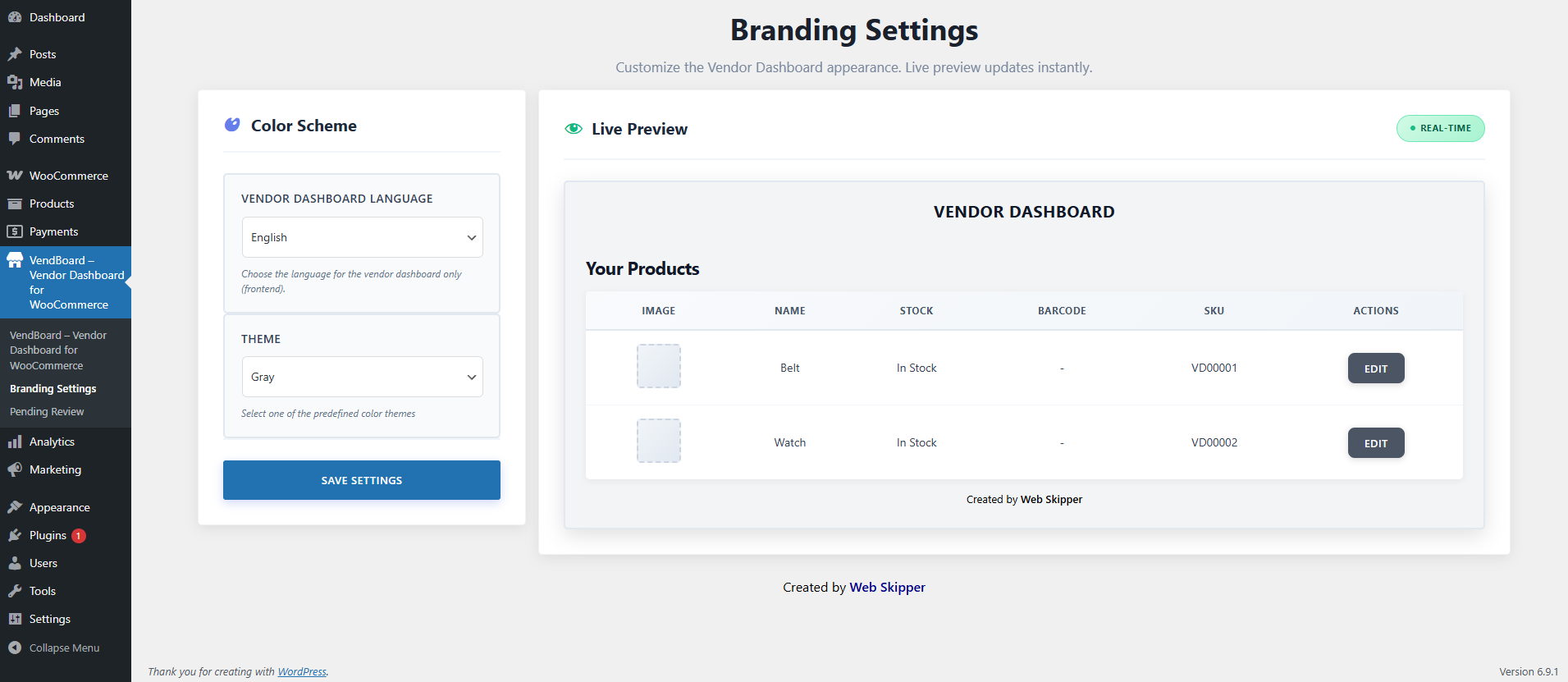
* Clean and modern WooCommerce interface
* RTL and LTR support (English / Hebrew)
* Eleven predefined color themes
* Pro version: full color customization, logo upload, and white-label mode
Extras
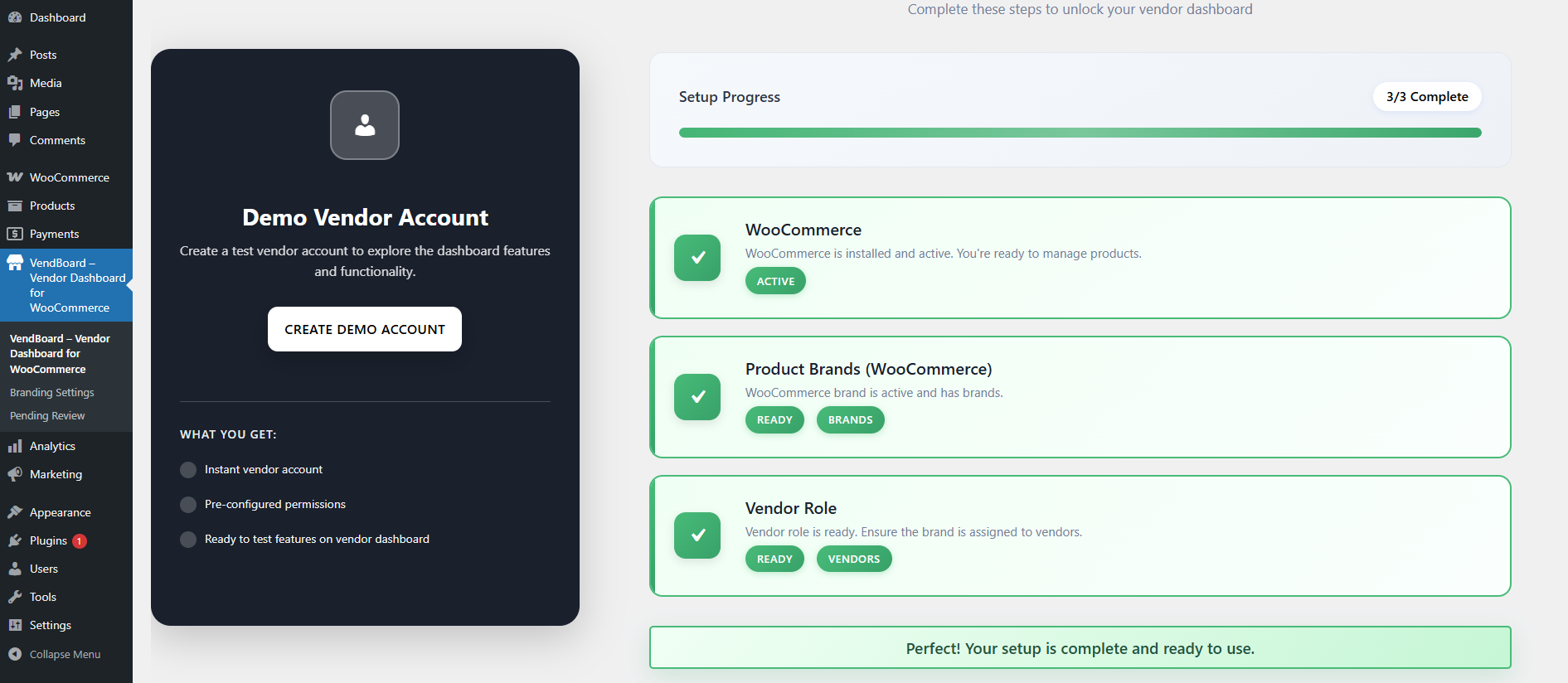
* Demo vendor account for testing
* Optional onboarding popup for new vendors
Why Stores Choose This Plugin
* Safe Editing: vendors never risk site integrity
* Full Control: all changes require admin approval
* Time Saver: reduces admin workload
* Vendor-Friendly: simple and intuitive interface
* Global Ready: suitable for international stores
Schermafbeeldingen
Installatie
- Go to Plugins > Add New.
- Search for “Vendor Dashboard”.
- Install and activate the plugin.
- After activation, visit Vendor Dashboard from the admin sidebar.
- Enable the features you want to use.
FAQ
-
What does this plugin do?
-
This plugin allows vendors to safely add and edit their own WooCommerce products without access to wp-admin. All changes require admin approval before publishing.
-
Do vendors get access to wp-admin?
-
No. Vendors work only in a frontend dashboard. wp-admin access is restricted to administrators.
-
Can vendors see or manage other vendors products?
-
No. Each vendor can access and manage only their own products.
-
Can vendors add new products?
-
Yes. Vendors can add new products and edit existing ones from the frontend dashboard.
-
What product fields can vendors manage?
-
Vendors can manage product name, descriptions, images (featured and gallery), price, SKU, barcode, stock level, and product video (YouTube link).
-
How do vendors update stock levels?
-
The product edit screen includes a Stock Quantity field and a Stock Status selector. When a vendor enters a quantity, WooCommerce stock management is enabled for that product and the stock status is set automatically from the quantity (respecting your backorder settings). Leaving the quantity empty turns stock management off and uses the selected status instead.
-
Can vendors unpublish their own products?
-
Yes. The edit screen has a Product Status control for publishing or unpublishing, and a Catalog Visibility control for choosing whether a product appears in the shop, in search results, both, or neither. Like stock, these apply immediately.
There is one deliberate limit: a product the administrator has never approved cannot be published by a vendor. New products still go live only through the approval workflow, so this cannot be used to bypass review. If a vendor unpublishes a product, approving their other pending edits will not silently put it back online.
-
Can vendors search their products?
-
Yes. The dashboard has a search box that matches product name, description, SKU and barcode, and the product list is paginated. Products waiting for approval are always listed in full, above the searchable list, so they never get lost behind a filter.
-
Do stock changes need admin approval?
-
No, and this is deliberate. Stock is the only field that goes live immediately. Every other field still waits for your approval. Stock is operational data that your own sales keep changing, so if a vendor’s figure sat in the approval queue while orders came in, approving it later would overwrite those sales and leave the store showing more units than actually exist. Applying stock straight away keeps the number honest. Vendors still only ever reach their own brand’s products.
-
Are vendor changes published automatically?
-
No. All vendor changes and new products are saved as Pending Review until approved by an administrator.
-
How does admin moderation work?
-
Admins review vendor submissions and either approve or reject changes. Rejection comments are planned for the Pro version.
-
How does smart product sorting work?
-
Products are grouped automatically:
* In-stock products missing content
* Out-of-stock products missing content
* In-stock products with complete content
* Out-of-stock products with complete contentMissing descriptions or images are clearly marked for easy editing.
-
What is included in the free version?
-
The free version includes:
* Vendor role and frontend dashboard
* Vendor-only product access
* Product creation and editing
* Admin approval workflow
* Smart product sorting
* Eleven predefined color themes
* English and Hebrew language support
* RTL and LTR compatibility -
Is a Pro version planned?
-
Yes. Planned Pro features include rejection comments, full color customization, logo upload, and white-label mode.
For custom features, contact us at info@web-skipper.co.il.
Beoordelingen


Bijdragers & ontwikkelaars
“VendBoard – Vendor Dashboard for WooCommerce” is open source software. De volgende personen hebben bijgedragen aan deze plugin.
Bijdragers
Vertaal “VendBoard – Vendor Dashboard for WooCommerce” in je eigen taal.
Interesse in ontwikkeling?
Bekijk de code, haal de SVN repository op, of abonneer je op het ontwikkellog via RSS.
Changelog
1.1.1
- Fixed the product barcode being stored under two different meta keys. The WooCommerce product screen wrote
_vendboard_barcodewhile the vendor dashboard saved and approved to_barcode, so a barcode entered by an administrator showed as blank on the vendor edit form, and a barcode approved from a vendor never appeared anywhere afterwards. - All barcode reads and writes now use
_vendboard_barcode, falling back to any existing_barcodevalue so nothing already saved is lost. - Fixed products with an administrator-entered barcode being flagged for approval on every vendor save, even when nothing had changed.
1.1.0
- Security: fixed a broken access control issue where the product save endpoint did not verify that the submitted product belonged to the vendor’s assigned brand. A signed-in vendor could edit products outside their own brand. All vendors should update.
- Security: added nonce and capability checks to the branding preview endpoint, and a nonce to the onboarding dismissal endpoint.
- Added product search on the vendor dashboard, matching name, description, SKU and barcode.
- Added pagination to the vendor product list. Previously the list was capped at 50 products with no way to reach the rest.
- Vendors can now publish or unpublish their own products and set catalog visibility. These apply immediately; products never approved by an administrator still cannot be published by a vendor.
- Approving pending edits no longer republishes a product the vendor deliberately unpublished.
- Added five more color themes: teal, indigo, pink, orange and slate.
- Fixed missing slash removal on submitted text, which could accumulate backslashes in titles, SKUs and barcodes.
- Fixed a possible fatal error on the branding preview when an unrecognised theme was stored.
- Removed a debug log call from the image upload path and restored the site locale after vendor saves.
1.0.7
- Added stock management for vendors: vendors can now edit stock quantity and stock status for their own products from the frontend dashboard.
- Stock changes are applied immediately rather than queued for approval, so an approval can never roll the stock level back over orders placed in the meantime. All other fields still require admin approval.
- Vendor dashboard product list now shows the stock quantity next to the stock status.
- A stock-only save no longer sends the product to the admin review queue, since there is nothing left to approve.
- Added a purple option to the predefined color themes.
- Updated “Tested up to” for WordPress 7.1.
1.0.6
- Fixed vendor product update issue.
- Improved styles.
1.0.5
- Removed inline scripts and styles, implemented proper WordPress enqueue.
- Escaped all shortcode outputs using proper WordPress escaping functions.
- Removed automatic demo user creation and weak password logic.
- Improved overall security and coding standards compliance.
1.0.4
- Fixed product save issues where changes were not reflected in the list due to meta key mismatch.
- Standardized
_vendboard_editedmeta key across the plugin for consistent pending product tracking. - Fixed brand assignment logic to support legacy meta keys (
VendBoard_assigned_brand,vd_assigned_brand). - Resolved “Access Denied” errors on the edit page by improving brand checking.
- Improved admin review workflow to properly clear pending flags on approval or rejection.
- Reverted decorative color changes to respect user branding settings.
1.0.3
- Fixed WordPress.org review issues.
- Improved i18n translator comments.
- Updated plugin name to VendBoard – Vendor Dashboard for WooCommerce.
1.0.2
- Fixed WordPress.org review issues.
- Improved i18n translator comments.
- Updated plugin name to Vendify – Vendor Dashboard for WooCommerce.
1.0.1
- Fixed WordPress.org review issues.
- Improved i18n translator comments.
- Updated plugin name to Managed Vendor Access for WooCommerce.
1.0.0
- Initial release.