

Beschrijving
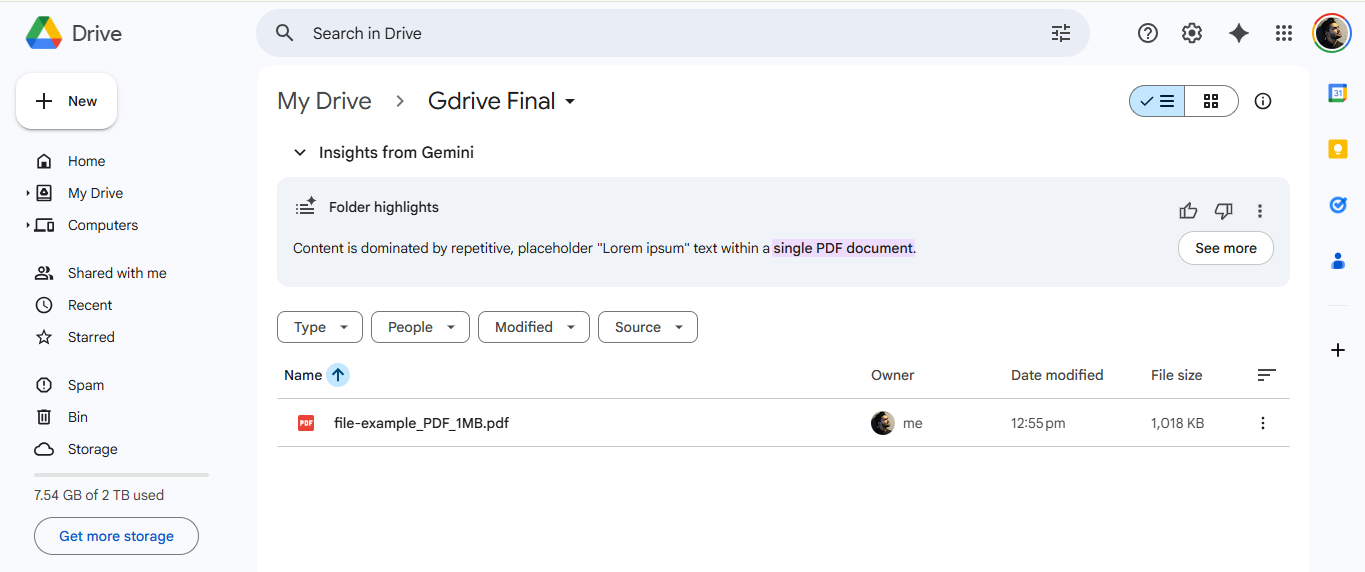
Automatically upload files directly to your Google Drive when users submit forms.
Features:
– Direct file uploads to Google Drive
– Support for multiple file types
– Easy Google authentication
Video Tutorial
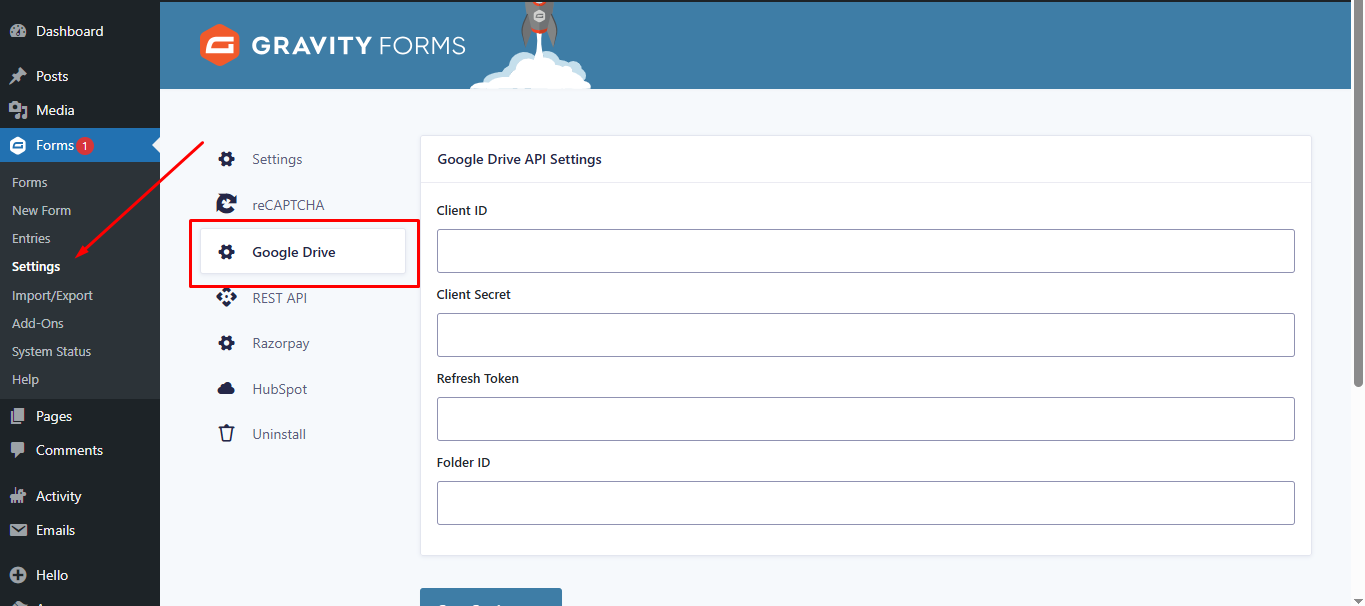
Watch this step-by-step guide to setting up the plugin, including how to get your Google API Client ID, Secret, and Refresh Token.
Configuration
- Connect your Google Drive account
- Select destination folder
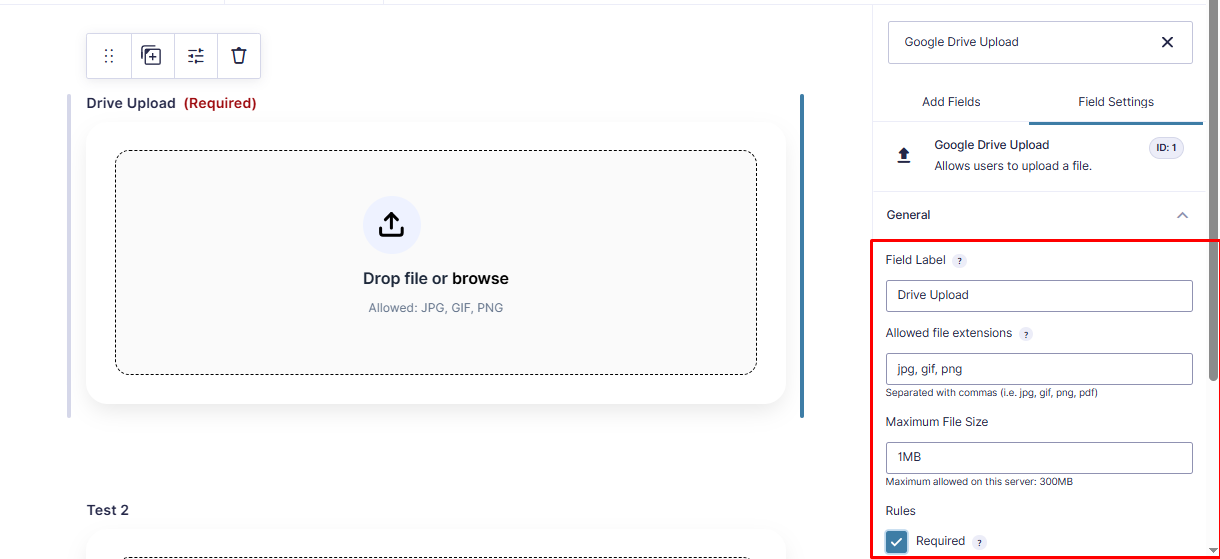
- Map form fields to Drive metadata
- Save and test with a form submission
Support
For support, visit the plugin documentation or contact support.
License
This plugin is licensed under the GPL v2 or later.
Schermafbeeldingen
Installatie
- Upload the plugin folder to
/wp-content/plugins/ - Activate the plugin through the WordPress admin panel
- Go to Forms > Settings > Drive Upload
- Authenticate with your Google account
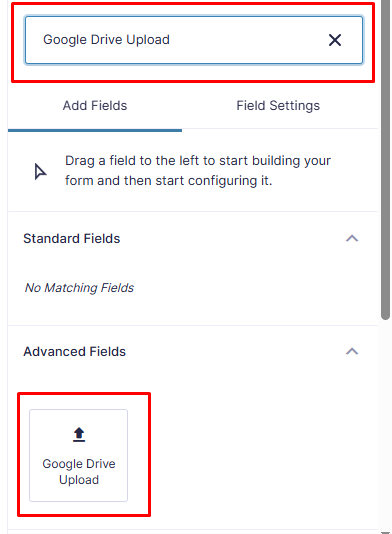
- Configure your upload settings
Beoordelingen


Bijdragers & ontwikkelaars
“Drive Upload for Gravity Forms (Google Drive)” is open source software. De volgende personen hebben bijgedragen aan deze plugin.
Bijdragers
“Drive Upload for Gravity Forms (Google Drive)” is vertaald in 2 localen. Dank voor de vertalers voor hun bijdragen.
Vertaal “Drive Upload for Gravity Forms (Google Drive)” in je eigen taal.
Interesse in ontwikkeling?
Bekijk de code, haal de SVN repository op, of abonneer je op het ontwikkellog via RSS.
Changelog
2.1
- Fixed: Fatal error “Class GFAddOn not found” by ensuring Gravity Forms is fully loaded before initialization.
- Fixed: Resolved text domain mismatch issues.
- Updated: Renamed all classes and functions to use the unique
DUGF_prefix. - Updated: Added
composer.jsonfor dependency management.
1.0.0
- Initial release