

Beschrijving
Uploadfic lets you enable unfiltered uploads in WordPress SVG, Excel, Docs, and more. Supports all MIME types easily and securely.
🔥 Features of Uploadfic
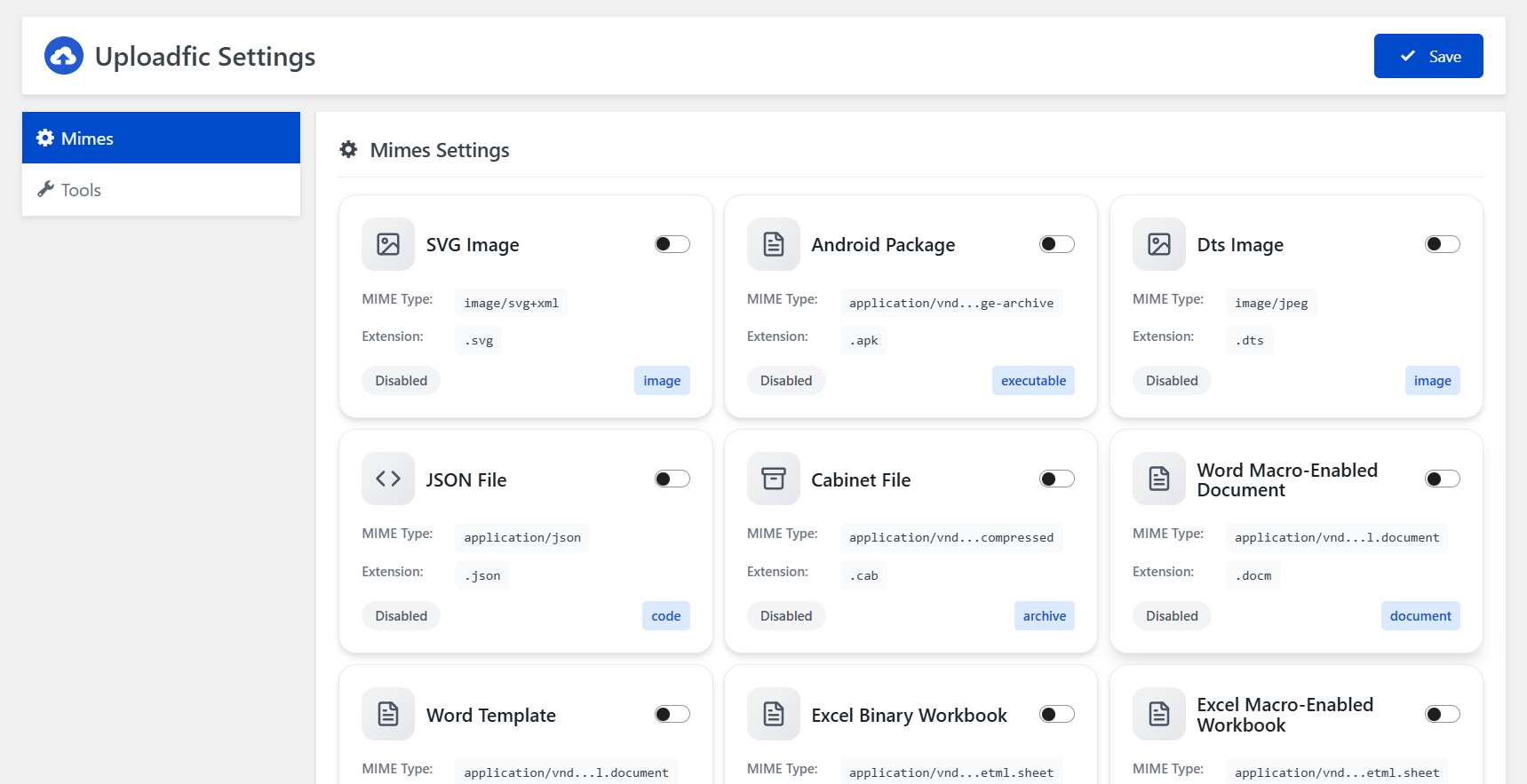
📁 Upload Any File Format – Effortlessly upload all file formats by selecting or adding custom MIME types.
🖼️ Modern Format Support – Full compatibility with SVG, EXE, ICO, JSON, HTML, and other popular file types.
🚫 Bypass Upload Limits ( Coming Soon ) – Override WordPress’s default restrictions without touching core files.
🧰 Zero Coding Needed – Intuitive interface designed for both beginners and advanced users.
🔐 Secure Upload Filtering – Built-in validation to block unsafe or unsupported file uploads.
➕ Custom MIME Type Control ( Coming Soon ) – Easily define and manage your own MIME types with just a few clicks.
🌟 Benefits of Uploadfic
✅ Unlock Restricted File Types – Enable uploads for file formats normally blocked by WordPress, like SVG, DOCX, EXE, and more.
✅ Save Time & Effort – No need for manual code edits or plugins for each file type—manage everything from one place.
✅ Boost Workflow Flexibility – Perfect for developers, designers, and content creators needing to upload a wide range of assets.
✅ Enhance Site Functionality – Expand what your WordPress site can handle by supporting more file types for media, tools, or documents.
✅ Improve File Management – Centralized control over all MIME types makes your media library more powerful and versatile.
✅ Stay Secure – Upload with confidence thanks to built-in checks that keep malicious files out.
📘 How to use ?
- Navigate WordPress Dashboard to
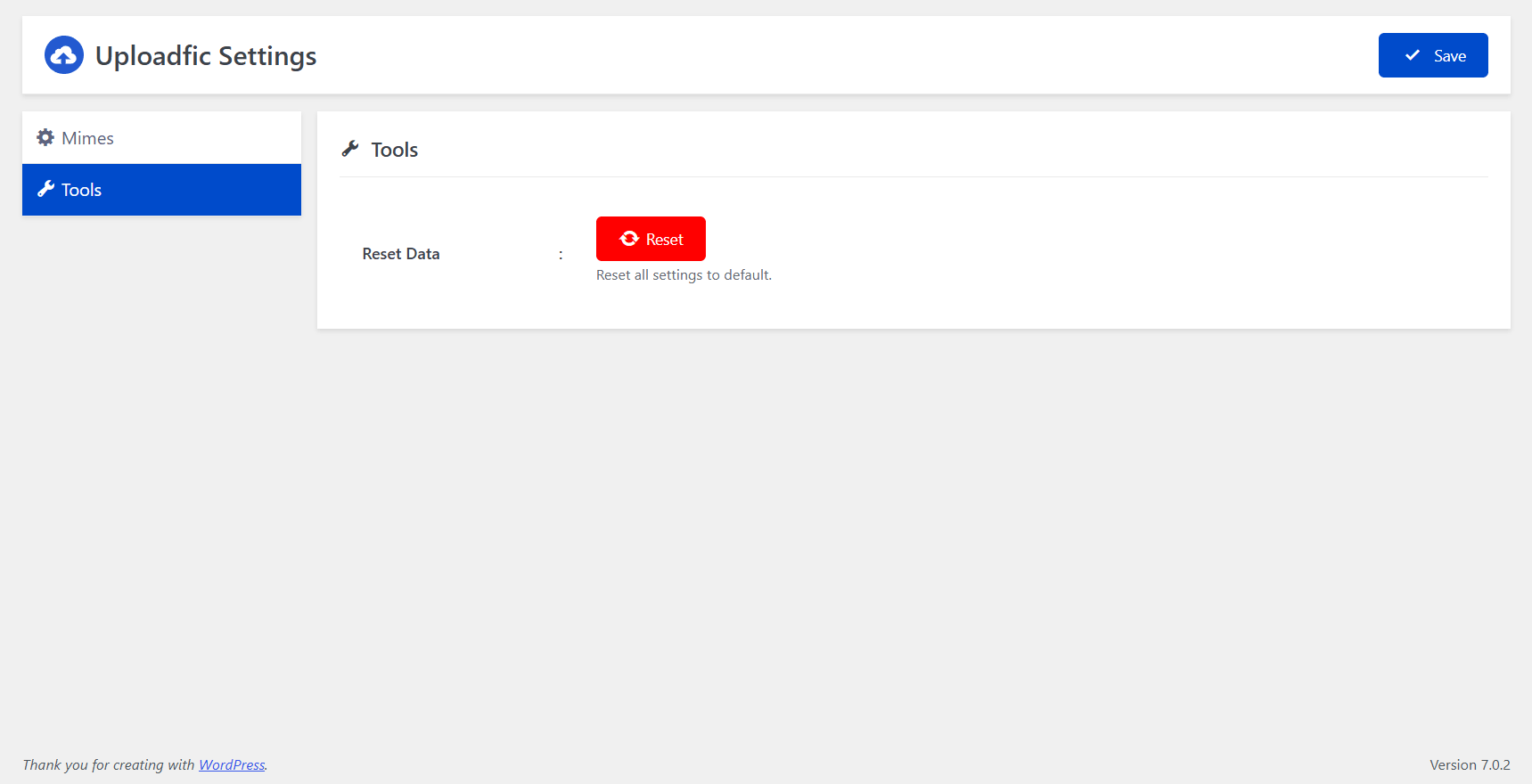
UploadficMenu. - Enable Your Preferred Mime Type & Click Save Button on the Header.
Schermafbeeldingen
Installatie
- Install Uploadfic by uploading the
uploadficzip file to the/wp-content/plugins/directory. - Activate
Uploadficthrough thePluginsmenu in WordPress.
FAQ
-
Can I upload svg?
-
Yes.
-
I need more help please!
-
Please use the support forum.
-
What file types can I upload to WordPress by default?
-
By default, WordPress only allows cetain types of files to be uploaded to a website for security reasons.
-
Can I Upload SVG to WordPress?
-
WordPress by default doesn’t allow uploading SVG files. Using Upload Any MIME Types plugin, you can now upload and use SVG files in WordPress.
-
Can I Upload HEIC to WordPress?
-
WordPress by default doesn’t allow uploading HEIC image files. This plugin unlocks compatibility so you can upload and display stunning HEIC photos with ease.
-
Will This Plugin Allow Custom Font Files Upload?
-
WordPress by default doesn’t allow uploading some font files like TTF, OTF, WOFF, EOT, and others. This plugin opens the gate to easy custom font upload.
-
Can I Upload APK Files to WordPress?
-
WordPress by default doesn’t allow uploading APK files. This plugin removes that barrier, letting you share Android app packages directly from your site.
-
Can I Upload Figma Files to WordPress?
-
WordPress by default doesn’t allow uploading Figma (.fig) files. With this plugin, you can upload design files just like images or documents.
-
Can I Upload GPX Files to WordPress?
-
WordPress by default doesn’t allow uploading GPX files. This plugin enables GPS file uploads so you can share maps, routes, and location data instantly.
-
Can I Upload EPUB Files to WordPress?
-
WordPress by default doesn’t allow uploading EPUB files. This plugin makes it simple to upload eBooks and digital publications in just a few clicks.
-
Help! I need support or have an issue.
-
Support is available for File Upload Types via the WordPress.org support forums.
Beoordelingen
Er zijn geen beoordelingen voor deze plugin.
Bijdragers & ontwikkelaars
“Uploadfic – Upload Any Mime Types” is open source software. De volgende personen hebben bijgedragen aan deze plugin.
Bijdragers
Vertaal “Uploadfic – Upload Any Mime Types” in je eigen taal.
Interesse in ontwikkeling?
Bekijk de code, haal de SVN repository op, of abonneer je op het ontwikkellog via RSS.
Changelog
1.0.0
- Initial version