

Beschrijving
Offload Media – Cloud Storage copies the files you upload to the WordPress Media Library to cloud storage and serves them from there. Images, videos, PDFs and other attachments load from your Amazon S3, Google Cloud Storage, Cloudflare R2 or DigitalOcean Spaces bucket, or from a CDN in front of it.
Serving media from the cloud takes load and disk usage off your web server, and a CDN delivers files from locations closer to your visitors, which can help page speed.
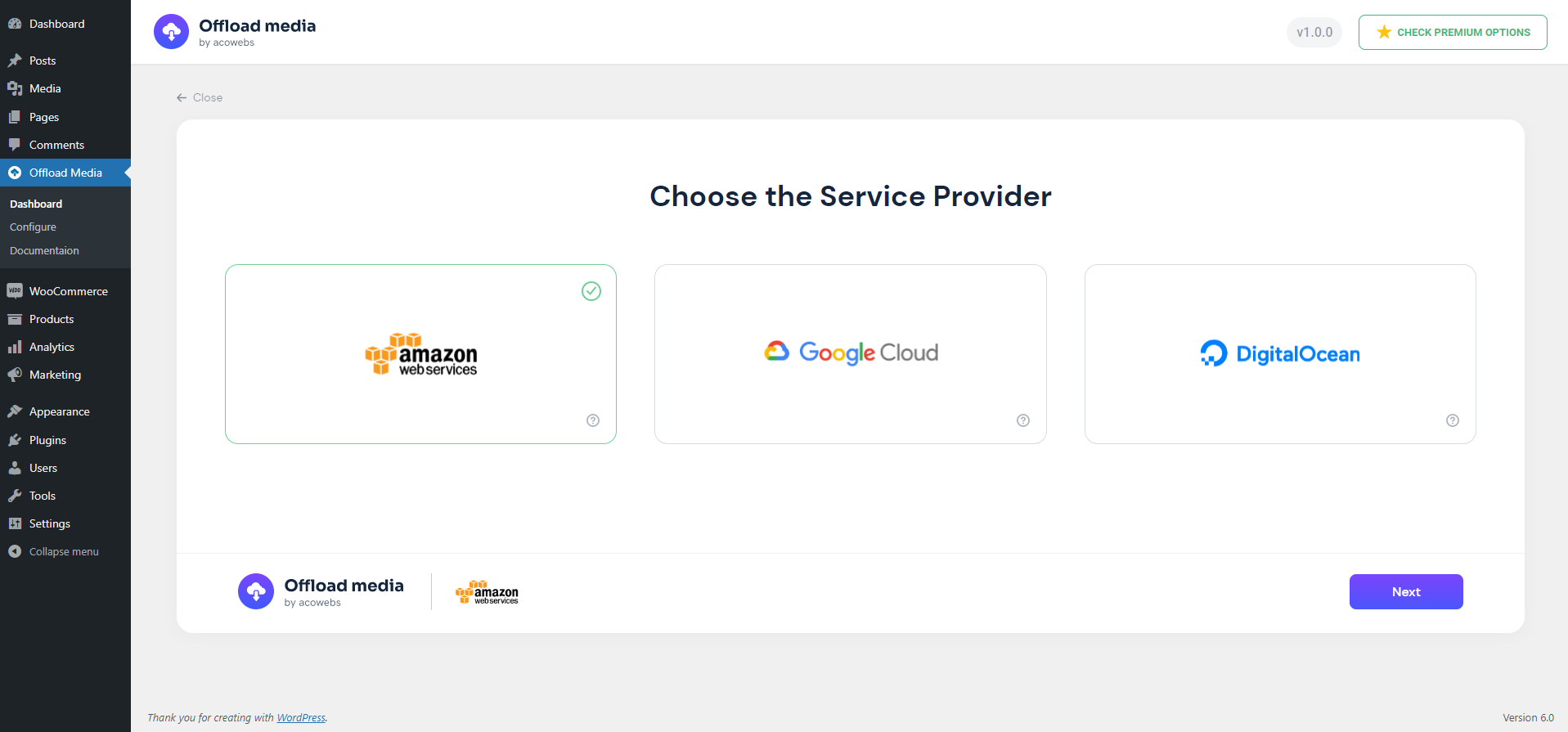
Supported cloud storage providers
- Amazon S3 (including buckets with ACLs disabled)
- Google Cloud Storage (including buckets with uniform bucket-level access)
- Cloudflare R2
- DigitalOcean Spaces
Features
- Automatic offloading: new Media Library uploads are copied to your bucket, including every generated image size and the original image.
- URL rewriting: media URLs in posts, pages, image srcsets and the block editor point to the cloud. Post content keeps local URLs in the database, so your content stays intact if you turn the plugin off.
- CDN support: serve files through a custom CDN or endpoint URL, such as Amazon CloudFront or a Cloudflare domain.
- Pre-signed URLs: serve files through expiring, signed URLs with a configurable lifetime.
- Save disk space: optionally remove local copies once files are in the cloud.
- Folder structure: set a base path and keep WordPress year/month folders.
- Object versioning: add a unique prefix to file paths to avoid stale CDN caches (Amazon S3, Google Cloud Storage, DigitalOcean Spaces).
- Stays in sync: edited images and regenerated thumbnails are offloaded again, and deleting media also removes it from your bucket.
- Reliable background uploads: offloading runs in a queue with automatic retries, so busy uploads and temporary provider errors do not leave files behind.
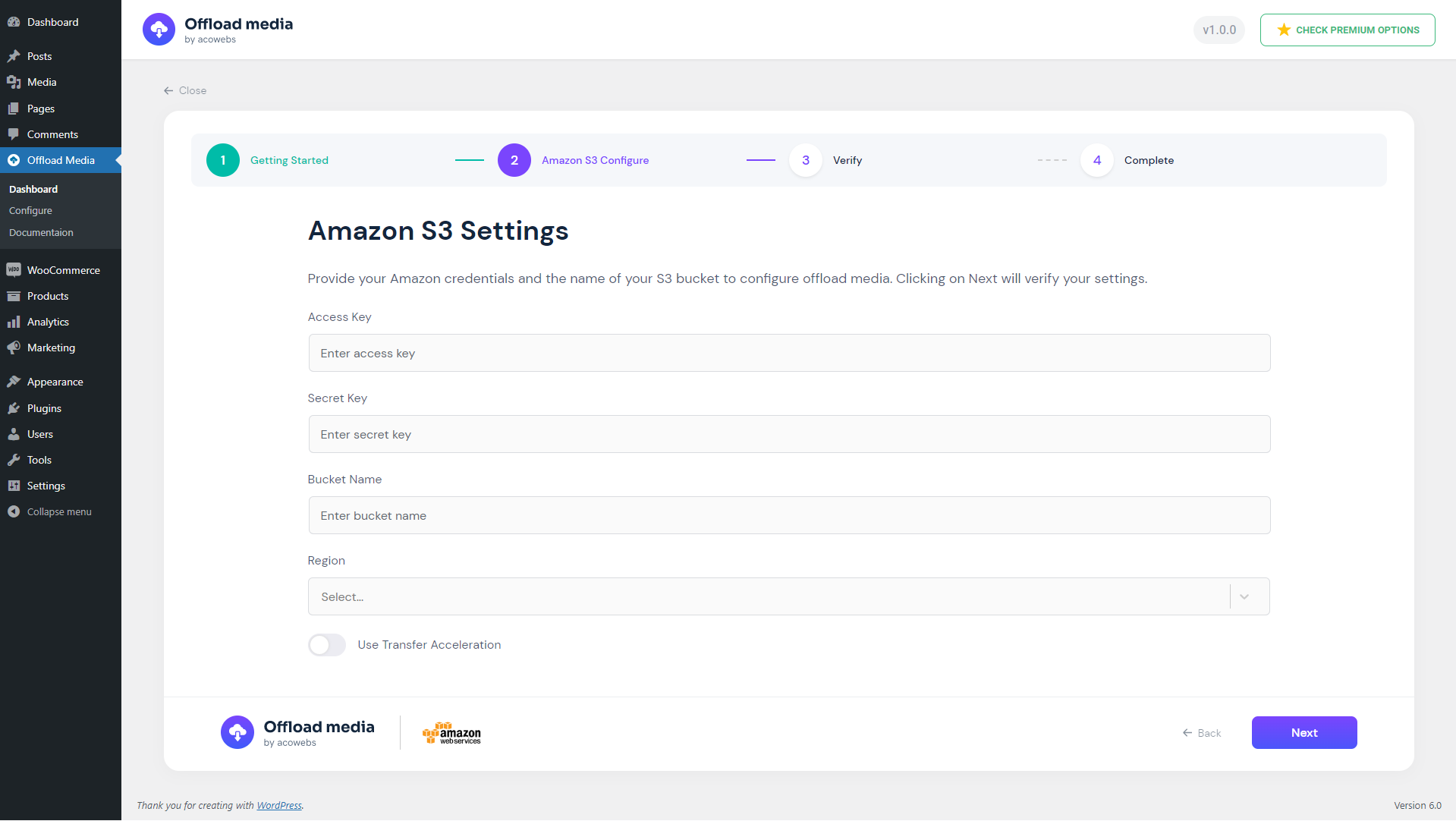
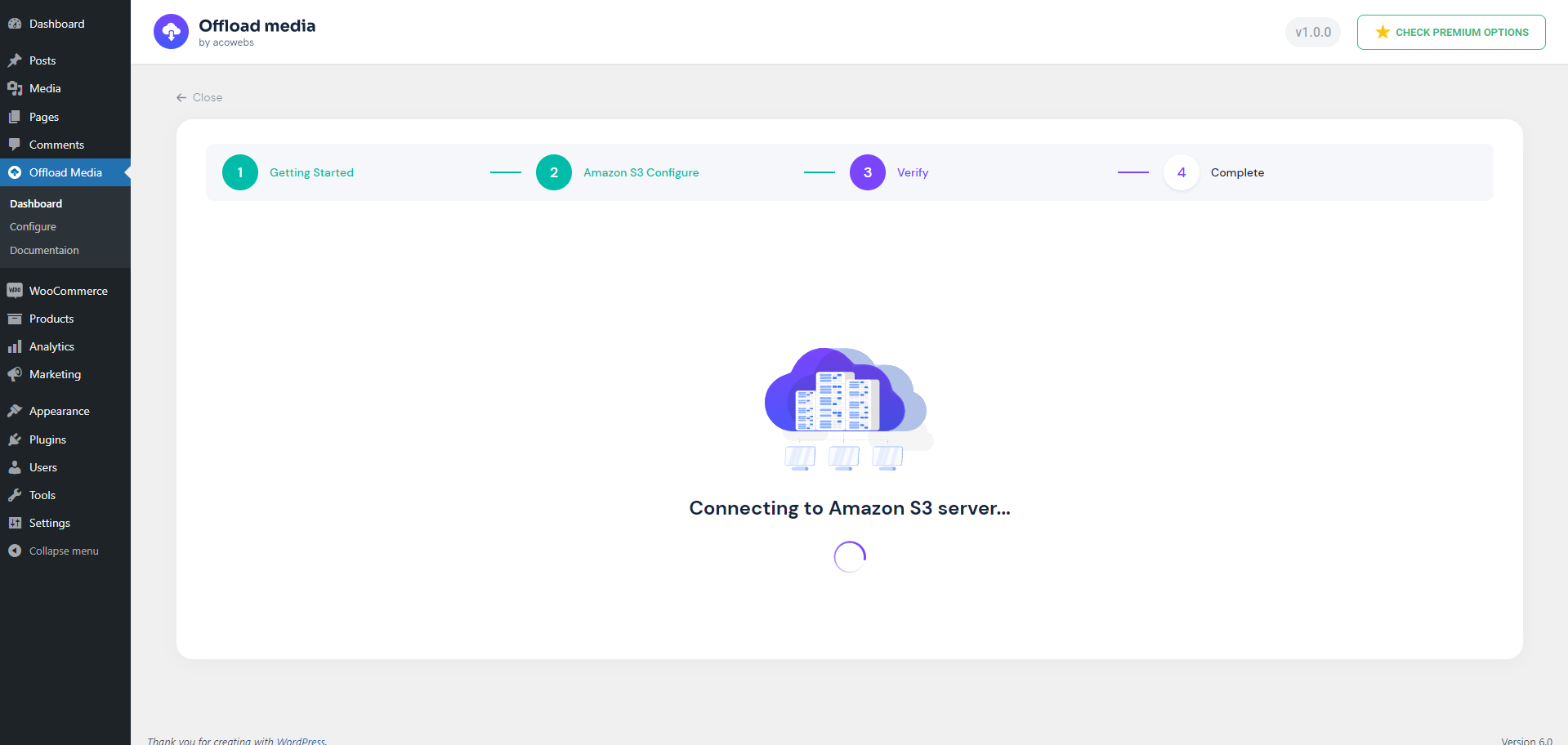
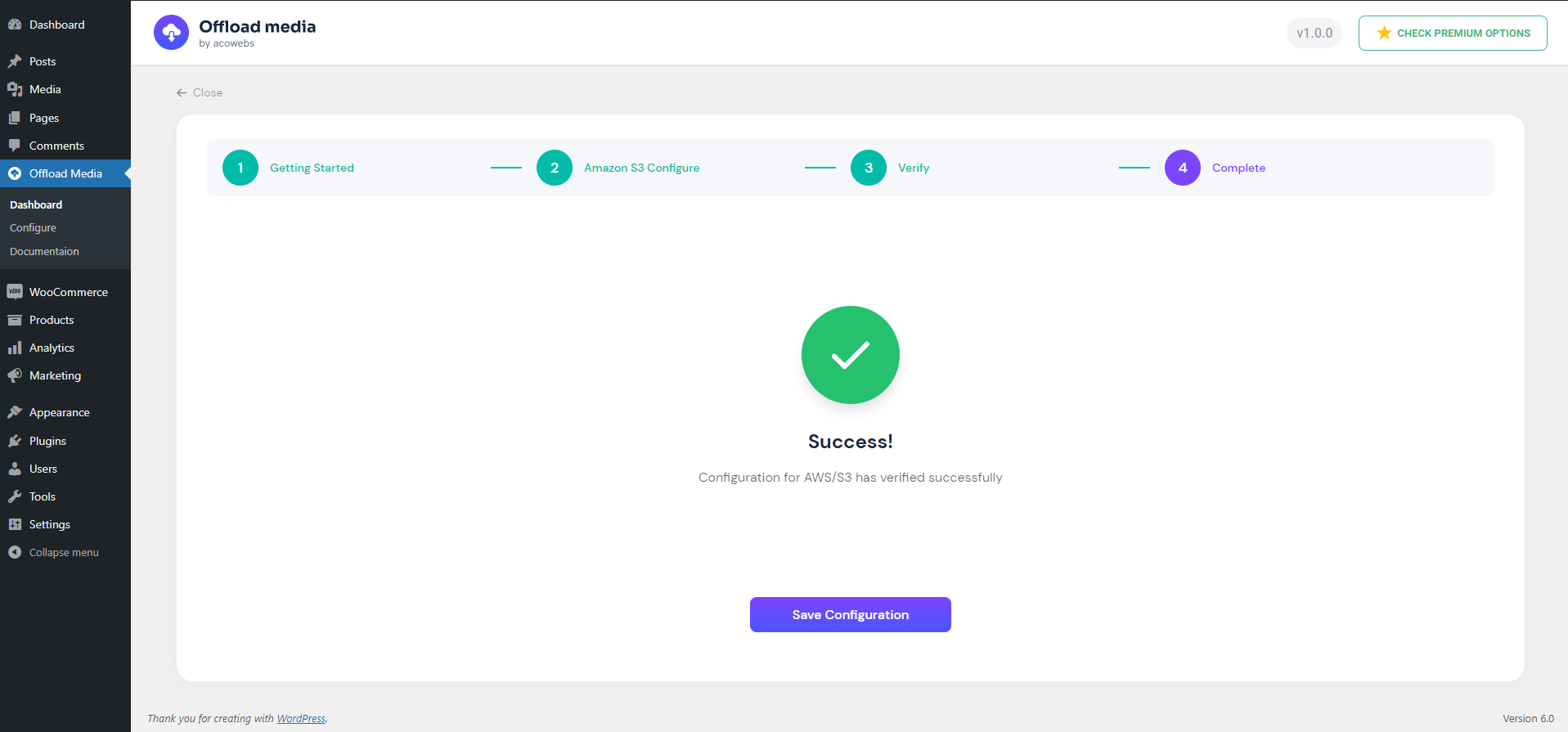
- Guided setup: a configuration wizard verifies your credentials, can create a new bucket, and lets you keep access keys in wp-config.php.
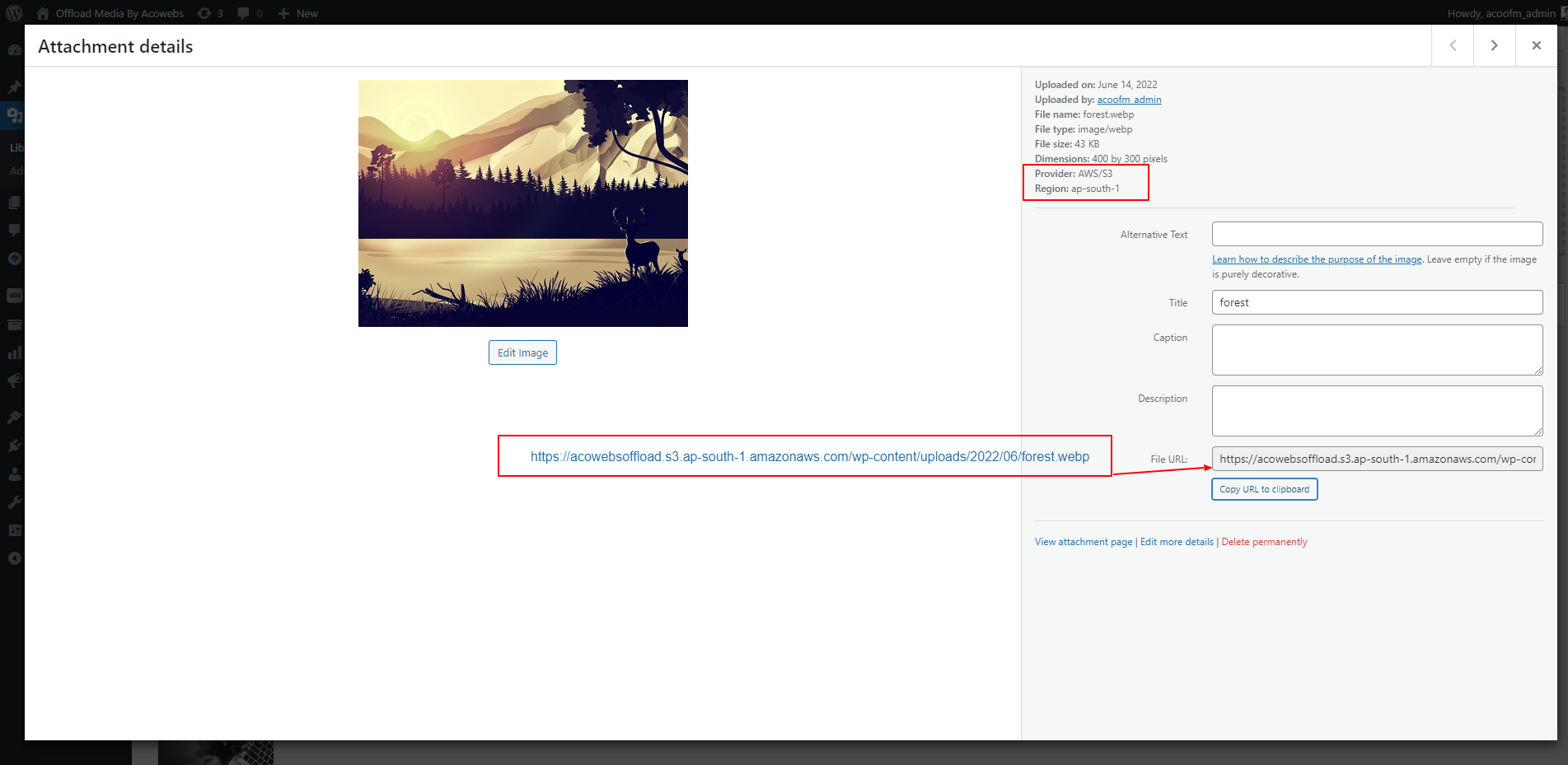
- Offload details: the attachment details screen shows each file’s provider, region and access.
- Works with WooCommerce product images and other themes and plugins that use the standard WordPress media functions.
- Translation-ready.
Pro version
Offload Media – Cloud Storage Pro adds:
- More providers: Wasabi, MinIO and other S3-compatible storage.
- Bulk tools: offload your existing Media Library, remove local copies, or download files back to your server in bulk.
- Media Library tools: an offload status column and per-file actions to sync, remove or download files.
- Image optimization: image compression with original backups, and WebP generation, offloading and delivery.
- WooCommerce: WooCommerce downloadable product files served from your bucket.
- Troubleshooting tools: connection, media and delivery checks, cache clearing, and import of data from earlier versions.
Useful links
Schermafbeeldingen

Installatie
- In your WordPress dashboard, go to Plugins > Add New, search for “Offload Media – Cloud Storage”, then install and activate it. You can also upload the ZIP file under Plugins > Add New > Upload Plugin.
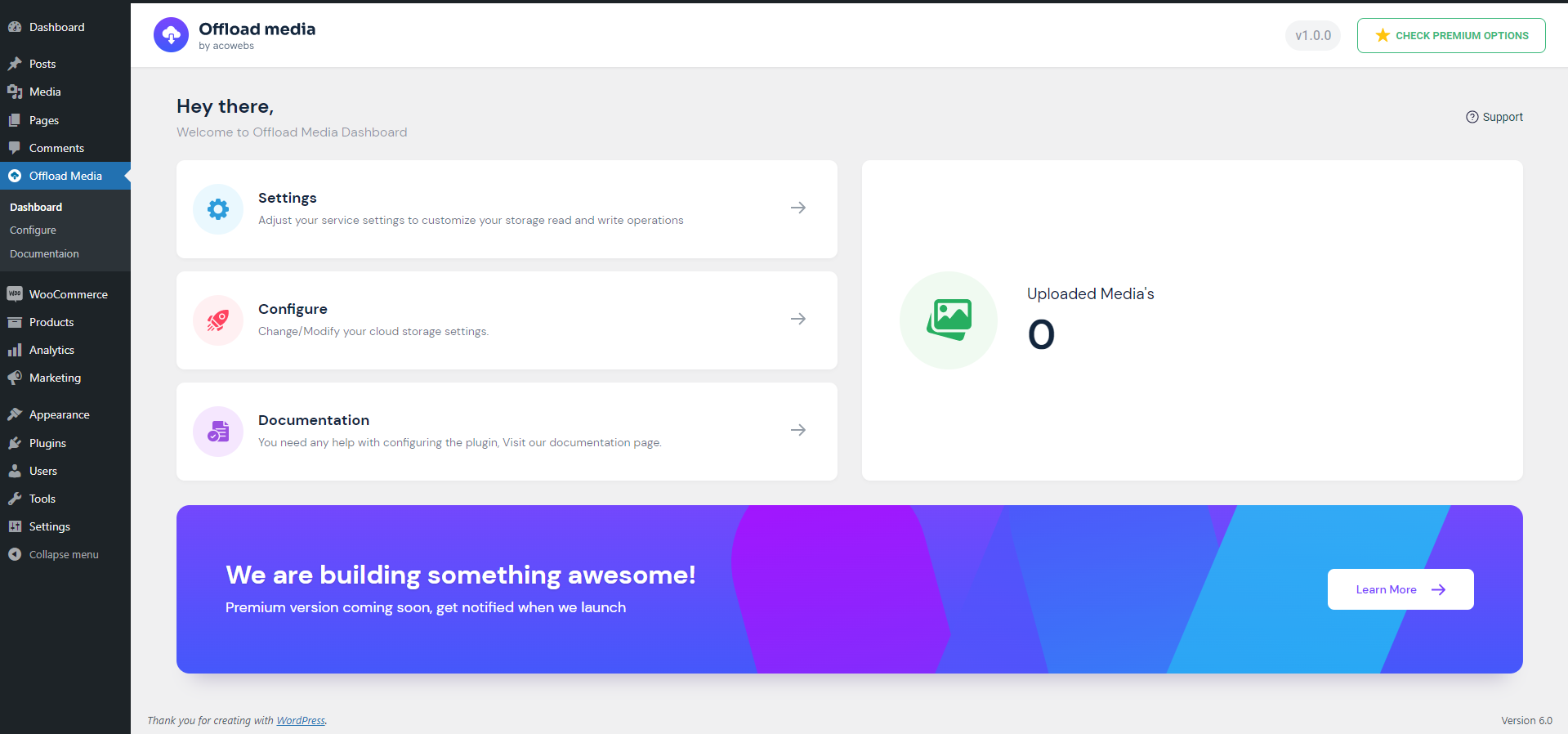
- Open Offload Media in the admin menu and choose your cloud storage provider.
- Enter your access keys (or a Google Cloud service account key file), or define them in wp-config.php.
- Choose an existing bucket or create a new one, then save once the credentials are verified.
- Review the settings: copying files to the bucket, URL rewriting, CDN, pre-signed URLs and removing local files.
New uploads are offloaded from then on.
FAQ
-
What does offloading WordPress media do?
-
It copies the files you upload to the Media Library to a cloud storage bucket and rewrites their URLs, so visitors load them from the cloud or your CDN instead of your web server. This reduces server load and, if you remove local copies, disk usage.
-
Which cloud storage providers are supported?
-
Amazon S3, Google Cloud Storage, Cloudflare R2 and DigitalOcean Spaces. The Pro version adds Wasabi, MinIO and other S3-compatible storage.
-
Are existing Media Library files offloaded?
-
The free version offloads new uploads, along with edited images and regenerated thumbnails. To offload media uploaded before the plugin was installed, use the bulk offload tool in the Pro version.
-
Can I serve media through a CDN such as CloudFront or Cloudflare?
-
Yes. Enable “CDN / Custom End Point” in the settings and enter your CDN URL. Media URLs then use that domain.
-
Can I delete local files after they are offloaded?
-
Yes. Enable “Remove files from server” and local copies are deleted once their upload to the bucket is confirmed. Before turning off the plugin, make sure the files are available on your server again, because WordPress will then serve them locally.
-
What happens if I deactivate the plugin?
-
Post content is saved with local URLs, so pages keep working and your media is served from your server again. Files stay in your bucket. If you removed local copies, download them back to your server first.
-
Do my files need to be public?
-
Files are served by their public URL unless you enable pre-signed URLs, which give each file a signed link that expires after the time you set. On Amazon S3 buckets with ACLs disabled and Google Cloud buckets with uniform bucket-level access, grant public read access through the bucket policy or IAM, or use pre-signed URLs.
-
Where should I store my access keys?
-
You can enter them in the setup wizard, or define them in wp-config.php so they are not stored in the database. For Google Cloud Storage, wp-config.php holds the path to your service account key file. The wizard shows the code to add.
-
Does it work with WooCommerce?
-
Yes. WooCommerce product images use the standard WordPress media functions, so they are offloaded and served from the cloud like other media. The Pro version also serves WooCommerce downloadable product files from your bucket.
Beoordelingen


Bijdragers & ontwikkelaars
“Offload Media – Cloud Storage” is open source software. De volgende personen hebben bijgedragen aan deze plugin.
Bijdragers

“Offload Media – Cloud Storage” is vertaald in 7 localen. Dank voor de vertalers voor hun bijdragen.
Vertaal “Offload Media – Cloud Storage” in je eigen taal.
Interesse in ontwikkeling?
Bekijk de code, haal de SVN repository op, of abonneer je op het ontwikkellog via RSS.
Changelog
1.9.0
- WordPress 7.1 compatibility
- Reliable background offloading with automatic retries
- Block editor uploads use cloud URLs
- Google Cloud uniform bucket and S3 ACL-disabled bucket support
- Security improvements
- Bugfixes
1.8.3
- Fix PHP fatal when rewriting image URLs in the block editor REST API
1.8.2
- Fix Cloudflare R2 undefined account ID warning during setup
- Betere foutmeldingen voor Cloudflare R2-inloggegevens
- Niet-ondersteund gebruik van object-ACL verwijderd voor Cloudflare R2-uploads
- Betere weergave van foutmeldingen bij de verificatie van inloggegevens in de configuratiewizard
1.8.1
- Compatibel met WordPress 7.0
- Verbeteringen en bugfixes
1.7.0
- Compatibel met WordPress 6.9
- Verbeteringen en bugfixes
1.6.0
- Compatibel met WordPress 6.8
- Verbeteringen en bugfixes
1.5.1
- Compatibel met WordPress 6.8
- Verbeteringen en bugfixes
1.5.0
- Compatibel met WordPress 6.8
- Verbeteringen en bugfixes
1.4.1
- Compatibel met WordPress 6.8
- Verbeteringen en bugfixes
1.4.0
- Nieuwe configuratie-interface
- Optie om een bucket aan te maken
- Bugfixes
1.3.0
- Compatibel met WordPress 6.7
- Ondersteuning voor Cloudflare R2 toegevoegd
1.2.0
- Compatibel met WordPress 6.7
- Bugfixes
- Updated Amazon S3 and Google Cloud PHP SDKs
1.1.11
- Ondersteuning voor WordPress 6.5
- Bugfixes
1.1.10
- Ondersteuning voor WordPress 6.4
1.1.9
- Compatibiliteit: enkele functies aangepast of toegevoegd ter ondersteuning van de Pro-versie.
1.1.8
- Compatibiliteit: enkele functies aangepast of toegevoegd ter ondersteuning van de Pro-versie.
1.1.7
- Bugfix: onjuiste offloadtelling.
- Bugfix: probleem met uploadmachtigingen bij Digital Ocean.
- Bugfix: kleine functiewijzigingen.
1.1.6
- Aanpassing: zorg ervoor dat de Pro-plugin als laatste wordt geladen.
1.1.5
- Aanpassing: verwijder formaten en origineel bestand alleen als het is geüpload.
- Tweek: Updated method of counting medias.
- Aanpassing: kleine aanpassingen om de gratis versie als basisplugin te laten dienen.
1.1.4
- Bugfix: de URL van multipart-uploads werd gecodeerd; deze wordt nu gedecodeerd en in de database opgeslagen.
- Bugfix: probleem met het ophalen van de foutcode bij Digital Ocean en Amazon S3.
1.1.3
- Bugfix: probleem met het ophalen van de foutcode bij Digital Ocean en Amazon S3
- Bugfix: onjuiste offloadtelling
1.1.2
- Bug Fix: Removed frontend extension checking
- Bugfix: probleem bij het verwijderen van bijlagen
1.1.1
- Bugfix: uploadfout voor niet-afbeeldingstypen
- Bugfix: uploadprobleem voor de originele afbeelding
1.1.0
- Aanpassingen: prestatieverbetering
- Aanpassingen: handigere cache-implementatie met betere prestaties
- Tweaks: Removed extension check of js and css from frontend
- Bug Fix: Multiple query executing from frontend
- Bugfix: waarschuwing over niet-gedefinieerde descriptor en waarde
- Bugfix: uitzondering bij een leeg basispad
- Bugfix: probleem bij het uploaden van zipbestanden naar Digital Ocean
- Compatibiliteit: ondersteuning voor WordPress 6.1.x
1.0.7
- Bugfix: probleem met de URL van subformaten van media op frontendpagina’s
1.0.6
- Bugfix: klein
1.0.5
- Bugfix: kritieke fout op berichtpagina
- Bugfix: kritieke fout op WooCommerce-productpagina
1.0.4
- Bugfix: open_basedir valt niet binnen de toegestane paden
- Bugfix: probleem met unieke bestandsnaam bij verwijderen van de server
- Bugfix: formaten werden niet geüpload naar cloudservices
1.0.3
- Kleine bugfixes
1.0.2
- Tweaks : Readme file updated
- Bug Fixes : Redirecting to configure page on activation of plugin.
1.0.1
- Bugfixes: bestand herschrijft URL’s niet
1.0.0
- Initiële release