
Beschrijving
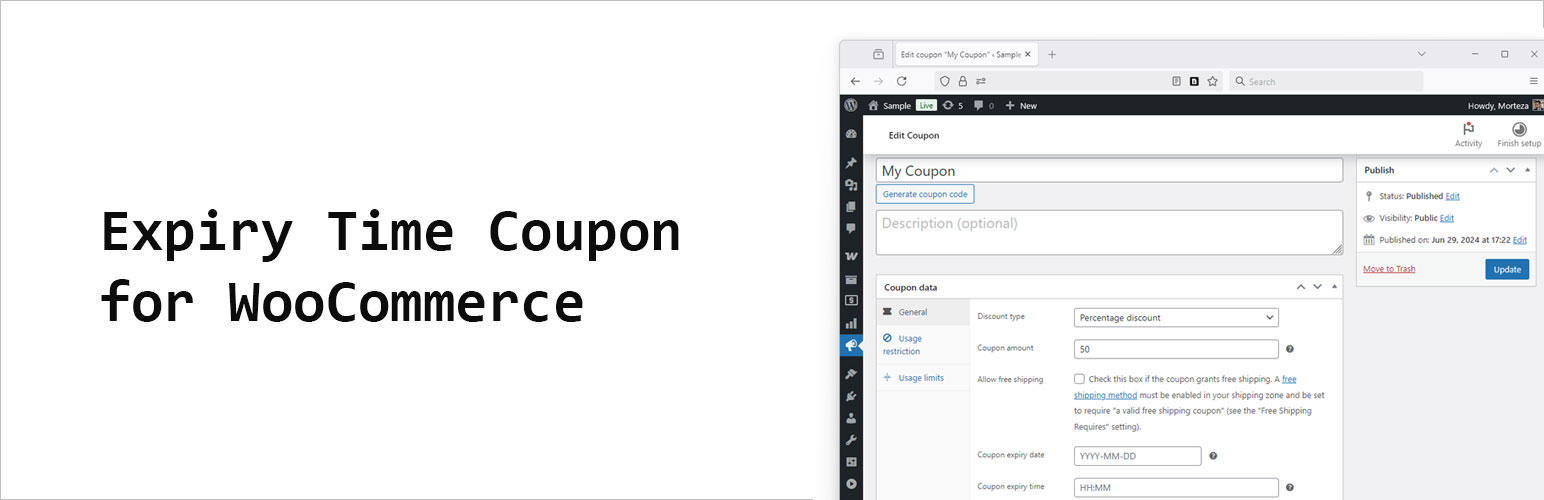
WooCommerce lets you set a coupon “Expiry date” but not an exact time.
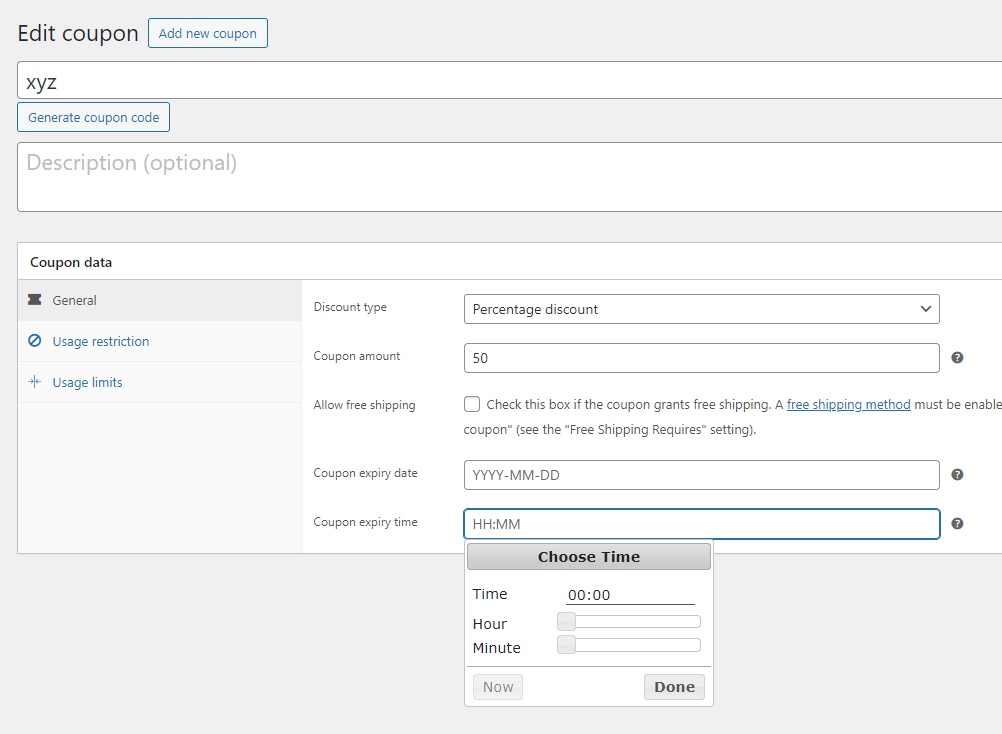
This lightweight plugin adds a “Coupon expiry time” field (HH:MM, 24h) to the coupon edit screen.
When both date and time are set, the coupon will expire on that date at the time you specify.
Key points
* Works alongside WooCommerce’s native coupon expiry date.
* Time is stored internally as seconds since midnight and combined with the date.
* No changes to your theme or checkout templates required.
Usage
- Set Expiry date as usual in WooCommerce.
- Set Coupon expiry time in
HH:MM(24-hour) format, for example17:30. - The coupon will be valid until the combined timestamp; after that, it will be treated as expired.
Schermafbeeldingen
Installatie
- Upload the plugin folder to
/wp-content/plugins/or install the ZIP via Plugins Add New Upload. - Activate Expiry Time Coupon for WooCommerce.
- Edit or create a coupon in Marketing Coupons, set an Expiry date and a Coupon expiry time.
FAQ
-
Do I have to set both date and time?
-
No. If you don’t set a time, WooCommerce’s default date-only logic applies. If you set a time without a date, the time is ignored.
-
What if my admin doesn’t have a time picker UI?
-
The field accepts a simple
HH:MMstring. If a time picker is available in your admin, it will be used; otherwise you can type the time. -
Does this affect performance?
-
No. It only adds a small check during coupon validation.
Beoordelingen
Er zijn geen beoordelingen voor deze plugin.
Bijdragers & ontwikkelaars
“Expiry Time Coupon for WooCommerce” is open source software. De volgende personen hebben bijgedragen aan deze plugin.
Bijdragers
Vertaal “Expiry Time Coupon for WooCommerce” in je eigen taal.
Interesse in ontwikkeling?
Bekijk de code, haal de SVN repository op, of abonneer je op het ontwikkellog via RSS.
Changelog
1.0.0
- Initial release: add time-of-day to coupon expiry.