Beschrijving
Creates a ‘Coming Soon’ page that will show for all users who are not logged in. Useful for developing a site on a live server, without the world being able to see it. This is an ad-free fork of the great Under Construction plugin by Jeremy Massel.
Schermafdrukken
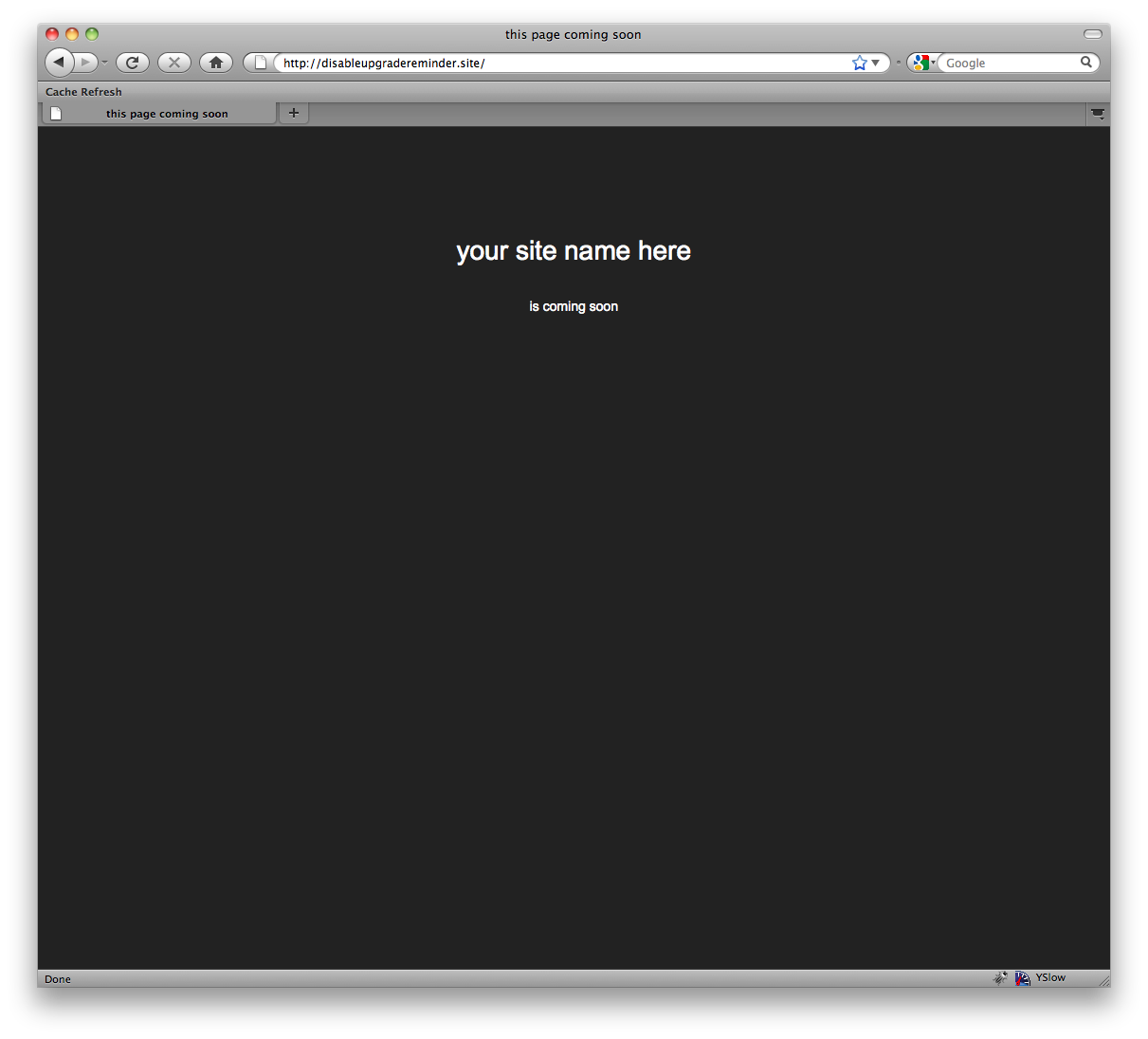
The default page that is displayed (this can be overridden) 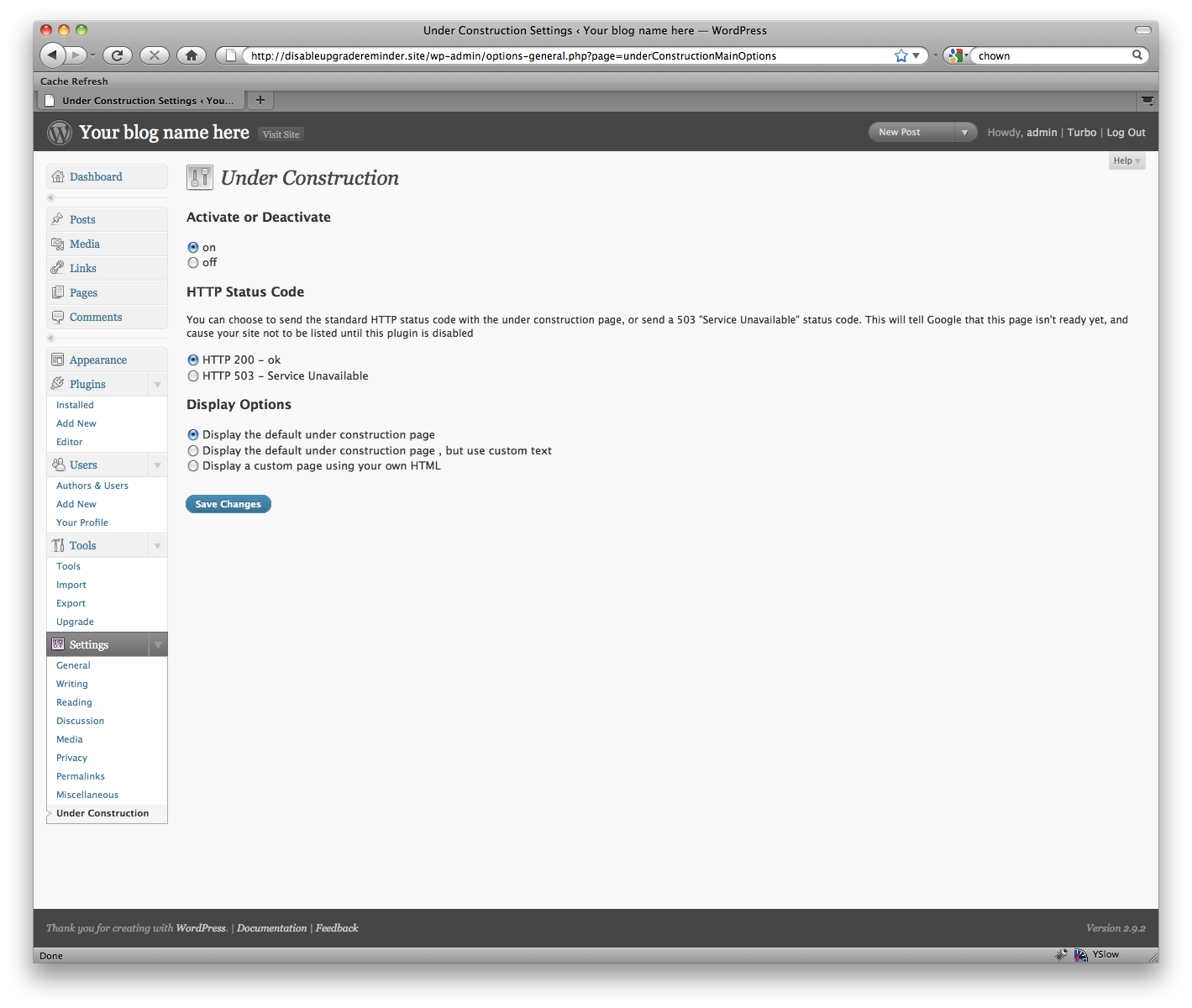
The editing screen with the default page selected 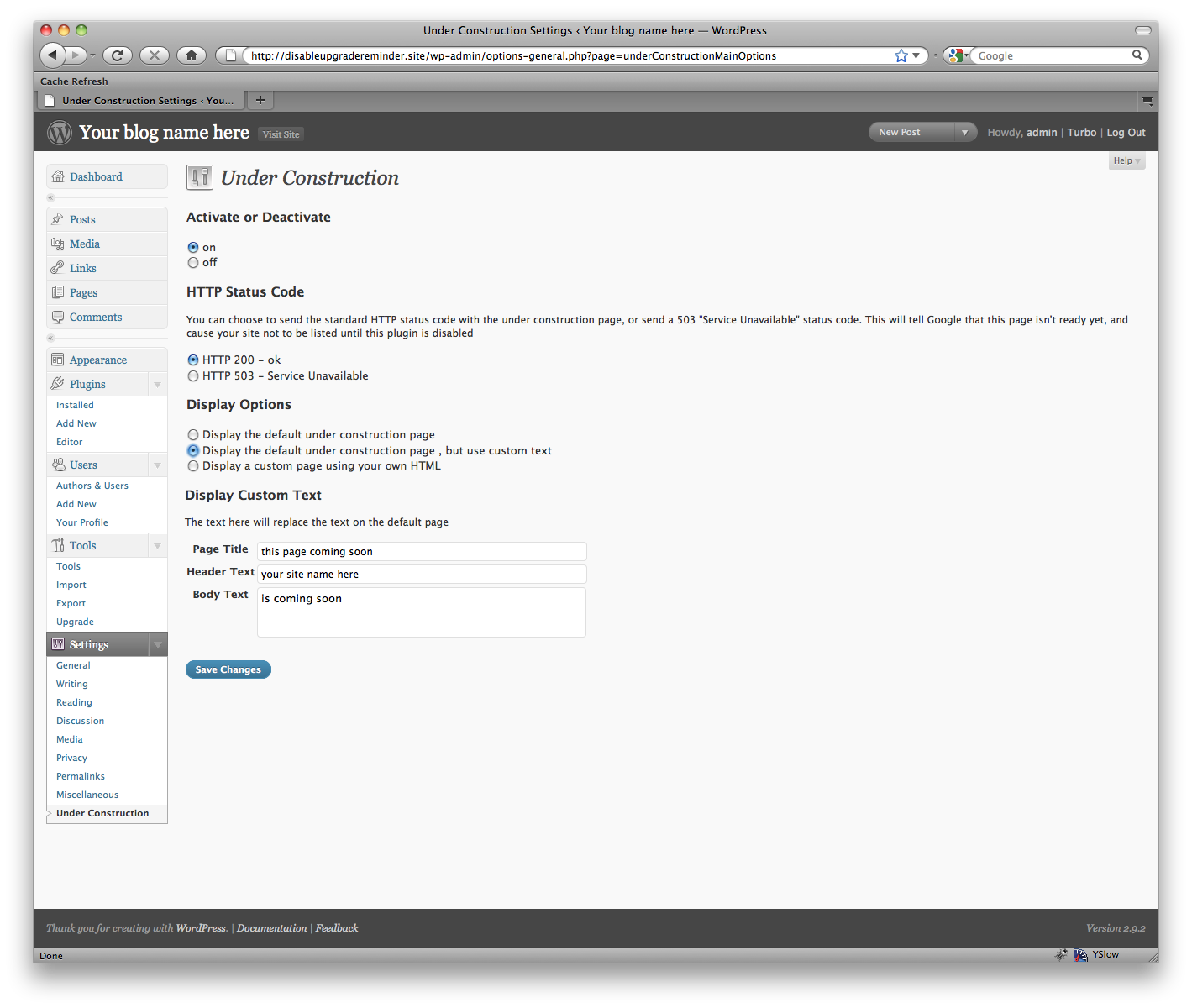
The editing screen with the custom text option selected 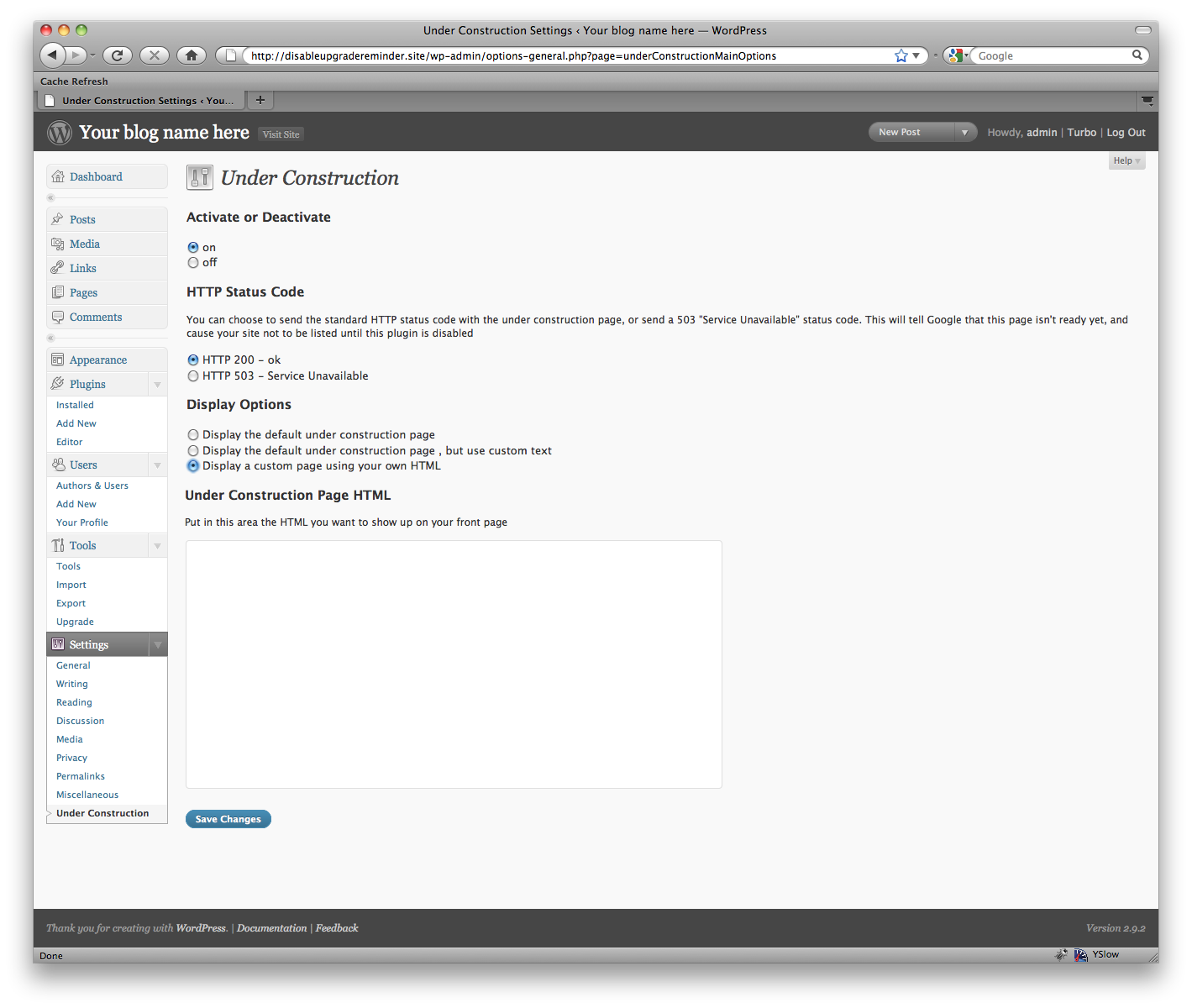
The editing screen with the custom HTML option selected
Installatie
- Upload de map naar de
/wp-content/plugins/map - Activeer de plug-in via het ‘Plugins’ menu in WordPress
- If you want to change the look of the page that is displayed, click Settings->Under Construction and change the settings there.
FAQ
- Installation Instructions
-
- Upload de map naar de
/wp-content/plugins/map - Activeer de plug-in via het ‘Plugins’ menu in WordPress
- If you want to change the look of the page that is displayed, click Settings->Under Construction and change the settings there.
- Upload de map naar de
- I’m finished with it, and disabled the plugin, but the “under construction” message is still showing up!
-
If you’ve disabled the plugin, it won’t show anything anymore. To be extra super-sure, try deleting the plugin files. Usually, though, the issue is that you’re seeing a cached version of the page. Try force-refreshing your browser, and then try clearing your cache on the server and force refreshing again. If you have a caching plugin like W3 Total Cache, make sure you clear that too!
- I can’t see the under construction page!
-
As long as you’re logged in, you won’t be able to see it. That’s a feature! This way, while you’re logged in you can work as usual. To preview what it looks like, either a) log out, or b) try viewing it in another browser
- What kind of HTML can I put in?
-
You enter the contents of the entire HTML file. You can include inline styles, or links to external style sheets and external images.
Beoordelingen


Bijdragers & ontwikkelaars
“Eazy Under Construction” is open source software. De volgende personen hebben bijgedragen aan deze plugin.
Bijdragers
Vertaal “Eazy Under Construction” naar jouw taal.
Interesse in ontwikkeling?
Bekijk de code, haal de SVN repository op, of abonneer je op het ontwikkellog via RSS.
Changelog
1.0
- Eerste versie